| Symptom | First action | Planning use |
|---|---|---|
| Fresh fingerprints and light oily marks | Wipe with a screen wipe or a soft microfiber cloth in small circular motions | The quickest fix. Try it before mixing or buying anything else. |
| Streaks left after wiping | Replace any tap water in the liquid with distilled water, then finish with a dry cloth | Minerals in tap water may leave surface marks, so the water is the first thing to change. |
| Dust and lint sitting among the prints | Press Scotch tape onto the glass and peel it off | Lifts fingerprints and dust without sticky residue, so it suits a quick tidy before wiping. |
| Stubborn film a dry cloth does not shift | Dampen a clean cloth with equal parts rubbing alcohol and distilled water | A second-stage option for marks that survive a plain wipe. |
These methods follow cleaning advice reported by Peterborough Matters and its syndicated copy on Hearts Standard.
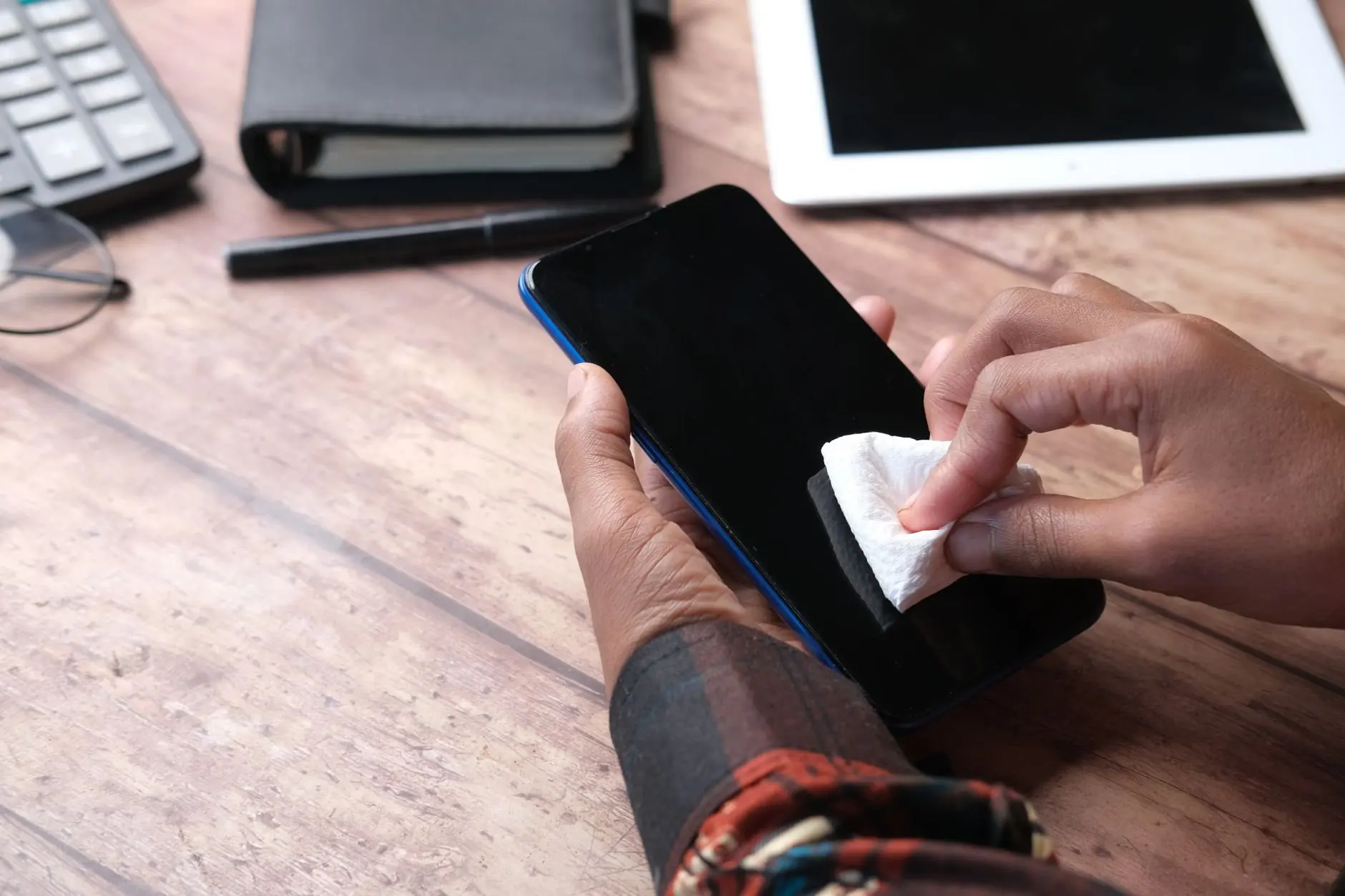
Here is how to remove fingerprints from phone screen glass: wipe with a screen wipe or a soft microfiber cloth in small circular motions, then buff dry with a clean cloth. The liquid you use decides whether the finish stays streak-free.
This guide is about finish quality, meaning a screen that looks clear under a lamp or in sunlight. For product choices, see the overview of phone screen wipes.
Choosing wipes, a cloth or a DIY mix
Three tools cover almost every fingerprint problem. Each suits a different situation, and the right one depends on whether you want convenience, a dry finish or a stronger liquid for stubborn marks.
- Phone wipes. The reported advice describes screen wipes as specially formulated, designed to keep glass streak-free and a good way to remove fingerprint smudges. They suit anyone who wants a single step with nothing to mix.
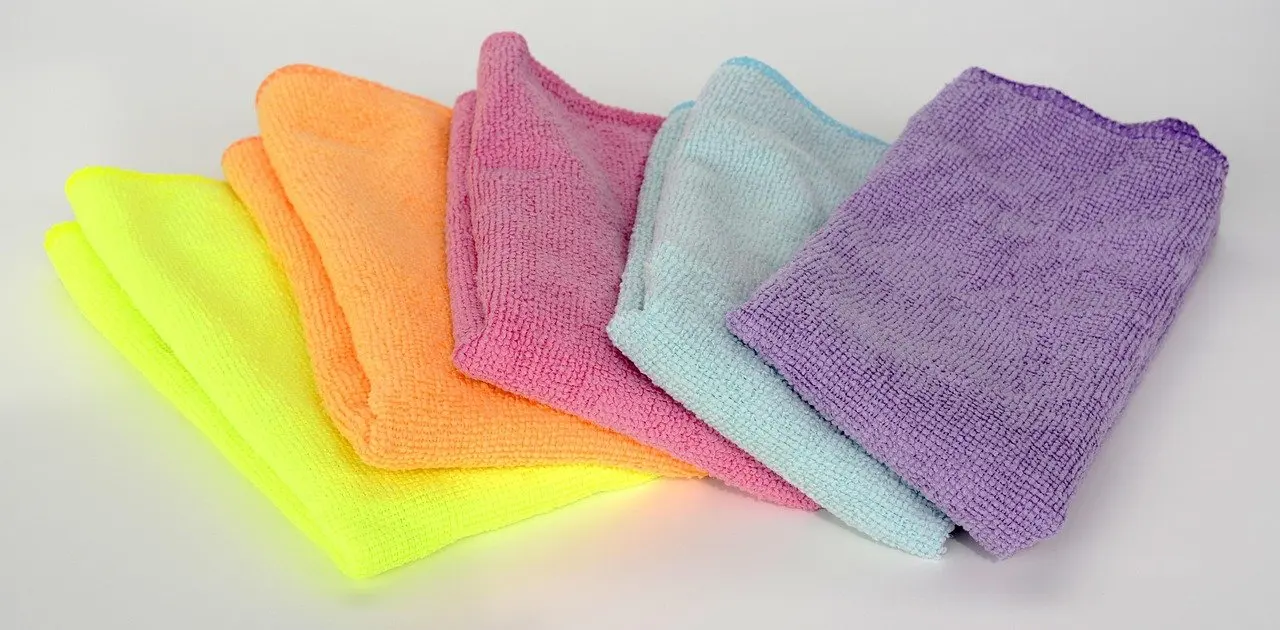
- Microfiber cloth. An expert quoted in the same report says fabrics such as a microfiber cloth or a cotton t-shirt will lift prints. A clean cotton t-shirt in small circular motions is described as removing fingerprint marks successfully. It makes sense when a wipe is not at hand.
- Rubbing alcohol mix. The cleaning brand MeandMyGlass, as reported by Peterborough Matters, suggests equal parts rubbing alcohol and distilled water as a screen cleaner. Rubbing alcohol is commonly sold as isopropyl alcohol. This is the option for marks that a plain cloth leaves behind.
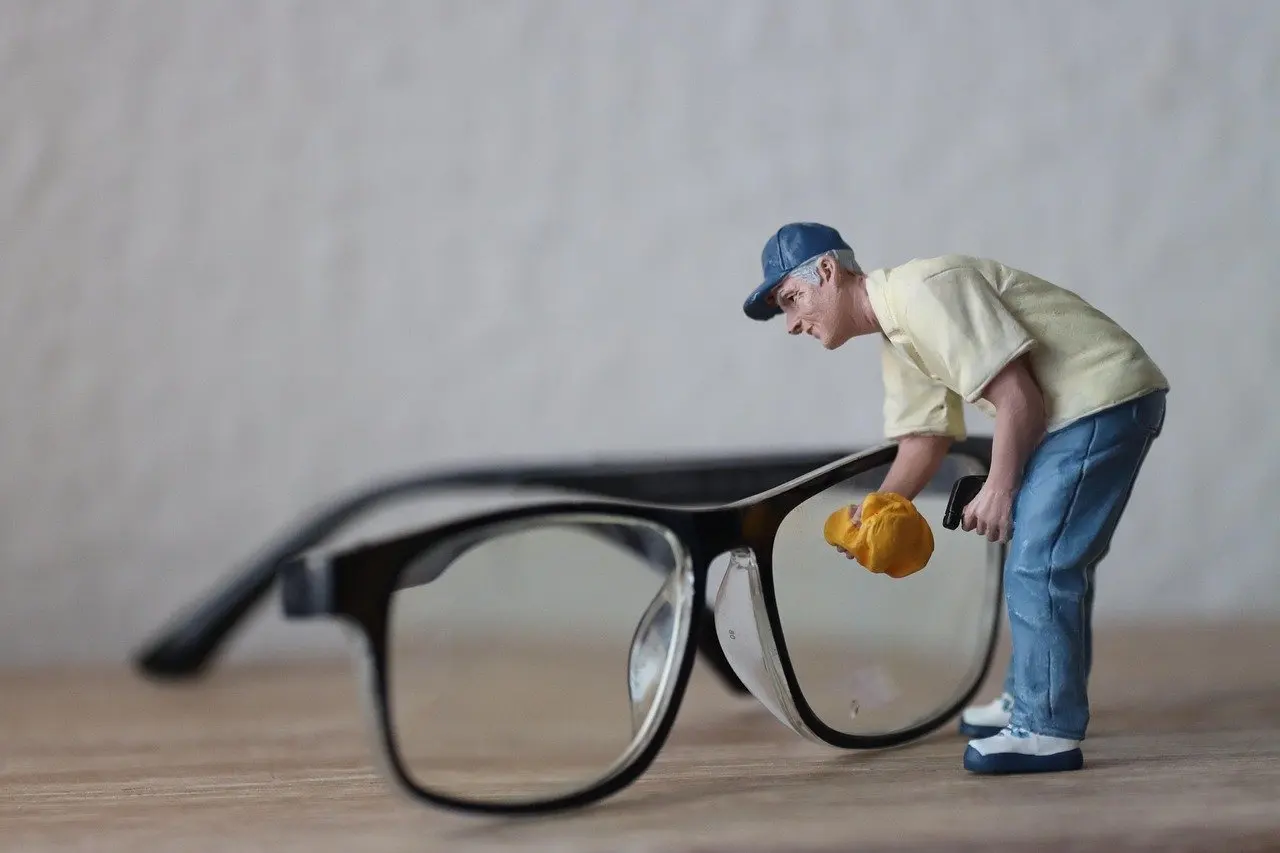
Wipes are also described as sanitising the device from bacteria. That is a separate job from polishing, and the guide on how often to disinfect phone surfaces covers the routine. Anyone weighing alcohol on a coated display can also read the guide that asks are phone cleaning wipes safe for screens before settling on a formula.

Step-by-step: lifting fingerprints
The task takes a clean cloth or wipe and a few unhurried passes. The aim is an even, mark-free screen, not a quick pass that spreads oil around.
- Start with clean fabric. Pick a fresh microfiber cloth, a clean cotton t-shirt or a new screen wipe. The cotton method is described as working when the shirt is clean.
- Wipe in small circular motions. Work across the screen in small circles. The reported advice says soft fabric used this way removes marks without leaving the glass further smudged or scratched.
- Cover the whole screen. Move systematically from one edge to the other so no patch is skipped. Prints often collect where thumbs rest.
- Switch to the DIY mix only if needed. If a dry or wipe pass leaves a film, dampen a cloth with the equal-parts mixture of rubbing alcohol and distilled water and repeat.
- Finish dry. Buff with a clean, dry cloth, as described below.
On stroke pattern and pressure, the reported guidance points to the fabric rather than force. Soft cloth in small circles is credited with avoiding both smudges and scratches, so a light hand fits the method and heavy pressing adds nothing the cloth cannot do.
Fixing streaks and smears
A streak is a symptom with a traceable cause. Matching what you see to the likely cause is faster than repeating the same wipe.
- Cloudy lines after a home-made mix. Check the water first. The reported advice warns against tap water because its minerals may leave surface marks. Use distilled water in the mixture, as the brand’s recipe specifies.
- Streaks after a wipe. Screen wipes are designed to keep glass streak-free, so lines point to technique or fabric rather than to the idea of wiping. Return to small circular motions and a clean dry cloth.
- Marks that move instead of lifting. If a print is being pushed around, the fabric is probably saturated or dirty. Change to a clean microfiber cloth or a clean cotton t-shirt, the fabrics described as lifting prints.
- Oily patches that reappear. Oily phone screen cleaning is easier with a wipe or the alcohol-and-distilled-water mix than with a dry cloth. Follow it with a dry buff so the liquid does not dry in patches.
Any dust that is still on the glass is better removed before more wiping, which is where tape helps.
Using tape for dust and lint
Scotch tape is reported as an effective way to remove fingerprints or dust from screens, because pressing and peeling it off leaves no sticky residue. It does not replace a wipe on a heavily oiled screen, but it suits the loose grit and lint that otherwise get dragged around by a cloth. Press the tape flat, lift it away and repeat with a fresh piece of tape where it has picked up debris.
Buffing for a streak-free finish
The last pass makes the screen look clean. After a wipe or a damp cloth, a streak free phone screen depends on removing leftover moisture with a clean, dry soft cloth. Use the same fabrics the expert report names for lifting prints, a microfiber cloth or a cotton t-shirt, and keep them dry and separate from the one used with liquid.
- Keep a dedicated dry cloth. A cloth that has already absorbed the mixture can put moisture back on the glass.
- Use small circular motions again. The motion that lifts marks is also the one described as leaving glass unsmudged.
- Stop when the glass looks even. Extra buffing past that point gives no further benefit.
Checking the result
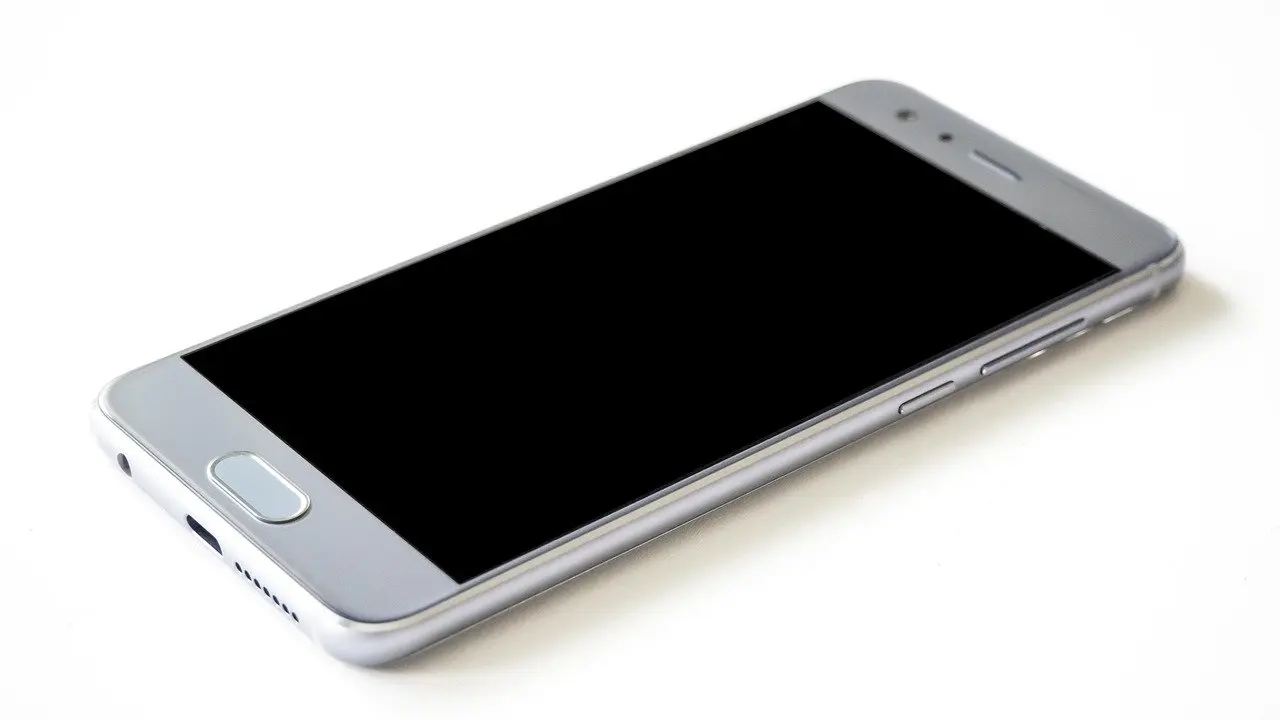
Judge the finish in good light and from a slight angle, because residue and streaks show most clearly when the glass catches light. A switched-off screen gives the darkest background for spotting leftovers, so check there before relying on a lit display. If marks remain, repeat the wipe with fresh fabric rather than adding more liquid. If streaks remain, review the water and the dry cloth.
Frequently asked questions
| Question | Answer |
|---|---|
| Can a cotton t-shirt replace a microfiber cloth? | Yes, when it is clean. The reported advice says a cotton t-shirt in small circular motions removes fingerprint marks, though microfiber is the more usual choice. |
| Why is my screen streaky after using a home-made cleaner? | Tap water is the likely cause. Its minerals may leave surface marks, so the recipe calls for distilled water. |
| Do phone wipes leave streaks? | The reported advice describes screen wipes as specially formulated not to leave streaks on the screen. |
| Does Scotch tape leave residue on a phone screen? | No sticky residue is reported when the tape is pressed on and peeled off, which makes it a tidy way to lift dust and fingerprints. |