| Option | Value and condition | Planning use |
|---|---|---|
| Wipe with 70% isopropyl alcohol | Named as the best way to clean the screen, back and sides | The default choice for routine cleaning of the whole phone |
| Wipe with less than 70% alcohol | Will not effectively remove germs | Fine for light smudges, but do not rely on it when germs are the concern |
| Wipe with more than 70% alcohol, or pure isopropyl alcohol | Could damage the screen | Leave on the shelf |
| Clorox Screen+ electronics wipe | EPA-registered to kill 99.9% of bacteria on hard, nonporous surfaces when used as directed | Suits readers who want a registered disinfecting claim; follow the label exactly |
| Bleach, glass cleaner, antibacterial surface spray | Not to be used on phones | Keep these away from the phone entirely |
| Mild soap and lukewarm water | Works, but not as well as an alcohol wipe | A fallback when no suitable wipe is available |
These figures come from Choice’s smartphone cleaning guide and the Clorox Screen+ product page.
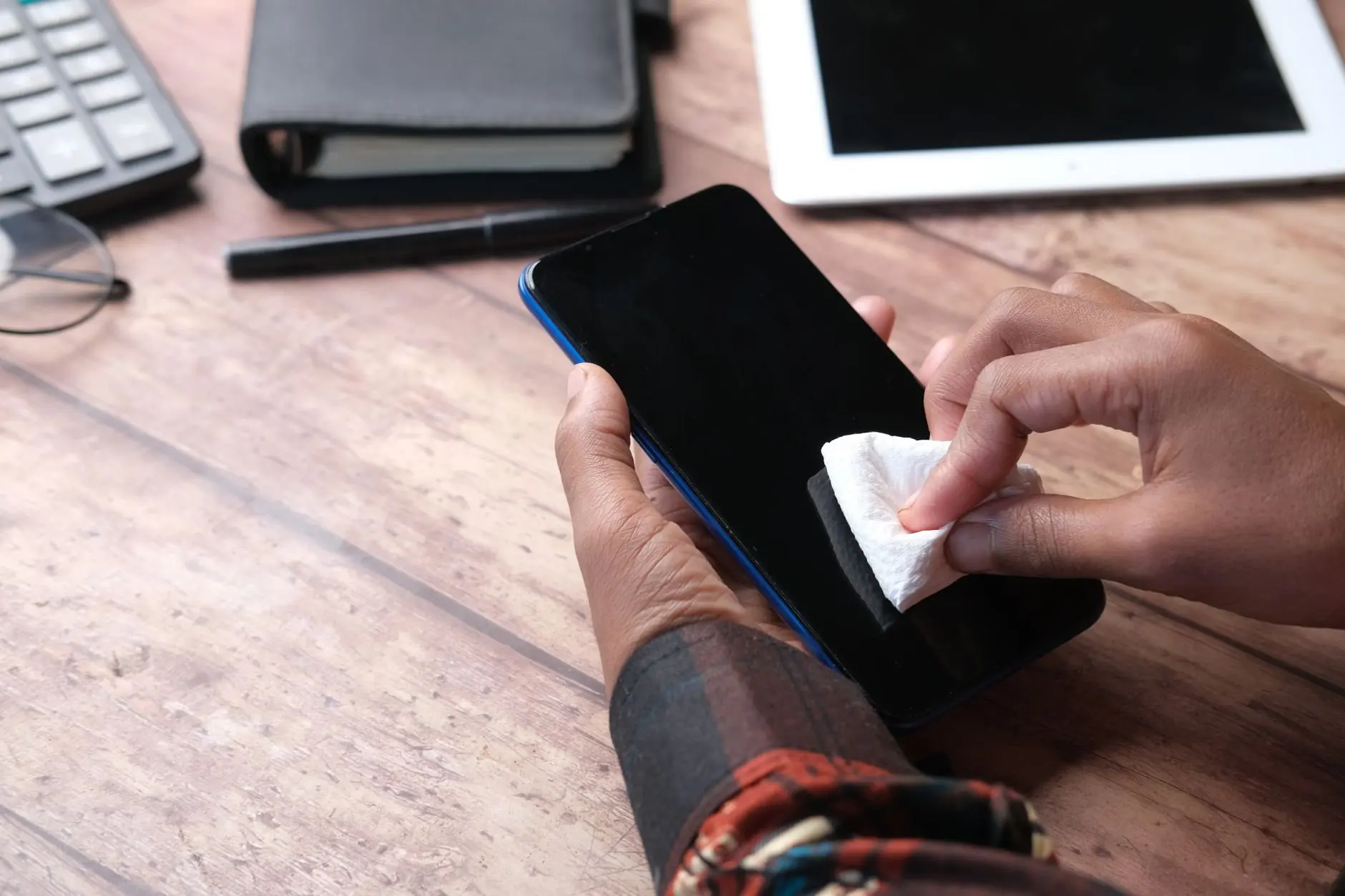
The best phone screen wipes are made for electronics or contain 70% isopropyl alcohol, and they should be used gently, with no liquid reaching the ports. Harsher household products and abrasive paper can damage the screen.
This guide groups everything about wiping a phone into one place: what the wipes contain, how they treat the screen coating, how to use one, and when another method suits better. For a focused answer on safety, read are phone cleaning wipes safe for screens, then return here to choose a wipe and a routine.
Where to start: choosing a wipe
The right starting point depends on what you want the wipe to do. A wipe that removes fingerprints and dust is a different job from one that carries a disinfecting claim, and the two are not interchangeable. Decide which job matters before looking at labels.
Everyday smudges and skin oils
If the goal is a clear screen, an alcohol wipe at the right strength or a wipe made for electronics is enough. Choice states that 70% isopropyl alcohol cleaning wipes are the best way to clean the screen, back and sides, and notes that such wipes are often sold as smartphone cleaners or medical wipes. That makes the packaging language less important than the ingredient panel. A wipe sold under a medical label and one sold under a phone label can be the same strength, so read the concentration rather than trusting the front of the pack.
- Choose an alcohol wipe when the phone mostly collects fingerprints and skin oils and you want one product for the screen, back and sides.
- Choose an electronics-specific wipe when you prefer a product whose maker states it is built for delicate screens, as Clorox does for Screen+.
- Choose soap and water on a cloth only as a fallback, because Choice says it works but not as well.
When germs are the concern
If the aim is to reduce germs, strength and labelling matter more. Choice warns that anything with less than 70% isopropyl alcohol will not effectively remove germs. Clorox, on its product page, describes Screen+ wipes as EPA-registered to kill 99.9% of bacteria and as specially engineered to clean and sanitize sensitive electronics. A later section explains the conditions attached to that claim. For the shorter question of whether a wipe is a real disinfectant, see do phone wipes kill germs.
Products to rule out early
Some products should never be picked up for a phone. Choice lists bleach, glass cleaner and antibacterial surface spray as home cleaning products to avoid, and it also lists pure isopropyl alcohol among the damaging options. The decision is simple: if the label describes a household or bathroom cleaner, it is the wrong product for a touchscreen. Readers who ask whether a wipe from the family cupboard will do, such as the question of can you clean your phone with baby wipes, should apply the same test. Check the ingredients against what the phone maker permits before touching the screen.
What phone screen wipes are made of
A phone screen wipe is a pre-moistened sheet that carries a cleaning liquid, and that liquid decides everything about safety and effect. The sections below cover the main active ingredient and the other label claims worth reading. A fuller breakdown is in the guide to what is in screen cleaning wipes.
Isopropyl alcohol and its concentration
Isopropyl alcohol is the ingredient that sets the rules for this product category, and its concentration is the number to look for. Choice draws a narrow band around 70%. Wipes with less than 70% will not effectively remove germs, while anything with more than 70% could damage the screen. The recommended strength is therefore a target and a ceiling at once for phone use, unlike many household products where stronger is assumed to be better.
For a reader choosing between packs, the practical decision is to buy the one that states the concentration plainly and sits at 70%. A pack that does not state the alcohol percentage gives no way to check against this guidance. A pack that advertises very high alcohol content is not an upgrade for a phone. The question of using these on specific handsets is covered in can you use alcohol wipes on phone screen.
Electronics wipes with a registered disinfectant claim
Some wipes are built around a registered disinfectant rather than a plain alcohol solution. The Clorox Screen+ page says the wipes are EPA-registered to kill 99.9% of bacteria and remove dust and fingerprints without damaging delicate screens. The same page limits that claim to use as directed on hard, nonporous surfaces, and it closes with the instruction to always follow manufacturer instructions. The claim therefore belongs to a product used the way its label says, not to wipes in general.
Reading the label
An ingredient panel and a use statement together answer most questions. Look for three things: whether the alcohol percentage is printed, whether the wipe is described as suitable for electronics or screens, and whether any disinfecting claim names the surfaces it applies to. A wipe that fails the first check cannot be matched against the 70% guidance, and one that fails the third cannot be assumed to disinfect a phone. When the label is silent, treat the product as an ordinary cleaning wipe and keep it away from the screen until its suitability is clear.
The touchscreen, its coating and fingerprints
A smartphone touchscreen carries a protective coating, and that coating shapes how wipes should be chosen and used. Choice explains that the phone screen has a protective coating that stops the glass from wearing down in daily use. This layer is the oleophobic coating that readers often see named in phone specifications, and it is the part of the screen that suffers when the wrong product is used.

Do phone wipes remove the oleophobic coating?
It depends on the wipe and the way it is used. Choice states that certain cleaning products, such as bleach or those with the wrong proportion of alcohol, can strip this coating away. It also says vigorous wiping, or applying too much pressure, can damage the screen. The sensible reading is that a wipe at the recommended 70% strength, used with light pressure, is the approach the guidance supports. A wipe with an unknown or excessive alcohol level, or any scrubbing, is where coating damage becomes a realistic risk.
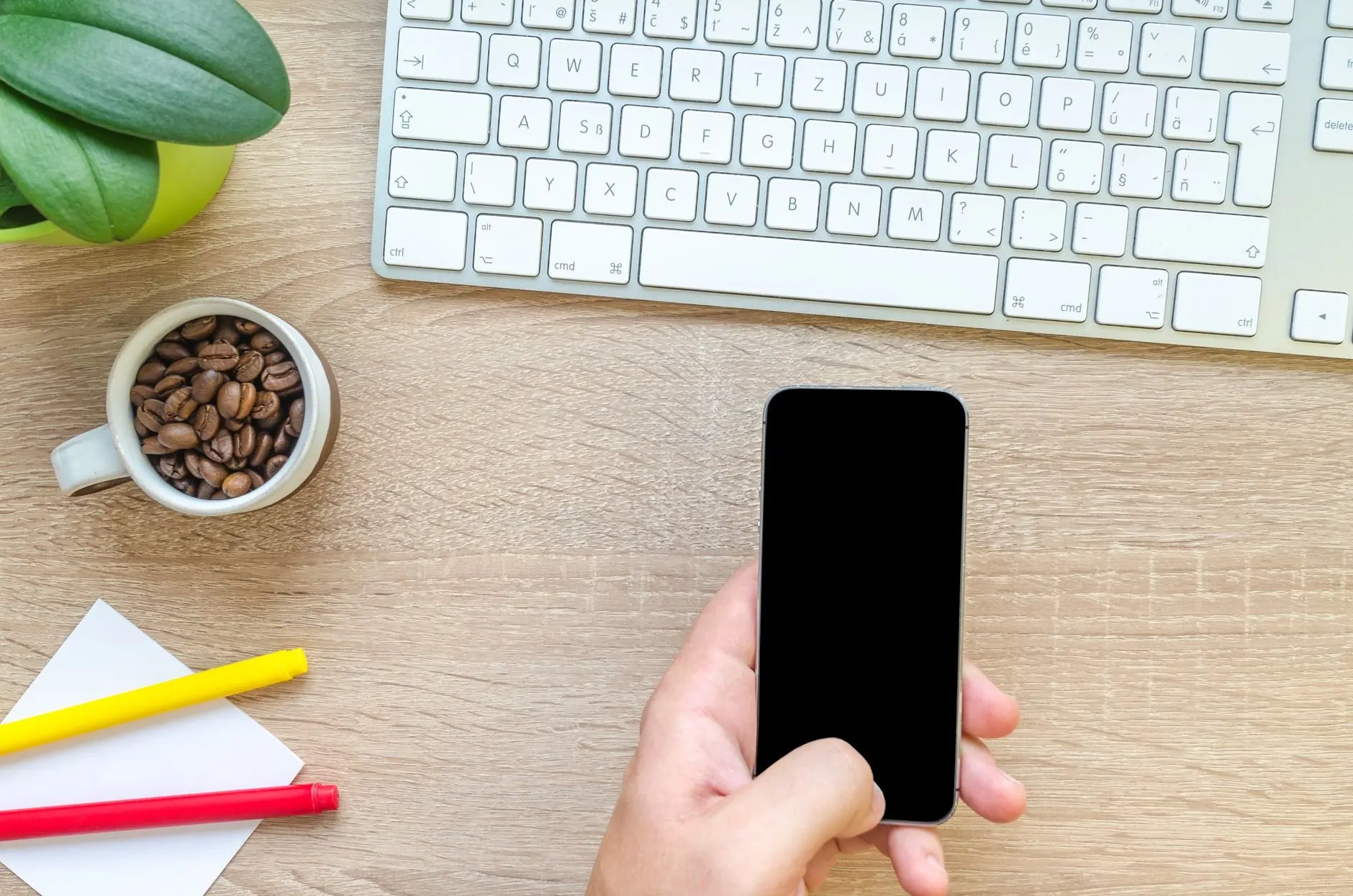
This is also why the product matters more than the frequency. A gentle wipe repeated is less of a concern than a harsh product applied once. Choosing the right wipe is the main protection, and technique is the second.
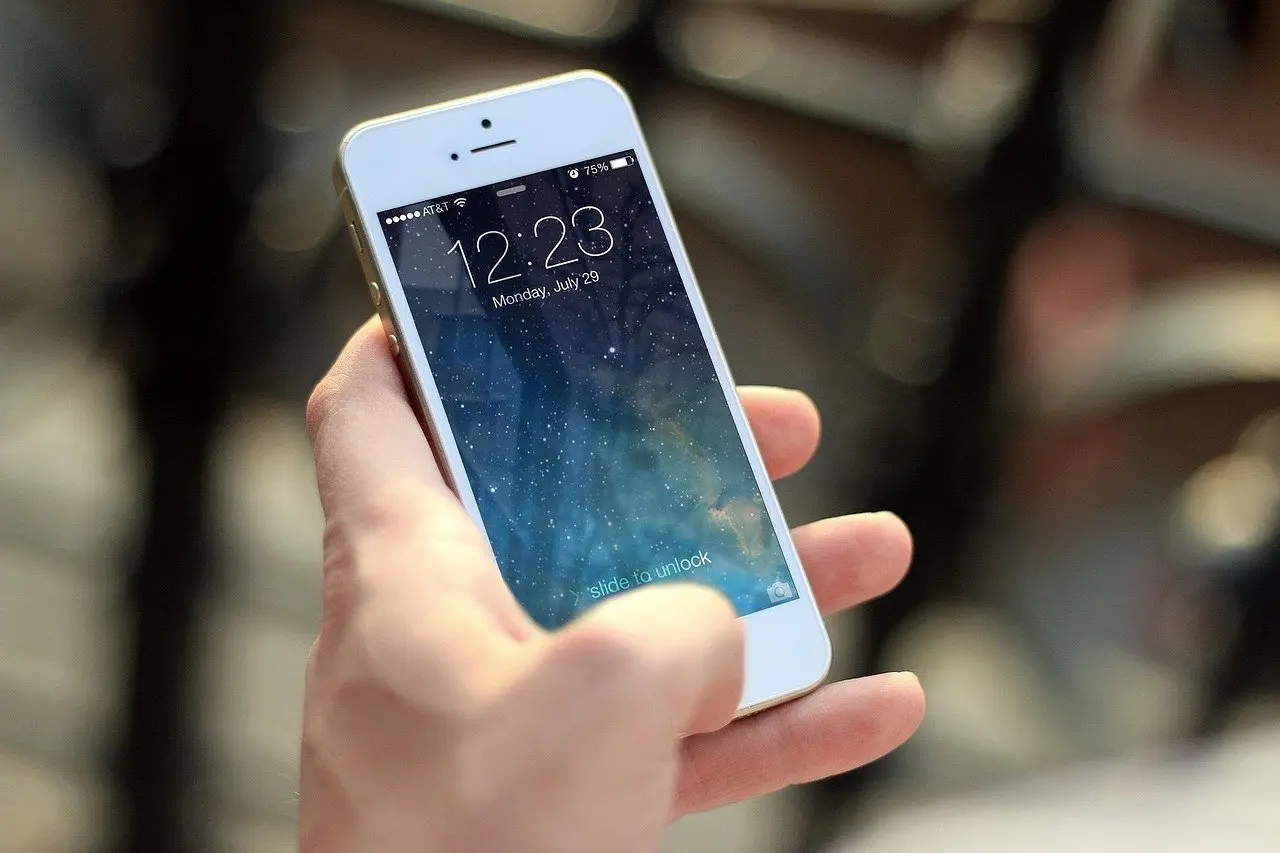
Fingerprints and skin oils
Fingerprints and skin oils are the everyday residue wipes are bought to remove. Clorox describes its electronics wipes as removing dust and fingerprints, and Choice’s recommendation of 70% alcohol wipes covers the screen, back and sides, which are the surfaces hands touch. A single clean pass is usually all that smudge removal needs, which is a good reason to avoid extra pressure. For a focused routine on stubborn marks, see how to remove fingerprints from phone screen.
Using a wipe step by step
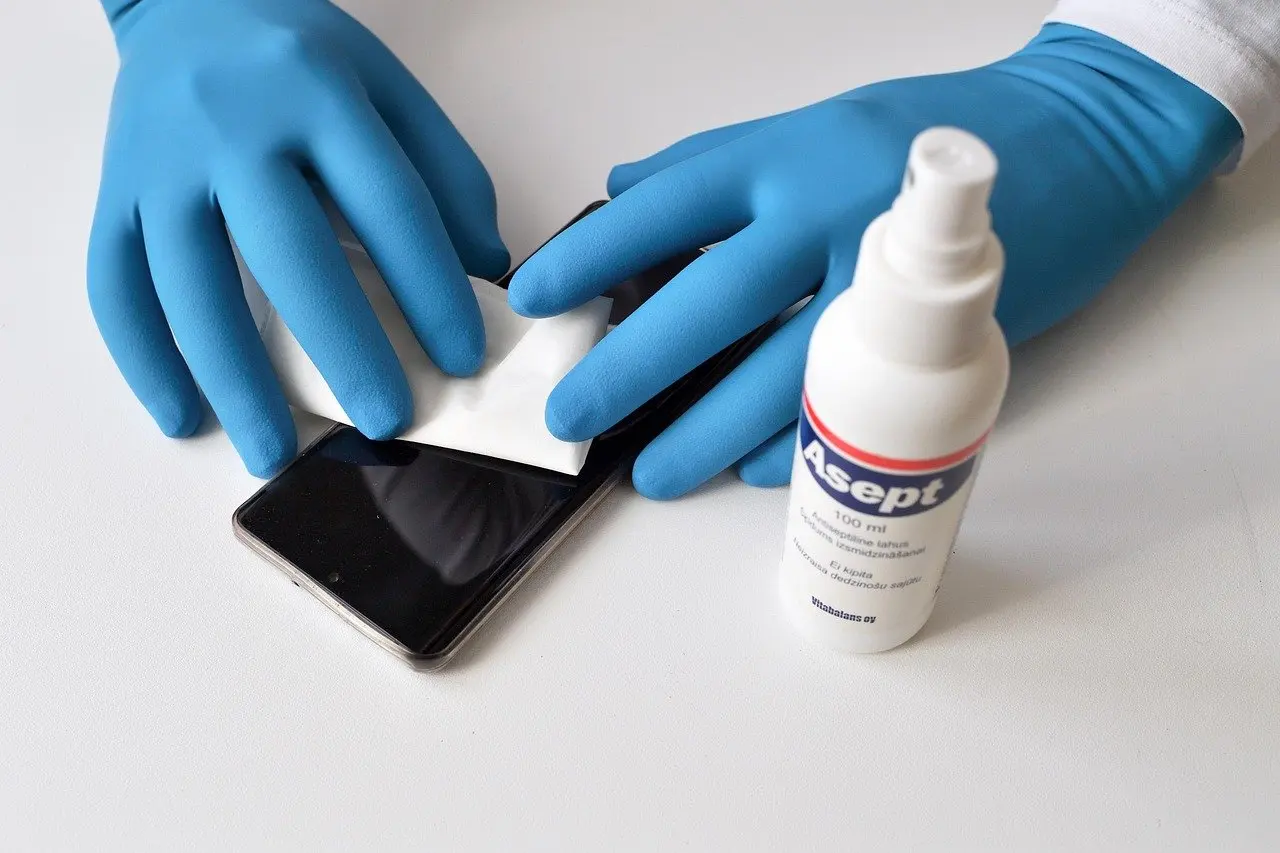
Using a wipe well is mostly about restraint: a controlled amount of liquid, light pressure and attention to openings. The sequence below follows the guidance in Choice’s guide and the Clorox instruction to follow the label. A shorter walkthrough is also available in how to use phone cleaning wipes.
- Check the wipe first. Confirm it is an electronics wipe or a 70% isopropyl alcohol wipe, and read the maker’s directions on the pack.
- Keep the liquid on the wipe. Choice says not to spray any solution directly on a smartphone, so the wipe, not a spray, should carry the cleaner to the glass.
- Wipe the screen gently. Use a light, steady stroke. Vigorous wiping or heavy pressure can damage the screen.
- Move to the back and sides. The same wipe is suitable for these surfaces when it is a 70% isopropyl alcohol wipe.
- Go around the openings. Choice advises wiping around inputs such as the charging port and speaker, which means working along their edges rather than pressing into them.
- Let the phone air dry. A properly chosen wipe should leave the surface clear without extra rubbing.
Keeping moisture out of the ports
Moisture control comes down to how much liquid the wipe holds and where it travels. Choose a wipe that is damp rather than dripping, and work from the glass outward so that excess liquid is not pushed toward an opening. At the charging port and speaker, wipe around the edge instead of into the opening, which is the point of Choice’s advice to wipe around inputs. A phone case can hide residue near these openings, so cleaning the case separately is worthwhile, as described in how to clean phone case with wipes.
Materials that scratch
The wipe is only part of the technique; the other materials near the phone matter too. Choice says that tissues, toilet paper, paper towel, tea towels and kitchen cloths are too abrasive for phone screens. If a wipe has dried out, the answer is a fresh wipe, not a paper towel borrowed from the kitchen. Dry rubbing with a rough material is a more likely source of scratches than any wipe made for the job.
Wipes compared with other cleaning methods
A wipe is not the only way to clean a phone, and the best method depends on what the phone needs that day. The table compares the options discussed by the two sources, using the guidance on each.
| Method | What the guidance says | Planning use |
|---|---|---|
| Isopropyl alcohol wipe at 70% | Best way to clean screen, back and sides; wipes are often sold as smartphone cleaners or medical wipes | First choice for a full clean |
| Electronics wipe with a disinfectant registration | Engineered for sensitive electronics; kill claim applies when used as directed on hard, nonporous surfaces | Pick when a registered claim matters, and follow the pack |
| Mild soap and lukewarm water | Works, but not as well | Backup when no suitable wipe is on hand |
| Tissues, paper towel, tea towels, kitchen cloths | Too abrasive | Avoid for any phone surface |
| Bleach, glass cleaner, antibacterial spray | Not to be used; bleach can strip the screen coating | Never use on a phone |
The comparison draws on Choice’s cleaning guide and the Clorox Screen+ page.
Wipes and microfiber cloth
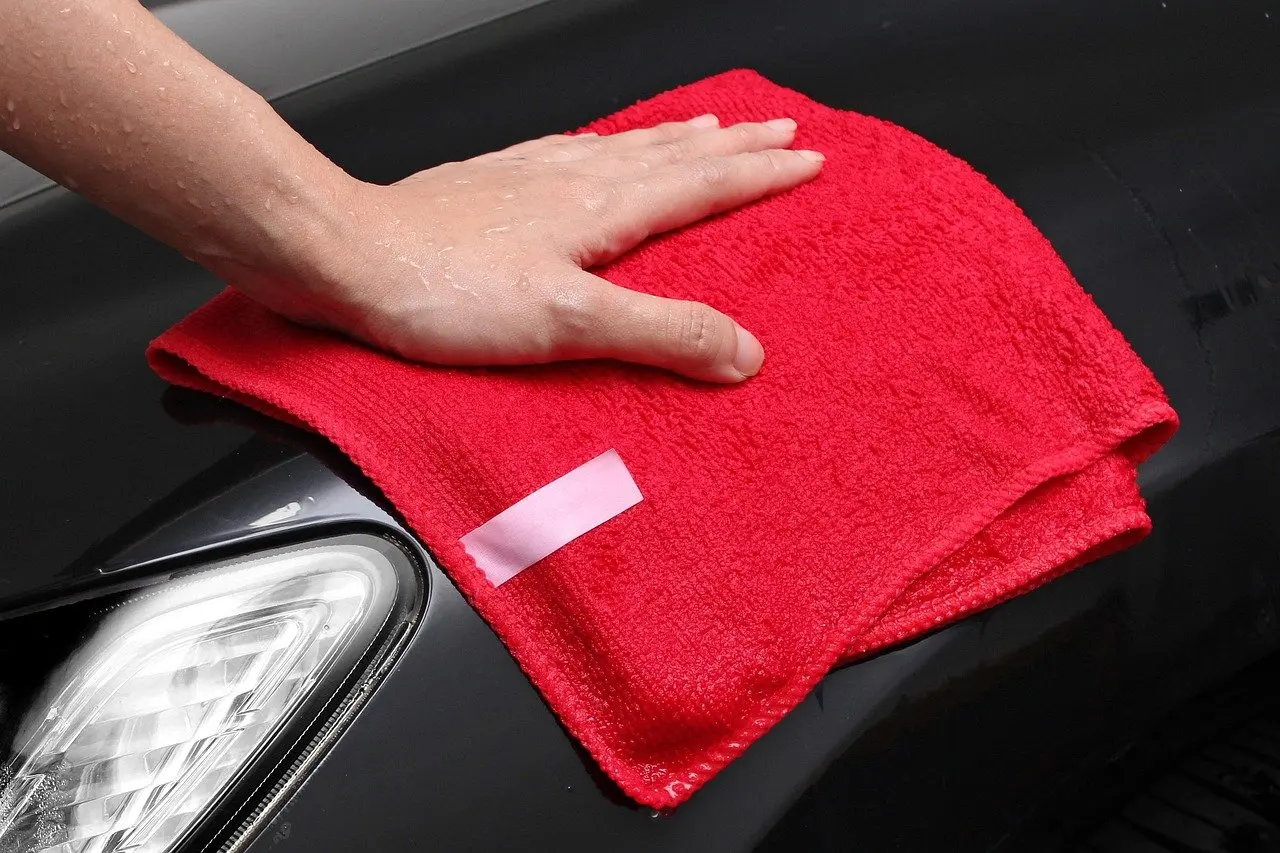
A microfiber cloth is the soft alternative to the rough materials in the table, and it suits dust and light marks that do not need a cleaning liquid. It lacks the alcohol that gives a 70% wipe its germ-removing role, so the two tools do different jobs. Many readers sensibly keep both: the cloth for quick polishing and the wipe for a scheduled clean. The trade-offs are laid out in phone wipes vs microfiber cloth.
Wipes and sprays
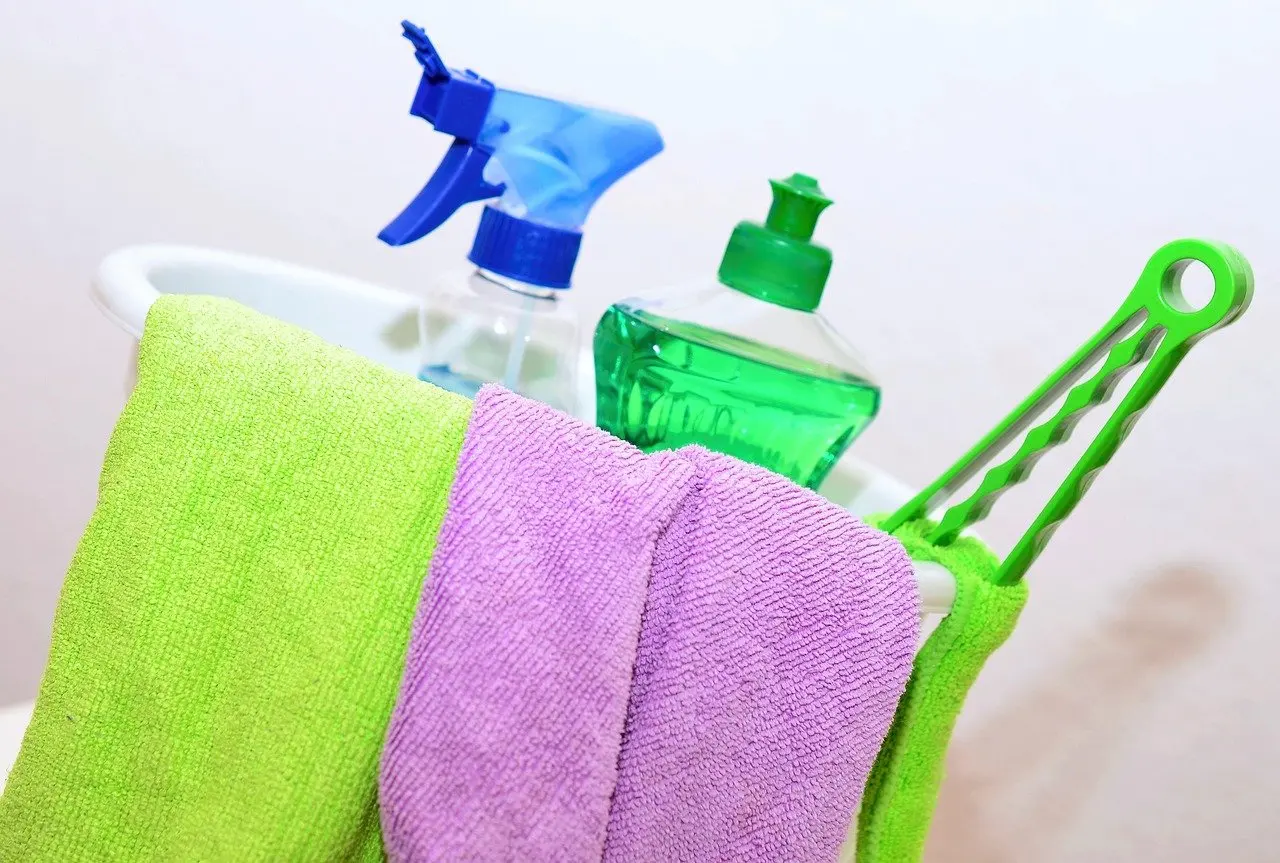
Sprays raise the main risk that wipes avoid, which is liquid landing where it should not. Because Choice says not to spray any solution directly on a smartphone, a wipe offers more control over where the liquid goes than a spray bottle does. The fuller comparison is in screen wipes vs spray.
Cleaning versus disinfecting
Screen wipes and disinfectant wipes overlap, but they are not the same product. A screen wipe is designed to remove fingerprints, dust and oils without harming the display. A disinfectant wipe carries a claim about killing germs, and that claim is tied to a registered product used as directed.
What a registration does and does not cover
The Clorox Screen+ page states that its wipes are EPA-registered to kill 99.9% of bacteria. It attaches the condition that the claim holds when used as directed on hard, nonporous surfaces. A reader should take that as a statement about one product used under label conditions, not as a general property of wipes. It also does not make every household disinfectant safe for a phone. Choice lists antibacterial surface spray and bleach as products to avoid on handsets, so a disinfectant that is right for a kitchen counter can still be wrong for a screen. The question is addressed directly in can you use disinfectant wipes on your phone.
Setting expectations on germ removal
No wipe should be treated as a guarantee. Choice says it cannot guarantee that its recommended methods will remove 100% of the germs. For most people that means a wipe is a sensible hygiene habit that lowers contamination, not a sterilising step. Those with a particular concern, such as a shared work device, should favour a product whose label names the surfaces and the use conditions, and follow the label exactly.
How often to wipe a phone
There is no firm schedule that every source agrees on. Choice describes the jury as still out on the question, and suggests wiping the phone down before use, especially before calls. The practical reading is to link cleaning to moments of contact rather than the calendar. A phone held to the face is the obvious candidate for a wipe first.
The decision scales with how the phone is used. A personal handset that stays in one pocket needs a lighter routine than a phone passed between hands or set down on shared surfaces. Because the guidance points to wiping before use, a quick wipe at the start of a call-heavy day is easier to sustain than a rigid timetable. Keep each wipe light, since repeated gentle wipes carry less risk than occasional heavy scrubbing. A fuller discussion is in how often to disinfect phone.
iPhone, Android and the maker’s own advice
Can you use alcohol wipes on an iPhone or Android screen? The guidance from Choice is that a 70% isopropyl alcohol wipe is the best way to clean a smartphone’s screen, back and sides, and it does not divide phones by brand. That makes the concentration, not the logo on the handset, the main test. The same warnings apply to every model: avoid anything above 70%, avoid bleach and household sprays, and keep pressure light.
The phone maker’s own care instructions still deserve a look, because each handset may carry specific advice about its coating and openings. Clorox itself tells users to always follow manufacturer instructions, and that principle extends to the phone as well as the wipe. For handset-specific routines, see wipes for iphone screen and how to clean samsung phone with wipes.
Buying and keeping a supply
Choosing a pack comes down to a short checklist. State the alcohol strength plainly, avoid products above the recommended level, and prefer wipes that name electronics or screens on the label. For readers who want a comparison of specific products, best phone cleaning wipes weighs the options.
- Match the job. A wipe for fingerprints and a wipe with a disinfecting registration suit different needs, so pick the one that fits the habit you actually have.
- Check the strength. Alcohol wipes at 70% match the guidance from Choice, and a pack that does not print the strength cannot be checked against it.
- Keep a backup. Mild soap and lukewarm water on a soft cloth is the stated fallback when a suitable wipe is unavailable, though it works less well.
- Keep other cleaners separate. Store household sprays and bleach away from the wipes so that the wrong product is never picked up for the phone by mistake.
One more point on buying: a wipe is single-use for a reason. Reusing a dried or dirty wipe drags grit across the glass, which defeats the gentle approach the guidance recommends. Treat each wipe as one clean pass and use a fresh one for the next occasion.
Frequently asked questions
Are cell phone cleaning wipes safe for touchscreens?
Yes, when the wipe is made for electronics or contains 70% isopropyl alcohol, and when it is used gently. Choice warns that stronger alcohol, bleach and heavy pressure can damage the screen.
Can a phone be washed instead of wiped?
Only a phone with an IP rating of IP67 or higher should be washed, according to Choice. It advises leaving the phone to dry for ten minutes afterwards and resisting the urge to wipe it down.
What should be done if liquid gets inside the phone?
Choice advises removing the SIM and SD card, if applicable, and leaving the phone to dry for 24–48 hours. The advice appears in its smartphone cleaning guide.
Will a wipe remove every germ?
No. Choice says it cannot guarantee that its recommended methods will remove 100% of germs, so a wipe should be seen as lowering contamination. A registered product such as Clorox Screen+ carries its kill claim only when used as directed on hard, nonporous surfaces.