| Symptom | First action | Planning use |
|---|---|---|
| Dust on the screen and frame | Switch the TV off and unplug it, then wipe with a soft microfiber cloth | The quickest routine job, and the one to repeat most often |
| Fingerprints | Spray distilled water onto the cloth, not the TV, and wipe gently | Distilled water is enough for most cleaning, so no specialist product is needed |
| Greasy marks | Dampen the cloth and wipe in small circles | Loosens the dirt without pressing hard on the panel |
| Temptation to spray the screen | Spray the cloth instead | Liquid on the TV itself can cause problems with the interior electrics |
| No microfiber cloth to hand | Wait until you have one | Paper towels, tissue and rags can scratch the screen |
The steps above follow the guidance in MakeUseOf’s flat screen TV cleaning guide, which covers the power, cloth and spray-handling advice used throughout this article.
Learn how to clean a flat screen TV by switching it off, unplugging it and wiping the panel with a soft microfiber cloth. For fingerprints, lightly dampen the cloth with distilled water. Never spray the screen itself.
This routine suits most living-room TVs and needs only a cloth and a bottle of distilled water. It is one of many household cleaning tips where the gentlest method is also the safest.
Power the TV down first
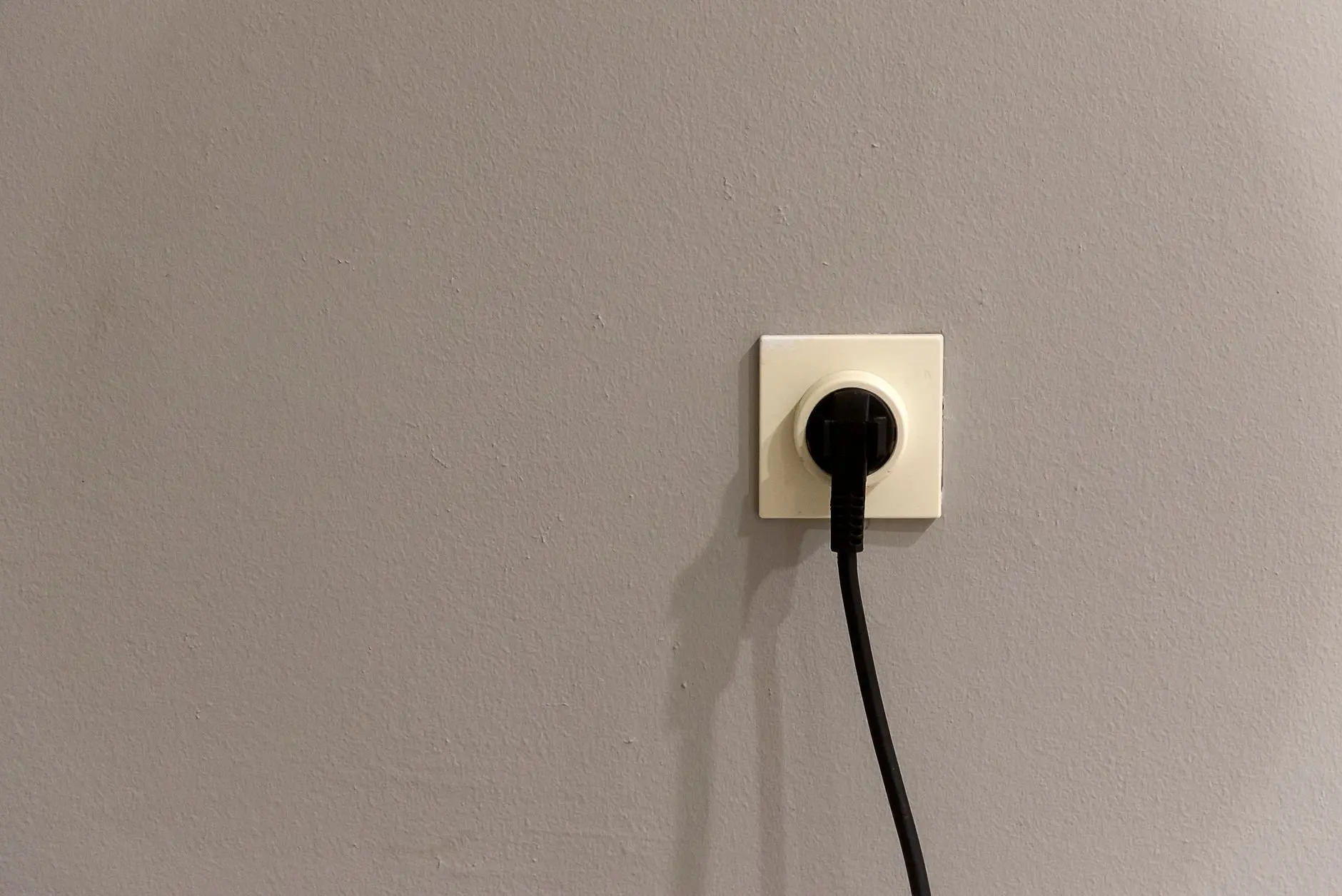
A flat screen TV should be off, and ideally unplugged, before any cloth touches it. MakeUseOf advises turning the TV off and, for safety, also unplugging the unit from the mains electric supply.
There is a practical benefit too. A dark, switched-off panel shows smudges, dust and streaks far more clearly than a lit one, so you can see what you are removing and when the job is done.
Checkpoint before you continue
- Screen is dark. A panel that is off gives you a clear view of smudges and leaves no doubt about the TV’s state.
- Plug is out of the wall. Switching off at the remote or standby button is not the same as disconnecting from the mains.
- Cloth is within reach. Gather the cloth and distilled water before you start so you are not tempted to improvise with something rougher.
Choosing the cloth and the liquid
Two items do almost all the work: a soft microfiber cloth and distilled water. MakeUseOf lists the soft microfiber cloth as the recommended cloth and says a distilled water spray should suffice for most cleaning.
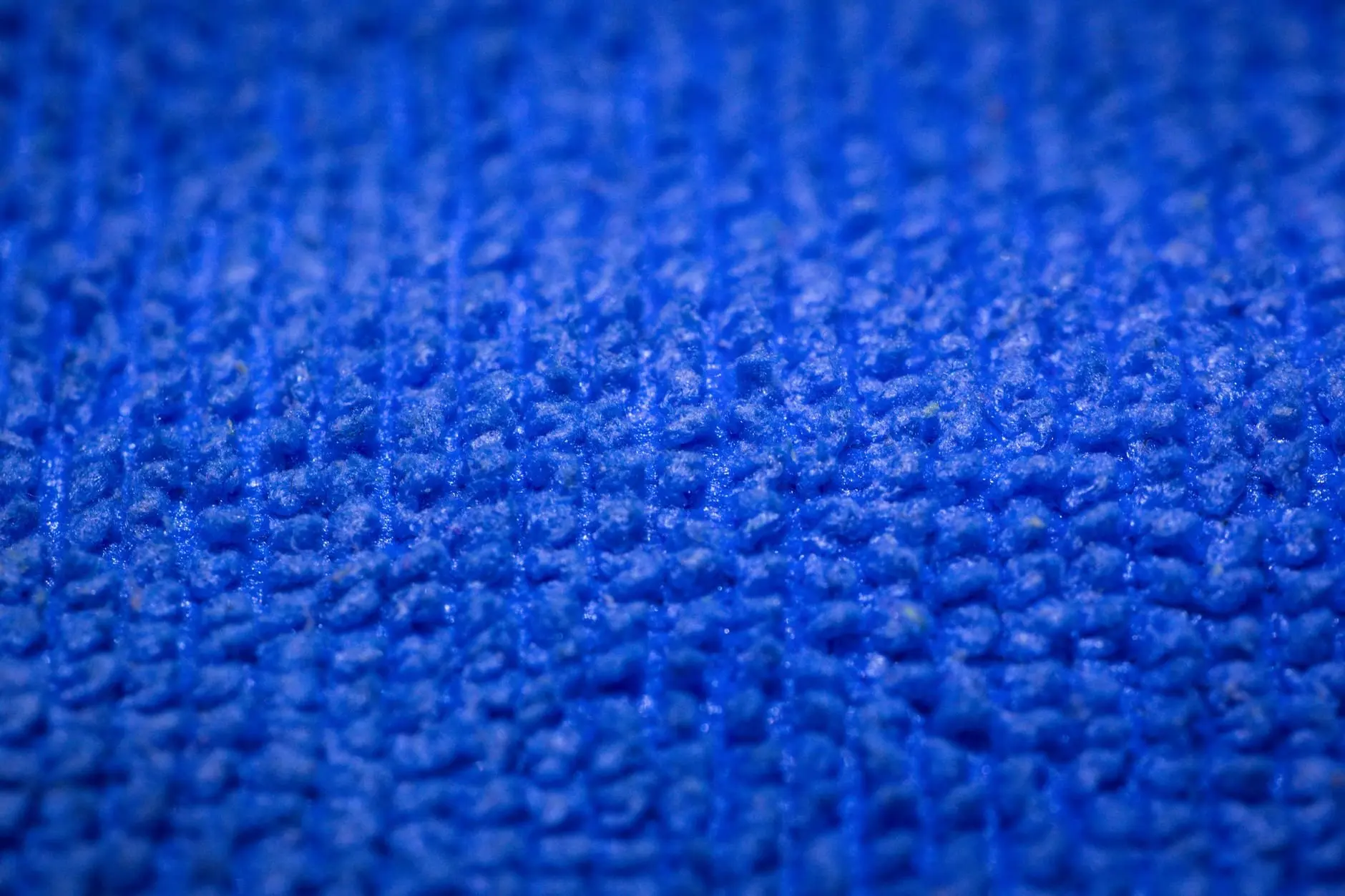
The same guide is clear about what to leave in the cupboard. Paper towels, tissue and rags can cause scratches on a TV screen. A microfiber cloth is the practical answer to the question of how to clean a flat screen TV without scratching it.
If the cloth is not clean
A cloth carrying grit or old grime is a poor choice for any screen, however soft its fibres. Use a cloth kept for screens only, so it does not pick up kitchen grease or workshop dust between uses.
Dry wiping for dust
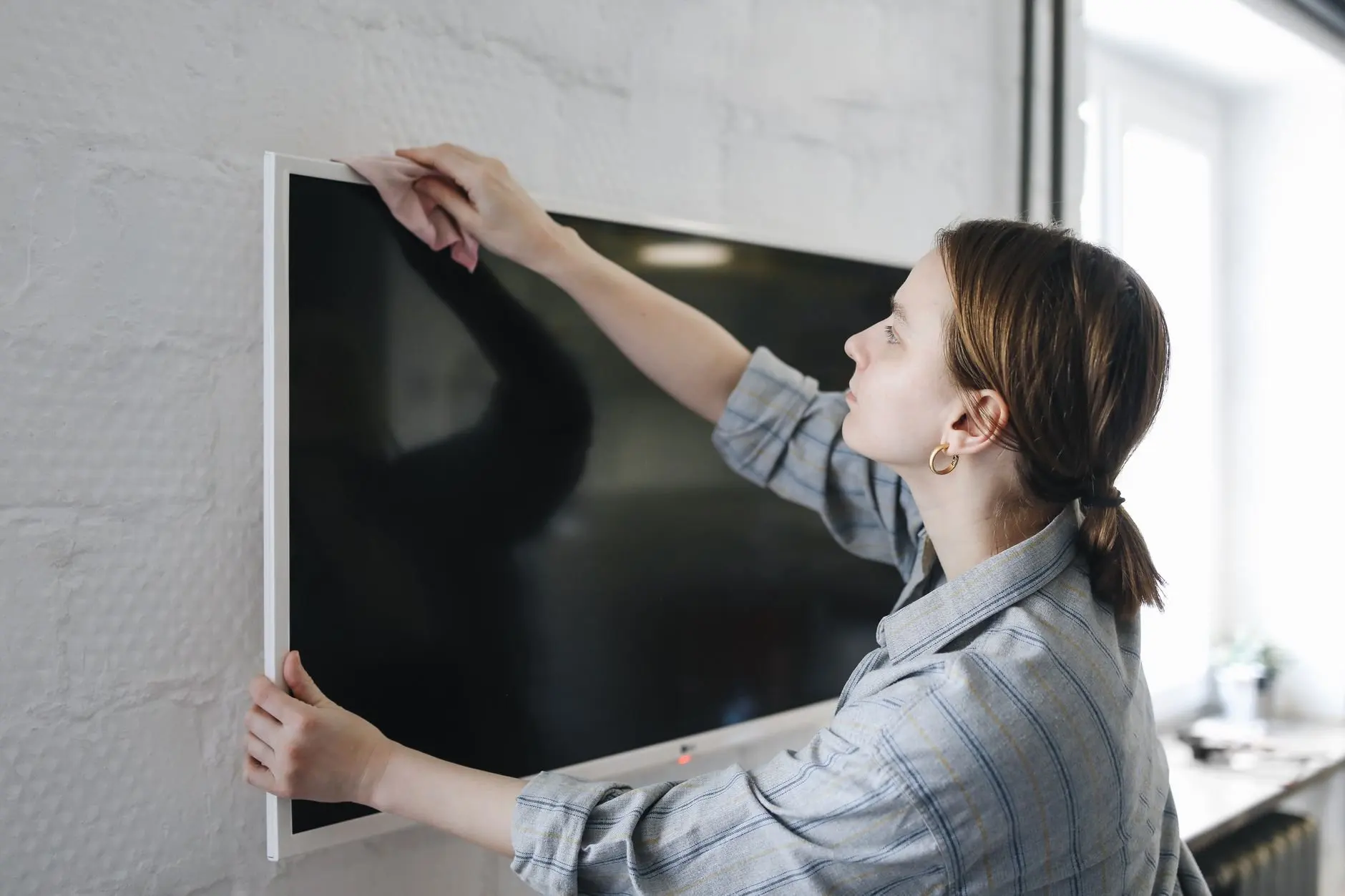
Start dry. Dust is the most common problem on a TV, and a dry microfiber cloth lifts it without adding any moisture near the electronics.
- Fold the cloth into a flat pad so you hold a clean, soft surface against the panel.
- Wipe gently across the screen, keeping pressure light.
- Turn the cloth to a clean section when it picks up dust, and continue over the frame.
If the screen looks clean after this, stop. Extra wiping adds nothing and only gives more chances to press on the panel.
Removing fingerprints and greasy marks
When dry wiping leaves marks behind, move to a damp cloth. This is the best-supported way to remove fingerprints from a TV screen: distilled water on a microfiber cloth, wiped gently.
Fingerprints and light smudges
Spray the distilled water onto the cloth, not onto the TV. MakeUseOf is direct about this: it is vital not to spray the TV, because liquid can cause complications with the interior electrics. A lightly dampened cloth gives you control over how much moisture reaches the panel.
Greasy marks
For stubborn marks, MakeUseOf recommends spraying the cloth and then wiping in small circles to loosen the dirt. Work on the mark itself rather than across the whole screen, then go over the area again with a dry part of the cloth.
Symptom and fix at a glance
- Marks remain after dry wiping. Dampen the cloth with distilled water and wipe again.
- A greasy patch will not shift. Use small circles with the dampened cloth and keep pressure light.
- The cloth feels wet. Use a drier part of the cloth. It should be damp, not soaked, and liquid should never be applied to the TV directly.
What not to use on a TV screen
The do-not-use list is short and firm. Following it matters more than finding the perfect product.
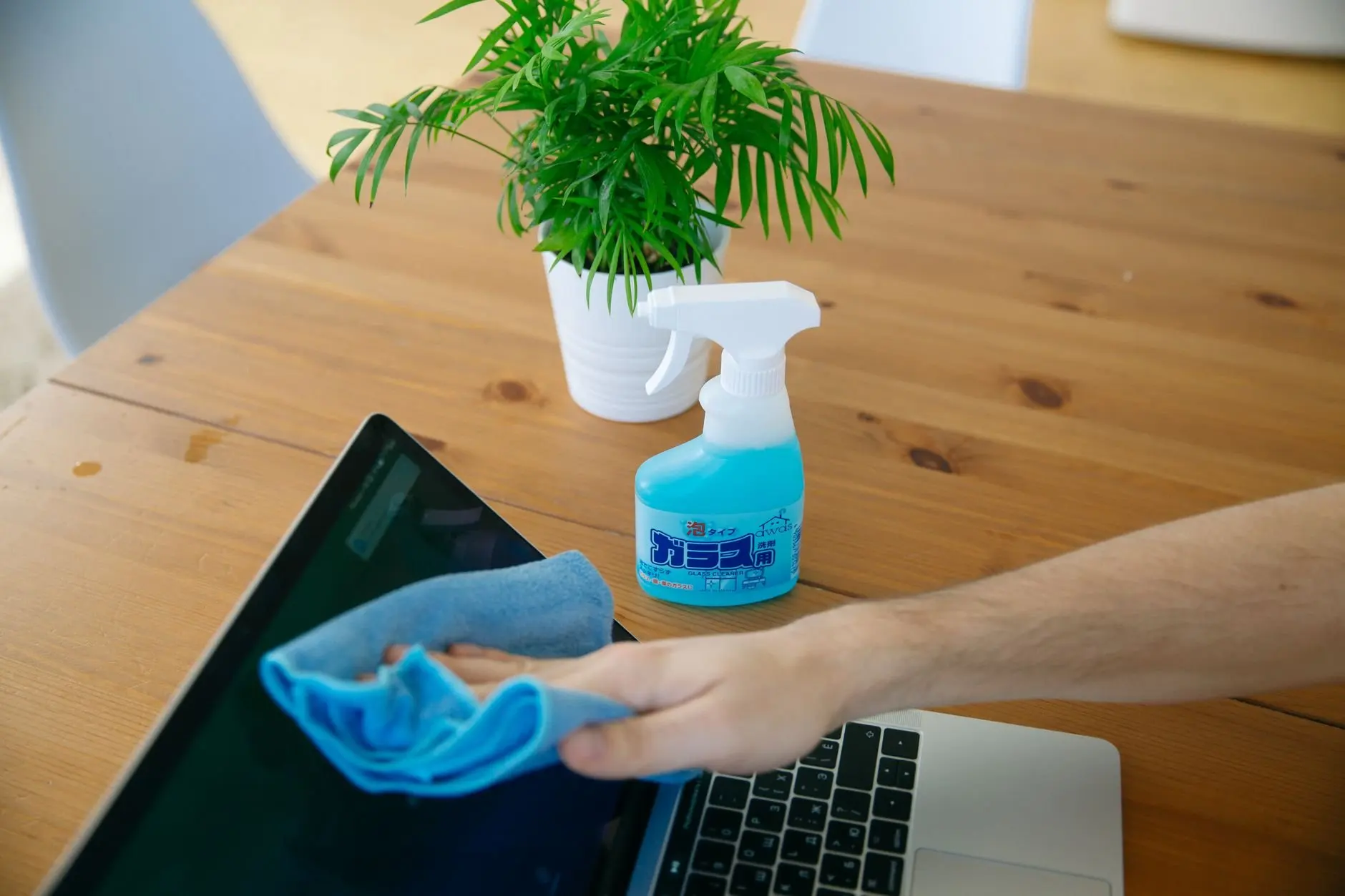
- Paper towels, tissue and rags. MakeUseOf warns these can cause scratches on the screen.
- Direct spray. Never spray the TV itself, as liquid can cause complications with the interior electrics.
- Anything beyond distilled water. The supported method relies on distilled water for most cleaning, so there is no reason to reach for a stronger product.
Can you use wipes on a TV screen?
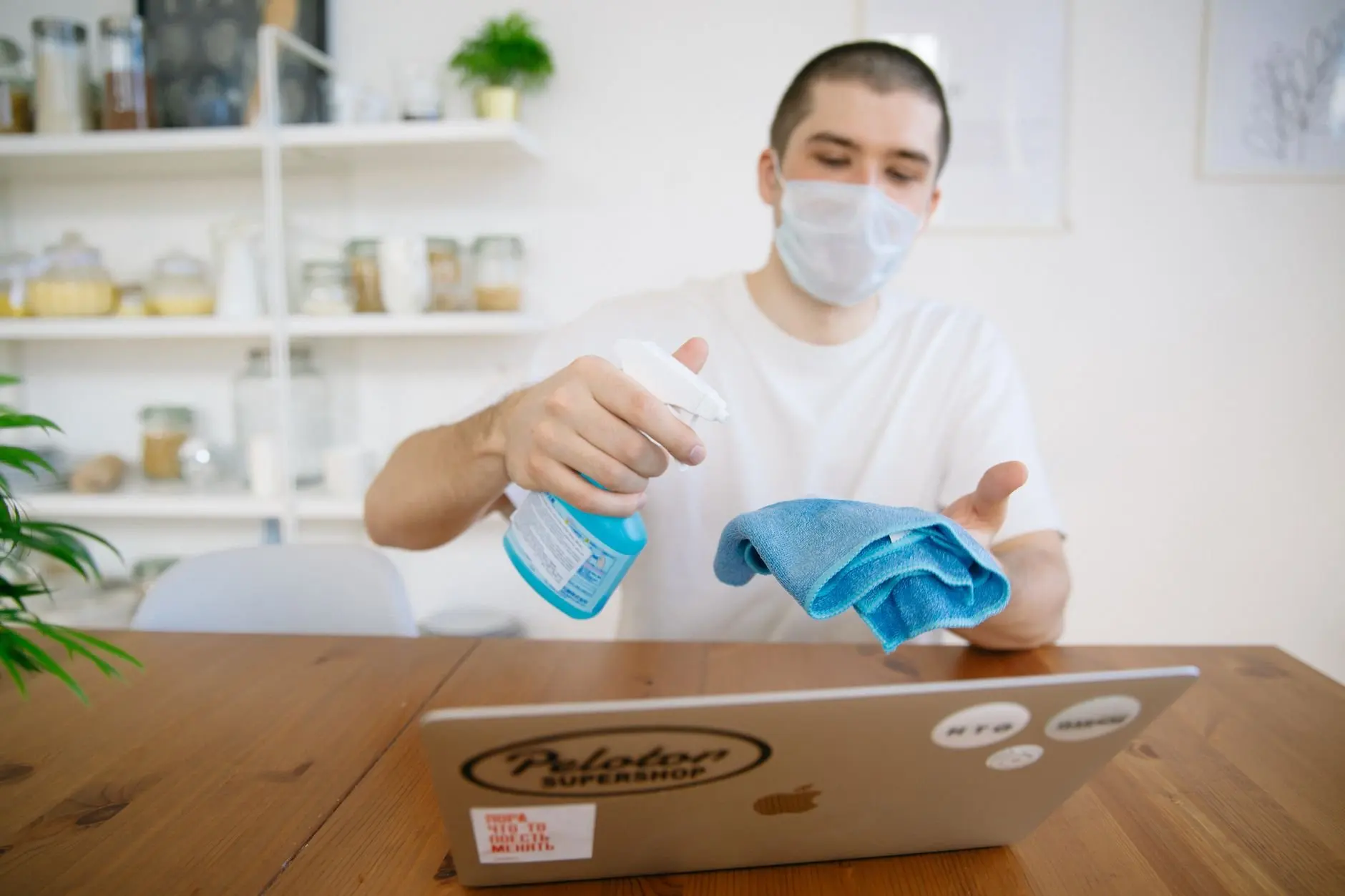
Not as a first choice. The supported method uses a microfiber cloth dampened with distilled water, and pre-moistened wipes are not part of it. A wipe also applies liquid you cannot easily control, which cuts against the advice to keep moisture off the TV. The wider question of what surfaces can you use disinfecting wipes on is covered in a separate guide, but a TV panel is not the place to experiment.
Mistakes that cause trouble
Most damage comes from convenience shortcuts rather than from the dirt itself.
- Cleaning a live, plugged-in TV. Switch off and unplug first, as the safety advice states.
- Grabbing kitchen roll. It feels soft but can scratch, so wait until you have a microfiber cloth.
- Spraying the screen for speed. It saves a moment but risks the interior electrics.
- Pressing hard on a stubborn mark. Small circles with a damp cloth loosen dirt more safely than force does.
The same approach carries over to desktop displays, and the guide on how to clean a computer monitor applies the same cloth-first thinking to a smaller panel.
Frequently asked questions
| Question | Answer |
|---|---|
| Does this method work on different types of flat screen? | Yes. MakeUseOf says the steps work on typical LCD and AMOLED flat screen TVs, as well as plasma televisions. |
| Is dust worth removing if the picture looks fine? | Yes. Excessive dust leads to heat build-up, which can result in poor performance, so regular dusting is worthwhile even when the screen looks clean. |
| Can I use distilled water on its own? | Yes. A distilled water spray, applied to the cloth, should suffice for most cleaning, including fingerprints. |