| Surface or device | Approach | Planning use |
|---|---|---|
| Door handles, light switches, countertops | Disinfectant applied by wipe or cloth, surface kept wet for the label contact time | Start the routine here, where the product label is the main rule |
| Keyboards, trackpads, monitor frames, device casings | Disinfecting wipe on hard, nonporous parts, kept wet for the label contact time | Suits routine upkeep when the device maker allows wipes |
| Laptops and other devices (university IT guidance) | No disinfecting wipes or household cleaners; 90% isopropyl alcohol diluted 50:50 with filtered or distilled water, sprayed onto a microfiber cloth | Use where a maker or institution restricts wipes |
| Laptop screens | LCD screen cleaner is the preferred option | Choose it over wipes for the display itself |
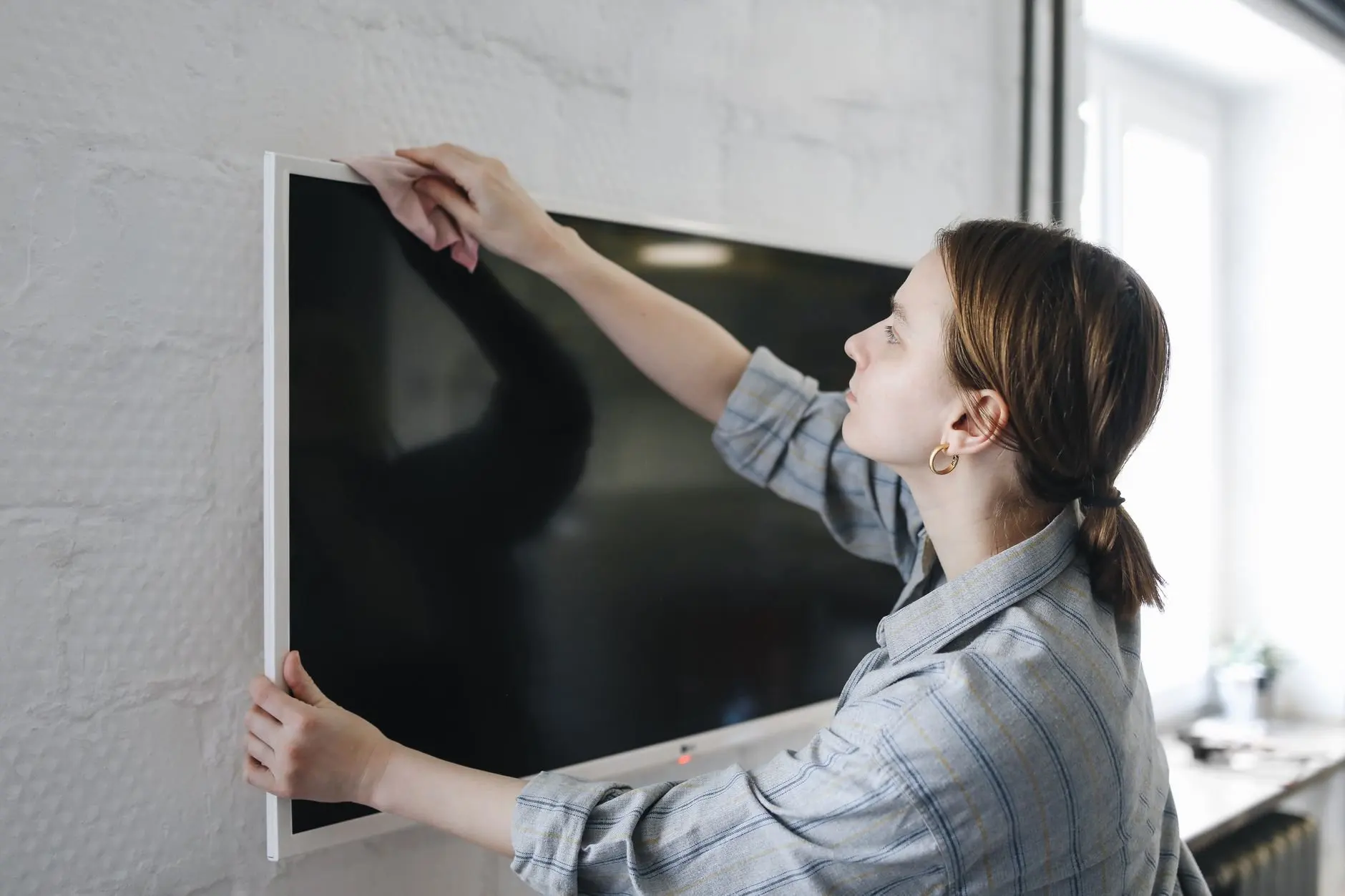
| TV screens | Check the TV manufacturer’s instructions before applying any product directly | Read the manual before the first wipe |
| Ports and openings | No damp objects inserted; no compressed air sprayed directly in | Work around openings, never into them |
Rules in the table come from Cornell’s device cleaning guidance and Clorox’s laptop and keyboard guide.
How to disinfect electronics safely depends on the device: use a damp cloth with diluted isopropyl alcohol where the maker allows it, and keep wipes for hard, nonporous surfaces, always honouring the label’s contact time.
One routine can cover doorknobs and phones, but the two groups follow different rules. Households can find broader routines in these household cleaning tips. The sections below run in the order most people work: prepare, treat the house, treat the devices, then let everything stay wet and dry properly.
Preparation before you disinfect
Preparation decides whether disinfecting works and whether a device survives it. Cornell’s device guidance notes that the best way to keep devices clean is to wash hands frequently with soap and water, which cuts down what reaches handles, switches and screens in the first place.
- Read the product label. It states the contact time and the surfaces the product is meant for. That time is the number that matters most in the whole routine.
- Check the device maker’s cleaning advice. Manufacturer limits override any general routine, and some institutions are stricter than product makers.
- Power down electronics. Cornell advises powering off a handheld device before cleaning, and Clorox advises turning off and unplugging a TV.
- Gather the right tools. Household surfaces need the disinfectant or wipes. Devices need a microfiber cloth or swab and, if you follow Cornell’s method, a spray bottle of diluted isopropyl alcohol.
With the label read and devices off, the household touch points come first, because they tolerate the most.
Household touch points
Hard, nonporous household surfaces are where disinfecting wipes are most at home. Clorox observes that oils and germs build up the most on hard, nonporous surfaces, which is why handles, switches and counters repay attention.
Door handles
Door handles are touched by everyone who passes through, so they belong in any routine. Wipe the whole handle, including the underside and the plate around it, then leave the surface visibly wet for the full label contact time before it dries.
Light switches
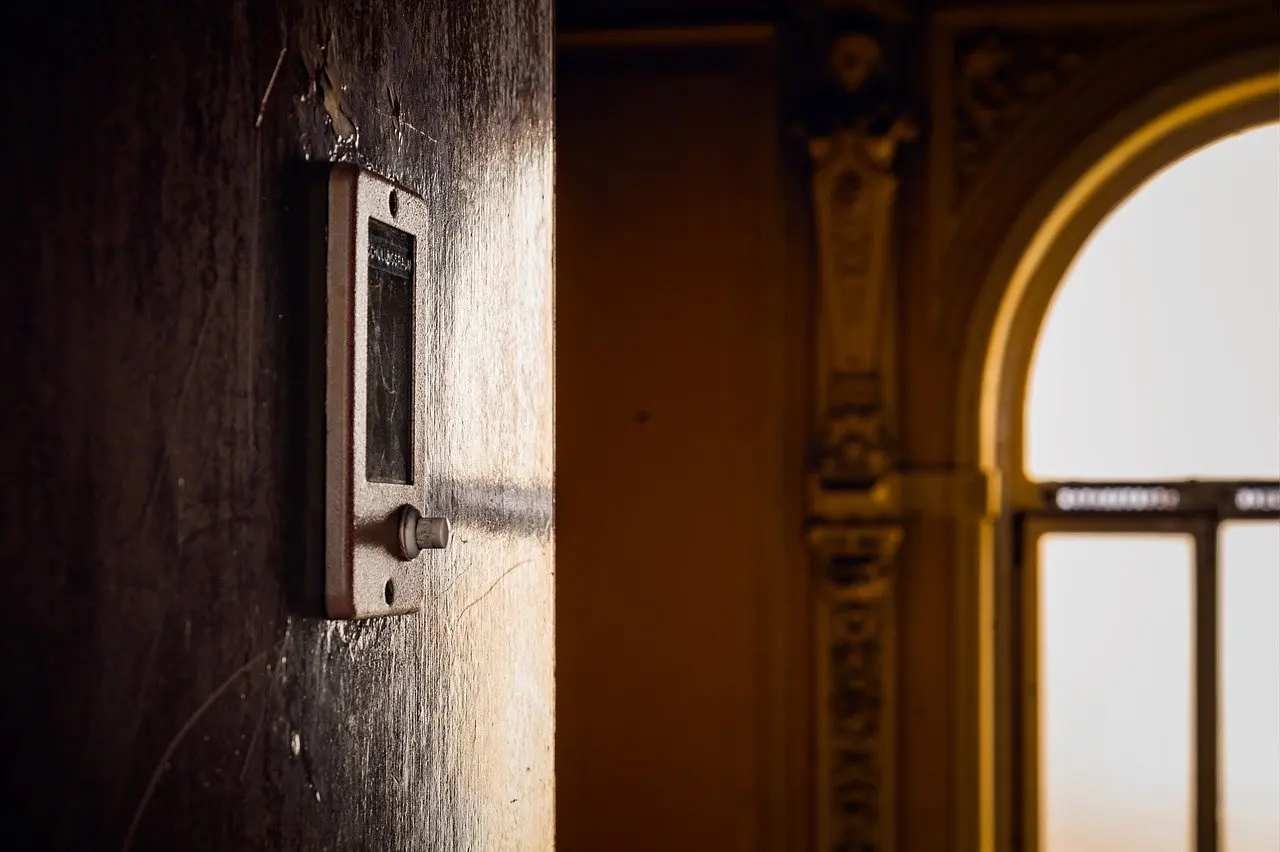
Light switches need a lighter hand than handles. Cornell’s rule for devices, a cloth that is damp and not wet, is a sensible carry-over to switch plates, since a dripping cloth pushes liquid toward the gaps around the plate. Wipe the plate and the rocker, then let it stay wet for the label contact time.
Kitchen and bench surfaces
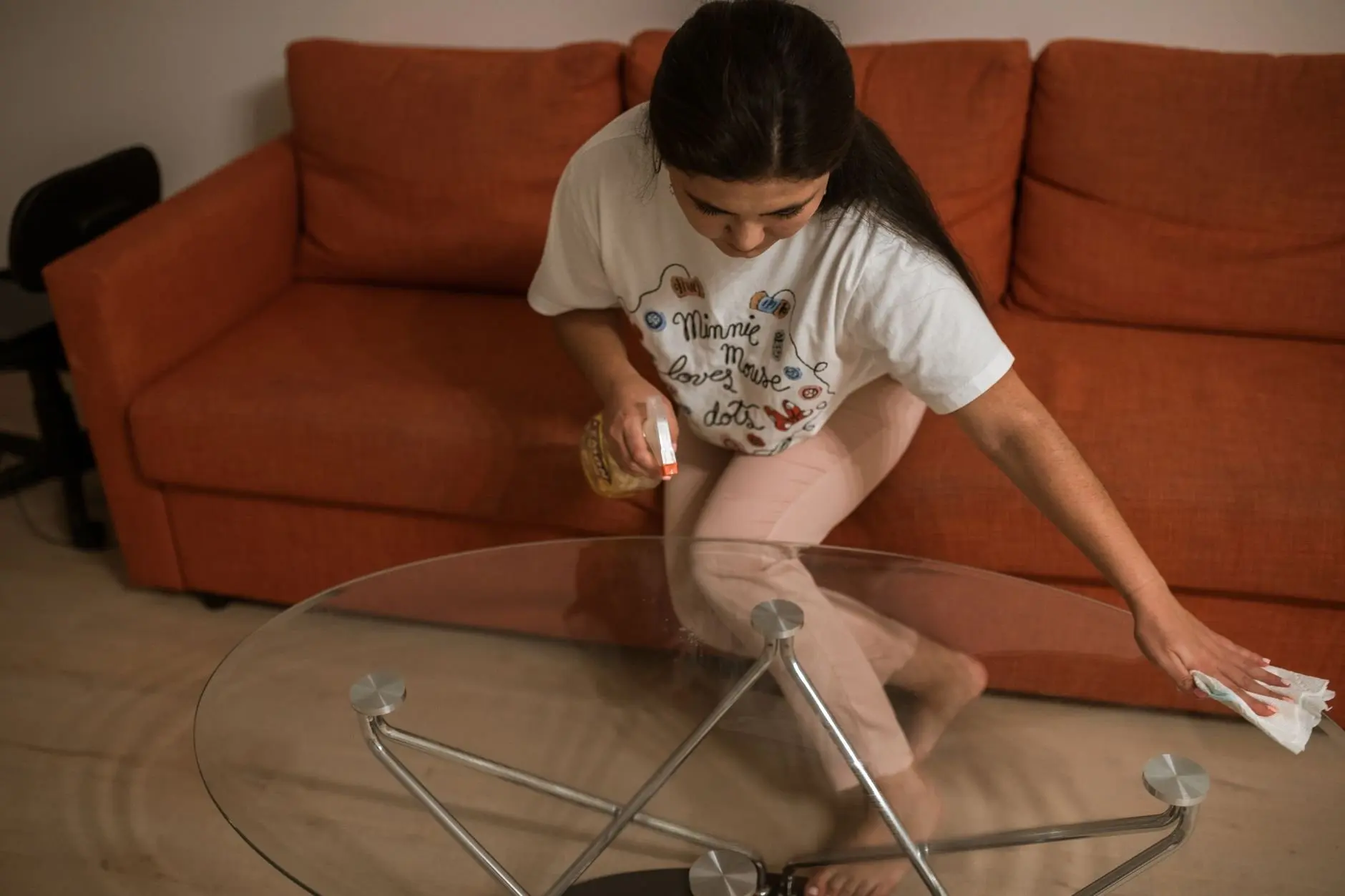
Counters and tables are large enough that a wipe can dry before the contact time ends. Use more than one wipe if needed and keep the whole area visibly wet. Clear crumbs and visible grime first, so the disinfectant reaches the surface itself.
Once the house is done, the devices need a different hand.
Electronics: what the maker and the label allow
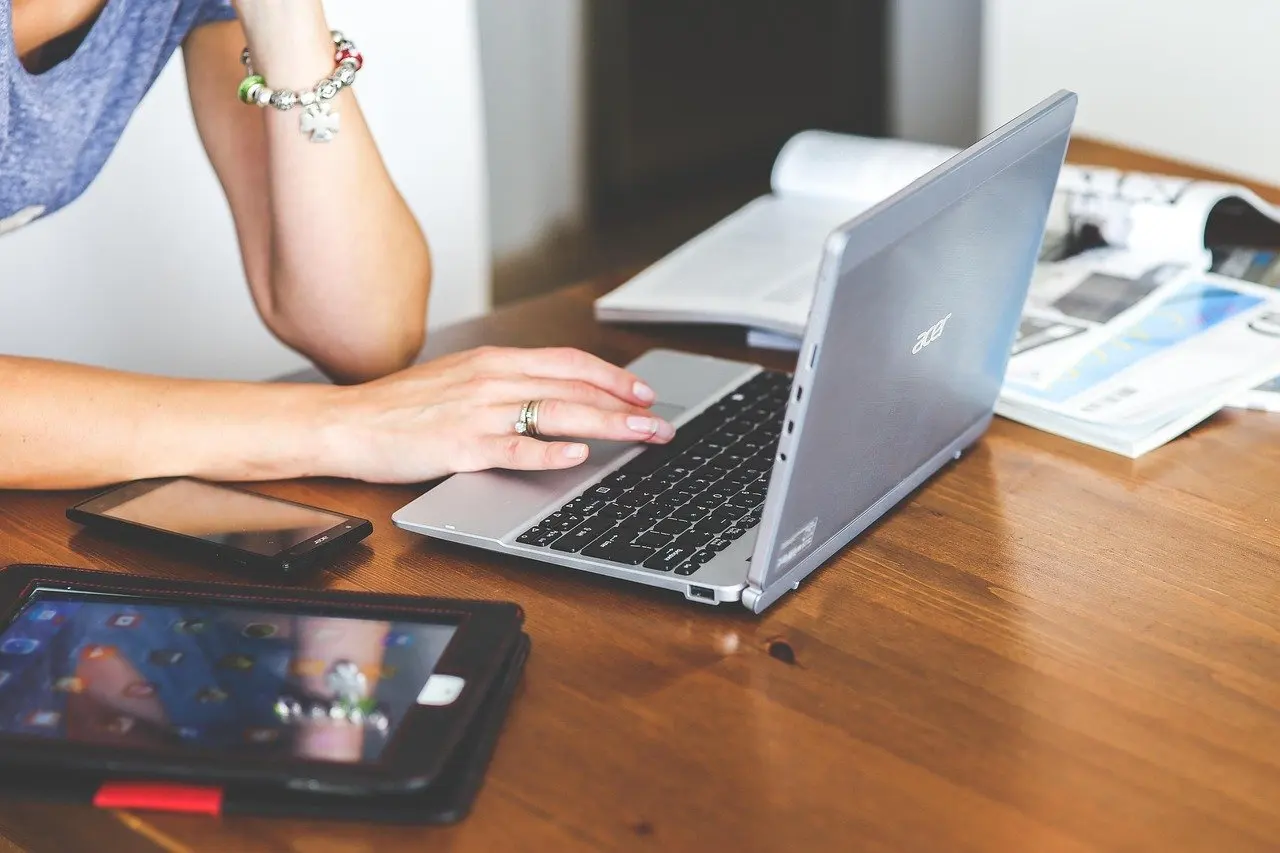
Disinfecting wipes and electronics are the point where advice splits. Clorox presents its wipes for hard, nonporous surfaces such as keyboards, trackpads, monitor frames and device casings. Cornell takes the opposite line: do not use Clorox, Lysol or other disinfecting wipes or household cleaning products on laptops or other devices.
Do disinfecting wipes kill germs on electronics?
Used as directed on a suitable surface, they are meant to, provided the surface stays wet for the label contact time. The risk is damage rather than ineffectiveness. Cornell warns that these products can strip the coating off surfaces, making them more prone to collecting dirt and grime and leaving a sticky texture.
The practical decision follows the device. Where the manufacturer permits wipes on casings and keys, a wipe is a reasonable tool for those hard parts. Where the maker or your institution rules wipes out, switch to the alcohol method below. For a deeper walk-through of keys and crumbs, see how to clean a keyboard.
Disinfecting with isopropyl alcohol
Cornell’s mix is isopropyl alcohol (90%) diluted 50:50 with filtered or distilled water in a spray bottle. The steps stay the same for most handheld devices and laptops.
- Power off the device and unplug it if it is mains-powered.
- Spray the mix onto a microfiber cloth or swab. Cornell is explicit that cleaner should never be sprayed directly onto equipment.
- Check the cloth. It should be damp, not wet.
- Wipe the frequently touched areas, including edges and the back of the device.
- Let all surfaces dry completely before powering on or reassembling.
Screens
Screens are the part most easily harmed. Cornell names LCD screen cleaner as the preferred option for laptop screens, so the isopropyl mix and wipes are better kept to casings and keys. For televisions, Clorox cautions that TV screens can be delicate and tells owners to check the TV manufacturer’s instructions before applying any product directly to the screen, after turning the set off and unplugging it.
Ports and openings
Ports are where liquid does the worst harm. Cornell says not to insert any damp object into a port and not to spray compressed air directly into one. Work up to the edge of an opening with a lightly dampened swab, never into it.
Contact time and drying
A surface stays wet for the contact time printed on the product label, and then it may air dry. Clorox states that surfaces must remain wet for the contact time listed on the label before air drying, and calls this wet contact time essential for the disinfectant to work effectively.
This is why a quick swipe is not disinfecting. If the wipe dries in seconds on a warm, smooth surface, the wet period has been cut short and the surface needs another pass. Treat the label figure as the minimum wet period for that product, and read it for each product separately. The comparison in disinfecting wipes vs sanitizing wipes explains why labels for different wipe types should not be assumed identical.

Electronics add a second wait. With the alcohol method, drying is a safety step as well as a germ step: Cornell says to let all surfaces dry completely before reassembling the device. Do not power on a device until it is dry, even if the contact time has long passed.
Seasonal and weekly routine
Frequency can follow the calendar. Clorox suggests that for most home electronics, cleaning once a week helps remove dust, fingerprints and everyday buildup. During cold and flu season or periods of heavy use, it says, increasing cleaning and disinfecting of electronics can help.
- Ordinary weeks: keep to the weekly clean for devices, with handles and switches wiped as part of general household upkeep.
- Cold and flu season: add disinfecting passes on the most shared items, such as door handles, light switches, remotes and tablets.
- Periods of heavy use: shared keyboards and touchscreens get picked up and handled more, so schedule them earlier in the cycle.
Handwashing remains the base layer. Fewer contaminants carried to a surface means less for any disinfectant to do.
Frequently asked questions
Can regular glass cleaner be used on a monitor?
Clorox does not recommend it, because regular glass cleaner can damage the screen’s protective coating. Use the maker’s advice or an LCD screen cleaner instead.
Do disinfecting wipes remove fingerprints from screens?
No. Clorox says its disinfecting wipes are intended for disinfection, not for smudge or fingerprint removal on screens.
Why do tablets deserve extra attention?
Clorox describes tablets as high-touch devices passed between hands frequently, so they collect more contact than a device used by one person.
Should a phone case stay on while disinfecting?
No. Cornell advises powering off the device and removing any case, then cleaning the inside and outside of the case, paying special attention to frequently touched areas.