| Symptom | First action | Planning use |
|---|---|---|
| Cable sits loose in the port | Look inside with light from an angle for dust, lint or other debris | A loose fit can point to debris, so inspect before replacing the cable. |
| Phone charges poorly or not at all | Power off fully, wait about 30 seconds, then clear debris with a non-metal tool | Debris blocking the port is a listed cause of charging problems, so it is a sensible first check. |
| Visible lint or fibres | Scrape toward the opening with a wooden toothpick, or use a dry soft-bristled brush | Work outward so lint leaves the port instead of packing deeper. |
| Sticky residue | Avoid liquid cleaners; isopropyl alcohol is the only exception the guidance allows | Treat liquid as a last resort, because water in the port may corrode the pins. |
| Moisture visible in or around the port | Check with a flashlight before putting any tool in | Moisture is a reason to hold off on scraping and brushing. |
| Still no charge after cleaning | Try an official cable and check battery health | Maximum battery capacity below 80% may mean the battery, not the port, needs attention. |
| Corroded or bent contacts | Stop cleaning | These usually need professional maintenance. |
These figures come from a phone-port cleaning guide and an iPhone charging troubleshooting guide.
How to clean phone charging port debris: power the phone fully off, then lift lint outward with a wooden toothpick or dry soft-bristled brush. Never use metal or sharp tools, and keep liquids out.
The port is one part of a bigger routine, set out in the guide on how to clean a phone. The glass is a separate job, covered in how to clean a phone screen.
Why a charging port stops working properly
Lint in a charging port is a common and fixable reason for a phone that charges badly. An iPhone charging troubleshooting guide lists dirt or debris blocking the charging port among the usual causes of charging problems. A port-cleaning guide adds that a cable fitting loosely may indicate dust, lint or other debris has built up inside the interface.

Matching the symptom to the fix saves effort:
- Cable feels loose or does not seat fully. Debris inside the port is the likely culprit, so inspect and clean the port before buying a new cable.
- Charging is unreliable with an official cable. The port is still a suspect, but battery health and moisture are worth checking too, as covered below.
- Visible fibres or dust at the opening. This is the straightforward case, and a non-metal tool and a dry brush are enough.
The same logic applies to USB-C and Lightning ports. Both are small openings that collect whatever the phone carries around.
Powering off and inspecting the port
Inspection comes before any tool touches the port. Start by switching the phone off completely, because the cleaning guide specifies fully powered off rather than locked or in sleep mode. It then advises waiting about 30 seconds so the residual charge in the circuit is gradually released.
Using angled light
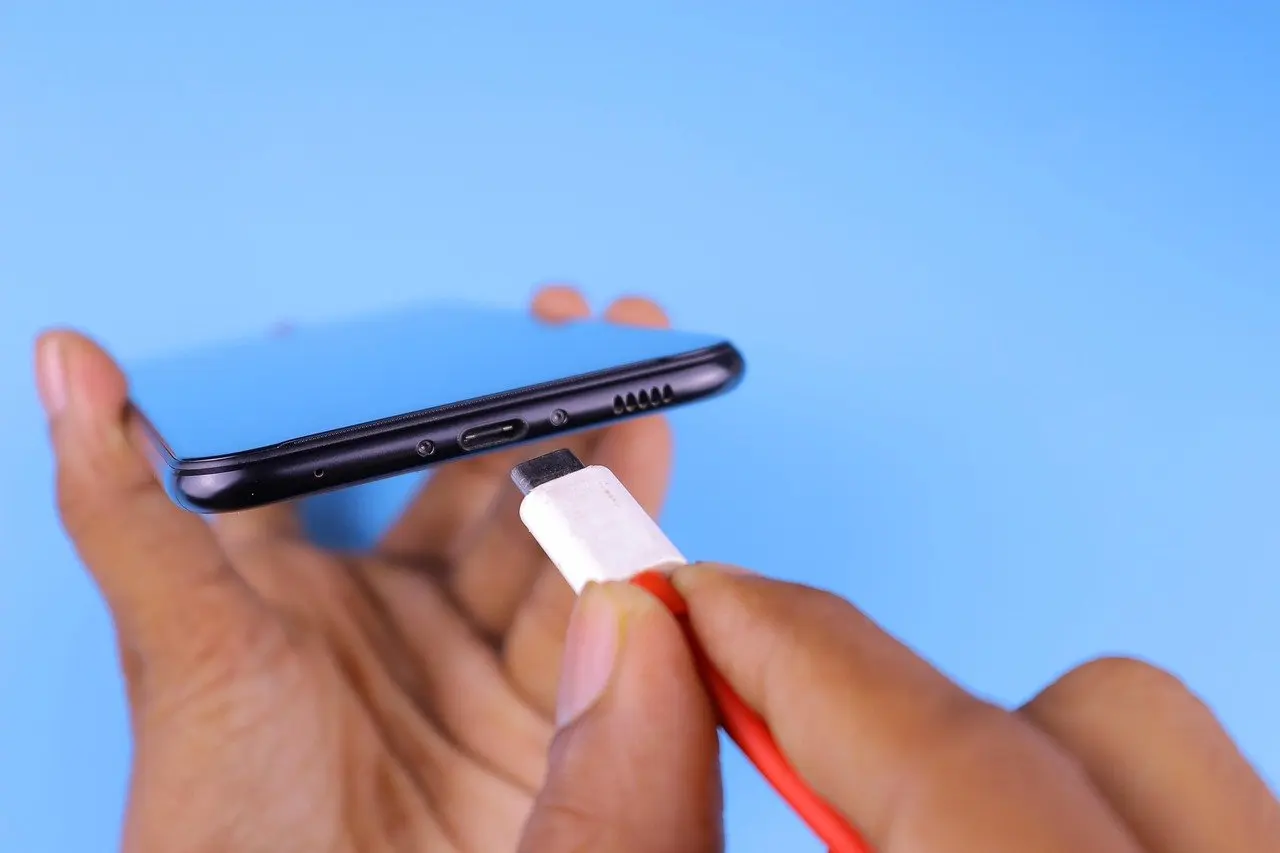
Shine a light into the port from an inclined angle, using magnification if needed. A flashlight works for this. The angle matters because light shining straight in can miss lint packed against the walls of the opening. Look for compacted fibres, dust and any contact that looks bent or discoloured.
Checking for moisture
The iPhone troubleshooting guide also suggests checking for signs of moisture around the charging port with a flashlight. Moisture changes the plan. Water entering the interface may corrode the pins, so wet ports are not the moment to start scraping or brushing.
Choosing a safe tool
A non-metal tool is the rule for every phone port, whatever the connector. The iPhone guidance says to avoid anything metal or sharp that could damage the port’s internal components, which rules out pins, needles and paperclips.
Wooden toothpick
Wooden toothpicks are a common choice because, according to the port-cleaning guide, they are non-conductive and softer than the metal contacts. They suit packed lint that a brush will not shift. The toothpick should be used to scrape slowly toward the opening of the port, so dust and fibres come out rather than being pushed further inside.

Soft-bristled brush
A soft-bristled brush is the gentler alternative for loose dust and surface lint. The same guide recommends three to four brush insertions to gradually move debris toward the opening. The bristles must stay dry, since water entering the interface may cause corrosion of the pins. The iPhone guide likewise lists a toothpick or soft brush for gently removing lint, dust or debris.
Compressed air
Compressed air is the option with the most ways to go wrong, so technique matters. The cleaning guide says to keep the air tank vertical and to make short bursts from at least a few inches away. Holding the can at an angle or spraying at close range departs from that advice.
Removing lint step by step
Work through the sequence below in order. Stop and reassess if anything feels like it is resisting.
- Confirm the phone is fully off and has rested after shutdown, as described above.
- Inspect the port with angled light to see where the lint sits.
- Slide the wooden toothpick gently along the inside of the port, scraping toward the opening rather than pushing debris deeper.
- Or, for loose dust, insert the dry soft-bristled brush three to four times to move debris toward the opening.
- Lift out any loosened lint, then look in again with the light.
- Plug in a cable and watch for the charging prompt sound or vibration that indicates normal charging.
The toothpick gets the most use for lint. Pressing it against the walls is unnecessary; light contact that lifts the fibres outward is the aim. Avoid probing at the contacts themselves, since a bent contact is the kind of damage that sends a phone to a repair shop.
Isopropyl alcohol and other liquids
Alcohol is not the default for a charging port. The port-cleaning guide recommends not using liquid cleaners such as isopropyl alcohol, with sticky stains as the exception. Dry lint therefore calls for dry tools only.
The same guide warns that water entering the interface may corrode the pins, and that is the reason to keep liquid out of the port. Sticky residue is the only case where liquid is even discussed, so a port with dry lint, dust or fibres should never need it.
Cleaning a Lightning port or a USB-C port
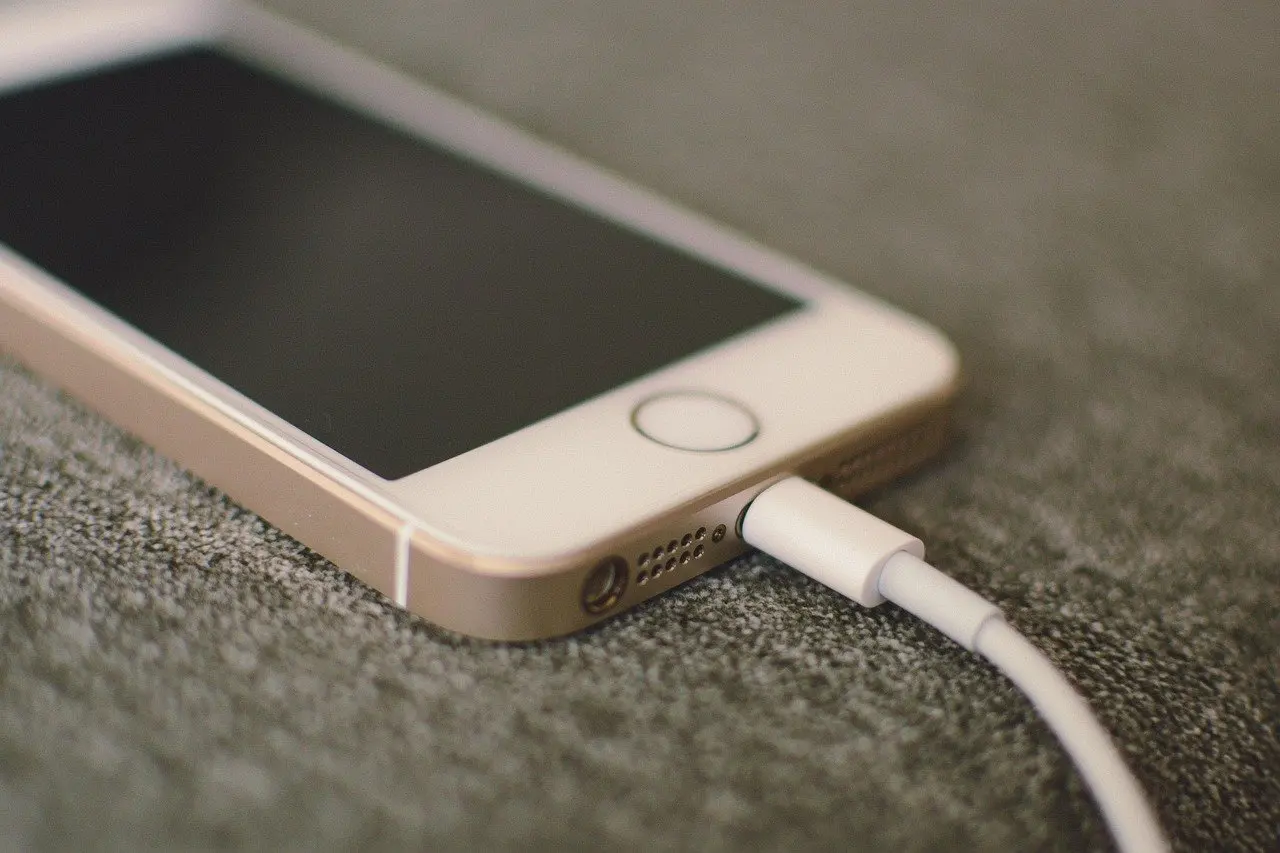
The method for an iPhone Lightning port is the one already described: a toothpick or soft brush used gently to remove lint, dust or debris, with nothing metal or sharp, per the iPhone troubleshooting guide. Power the phone off first and look under angled light before starting.
For a USB-C port on an Android or other phone, the guidance is general rather than connector-specific. Use the same non-conductive toothpick or dry brush, scrape outward and avoid liquids. The broader routine for the handset is in the guide on how to clean an iphone.
When testing afterwards, the iPhone guide suggests an official Apple Lightning or USB-C cable, which separates a cable fault from a port fault.
When cleaning does not fix the charging fault
A clean port that still will not charge points elsewhere. After cleaning, the phone should emit a charging prompt sound or vibration feedback when a cable is connected, according to the cleaning guide. If that prompt does not appear, work through the remaining checks in this order:
- Swap the cable. Try an official cable to rule out a worn one.
- Look for moisture. Use a flashlight around and inside the port before charging again.
- Check battery health. On an iPhone, a Maximum Capacity below 80% may mean the battery needs replacement, per the troubleshooting guide.
- Stop if contacts look damaged. Corroded or bent contacts usually require professional maintenance, so further scraping will not help.
Frequently asked questions
| Question | Answer |
|---|---|
| Why is my phone not charging properly? | Debris blocking the port is a listed cause, and a loose cable fit can signal lint inside. Cables, moisture and battery health are the other checks. |
| Does the same method work for USB-C and Lightning? | Yes. Both call for a power-off, angled light, a non-metal tool or dry brush, and scraping outward without liquids. |
| Is it safe to push a toothpick deep into the port? | No. Scrape toward the opening rather than pushing debris further in, and avoid anything metal or sharp. |