| Phone part | Manufacturer-backed approach | Planning use |
|---|---|---|
| Screen and glass, ceramic or metal body | Dry, soft, lint-free microfiber cloth; Samsung limits its instructions to these surfaces only | Use for routine wipe-downs. Stop and check the maker’s page when the surface is anything else. |
| Charging port and speaker grille | Keep liquid away; no compressed air, shedding cotton swabs, paper towels or sharp tools | Treat openings as no-spray, no-probe zones and wipe only the surface around them. |
| Camera lens | Camera lens cleaning cloth, which Samsung calls gentle | Reach for the lens cloth before anything damp. |
| Disinfecting | Alcohol solution with more than 70% ethanol or isopropyl alcohol, or hypochlorous acid at 50-80ppm, applied to a microfiber cloth | Reserve for sanitising, not for everyday dust and smudges. |
| Phone case | Remove it every time you clean; leather, fabric and wood need material-specific care | Clean the case on its own terms, separate from the phone. |
These limits come from Samsung’s phone cleaning instructions and a phone-disinfecting guide from Tryhypo.
Learning how to clean a phone safely starts with powering it down, unplugging it and using a soft, lint-free microfiber cloth, with any liquid applied to the cloth rather than the device. Each part below has its own limits.
Phone makers write cleaning instructions for specific materials, so the most reliable way to organise the job is by part rather than by product. The sections below run through preparation, the screen and body, ports, the camera lens, water and soap, disinfecting and cases. If the open question is which products to buy, what to use to clean a phone compares the options, and a phone cleaning kit gathers the basic tools in one place.
Before you start: power, tools and scope
Every method on this page begins the same way. Samsung says to make sure the device is powered down and unplugged from any power sources before starting, and Tryhypo’s guidance adds that the case should come off and the phone should be turned off if possible. Treat this as a fixed first step, not an optional extra, whatever cloth or cleaner you plan to use.
Choosing the cloth
Samsung describes a lint-free, soft microfiber cleaning cloth as ideal for cleaning a device. The words lint-free matter in practice: a cloth that sheds fibres leaves debris on the glass and is the wrong tool around openings. A plain, clean microfiber cloth handles most of the jobs in this guide, and it is the cloth that any liquid should be applied to when a step calls for moisture.
A camera lens cleaning cloth is the other piece worth owning. Samsung says these are gentle and will not damage the device, which makes them a safe second option for the glass parts of a phone when a microfiber cloth is not to hand.
Knowing what the instructions cover
Samsung’s cleaning instructions are recommended for the glass, ceramic and metal surfaces of a phone only, and the company warns that accessories made of plastic, rubber or leather may be damaged by them. That is a real boundary. A rubberised grip, a leather folio or a plastic frame is outside what the instructions were written for, so the safe move is to treat those parts separately and look up the accessory maker’s advice.
Other manufacturers publish their own model-specific pages, and where a maker’s page for your exact handset differs from the general advice here, the maker’s page wins. For Apple handsets, the step-by-step guide on how to clean an iphone follows that same approach for a single device family.
Screen and body
The screen and body of a phone are the easiest parts to clean and the easiest to damage through overenthusiasm. The supported approach is gentle: soft cloth, minimal moisture, no abrasive materials.
Start with a dry wipe
Because Samsung names the dry microfiber cloth as its ideal tool and says to avoid getting excess moisture onto the device, a dry wipe is the logical first pass. It lifts surface smudges without introducing any liquid at all, and for a phone that has only been handled with clean hands it may be all that is needed. Move on to a damp cloth only when the dry pass leaves marks behind.
For a deeper walk-through of the display itself, the dedicated guide on how to clean a phone screen goes through the routine in more detail.
When the cloth needs moisture
CleanMy Tech describes the right dampness precisely: the cloth should be barely moist, not wet enough to drip. That standard is a useful test. If liquid could run off the cloth when it is held up, it is too wet for a phone. Samsung’s own instruction to apply any liquid solution to the microfiber cloth instead of the device points the same way: moisture travels on the cloth, and the phone itself is never sprayed.
Materials to keep away from the glass
Paper towels are a common household shortcut and a poor choice. According to the same CleanMy Tech guide, the wood-pulp fibres in paper towels are abrasive at a microscopic level. Tryhypo also lists paper towels among the items to avoid near ports and grilles. Tissues, kitchen roll and rough cloths belong in the same category, since the point of microfiber is to be soft.
Marks that were already on the glass before cleaning are a separate problem. The guide on how to remove scratches from phone screen covers what is realistic there, and it is worth reading before reaching for any polish or abrasive.
Charging port, speaker grille and other openings
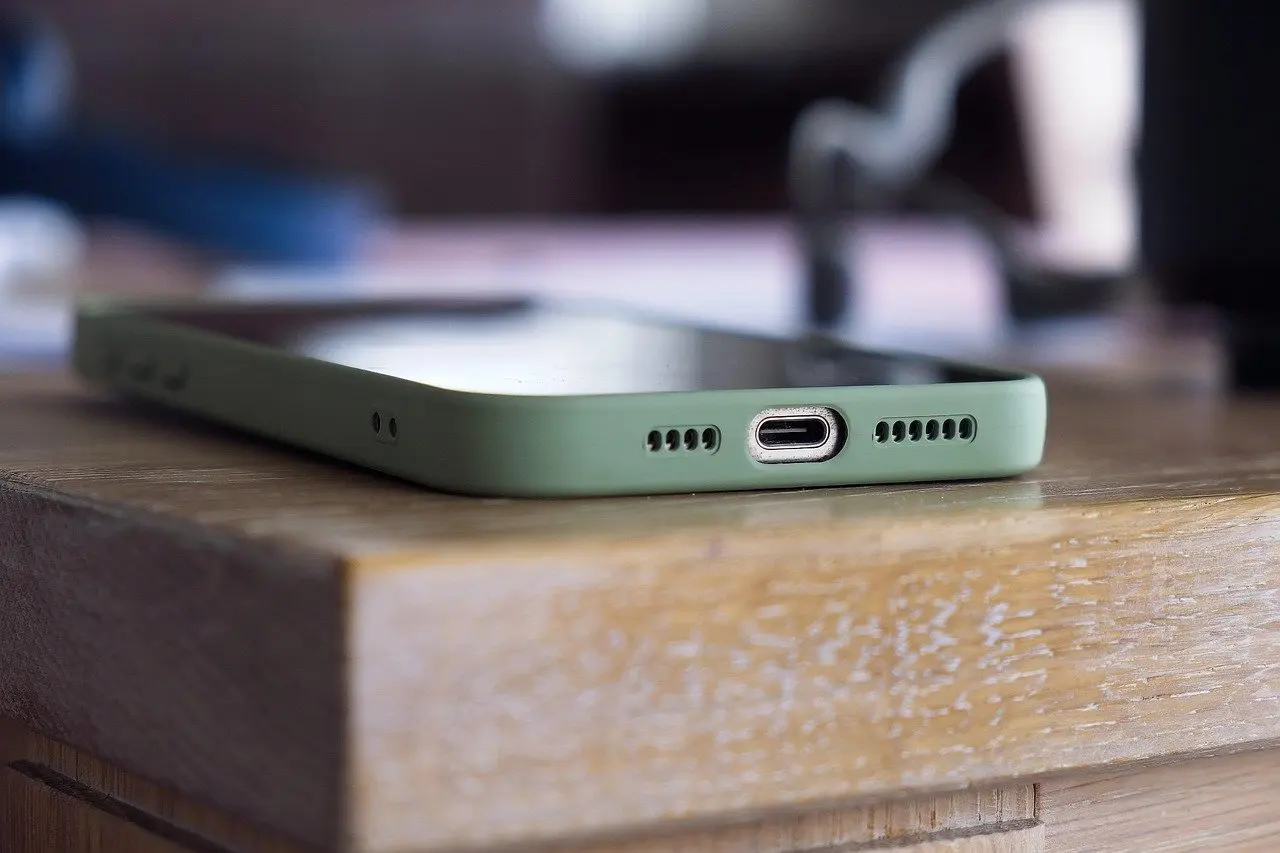
Openings are where the manufacturer advice and the practical risk are most closely tied. Samsung says to avoid excess moisture on the device, and Tryhypo is blunt about where that matters most: the charging port, speaker grilles, microphones, SIM tray and headphone jack are not places to spray, soak or probe.
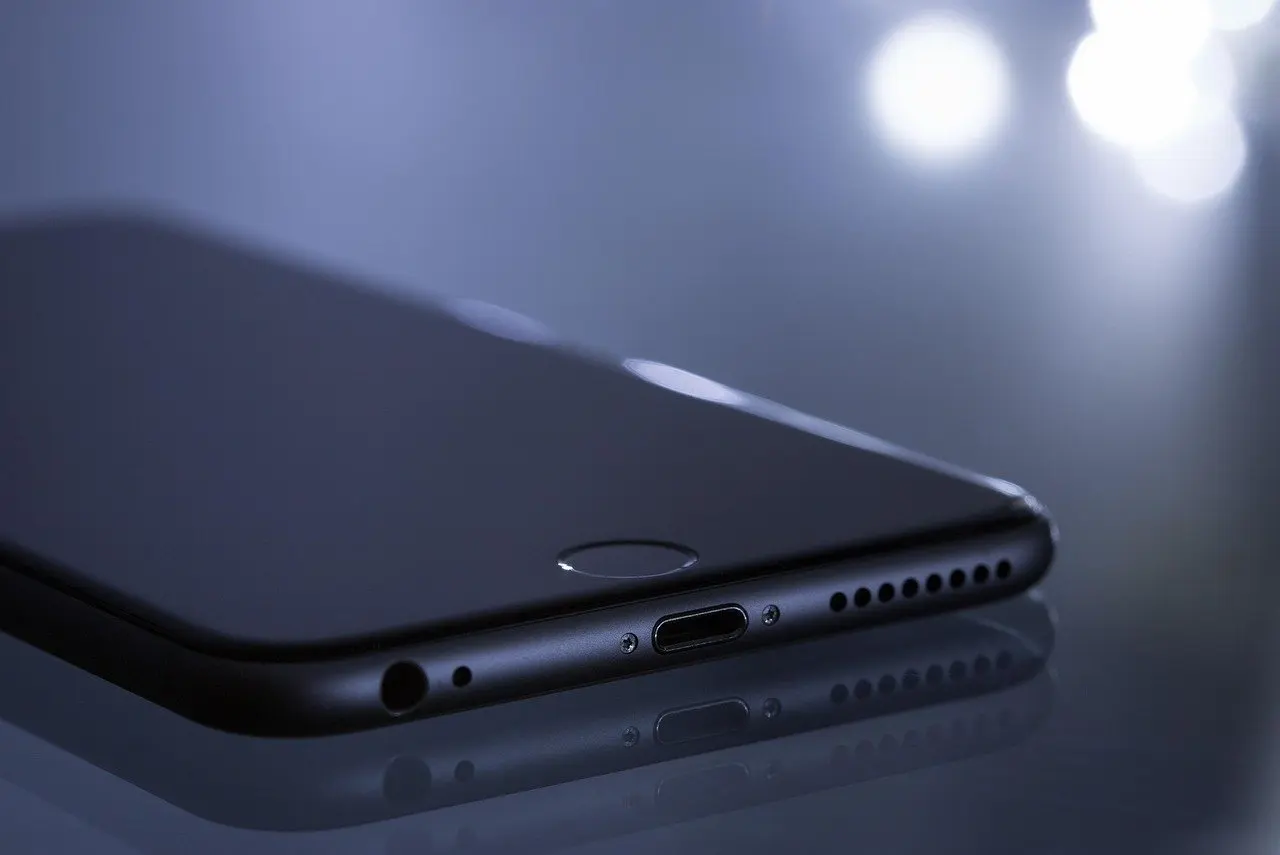
How to clean a phone charging port safely
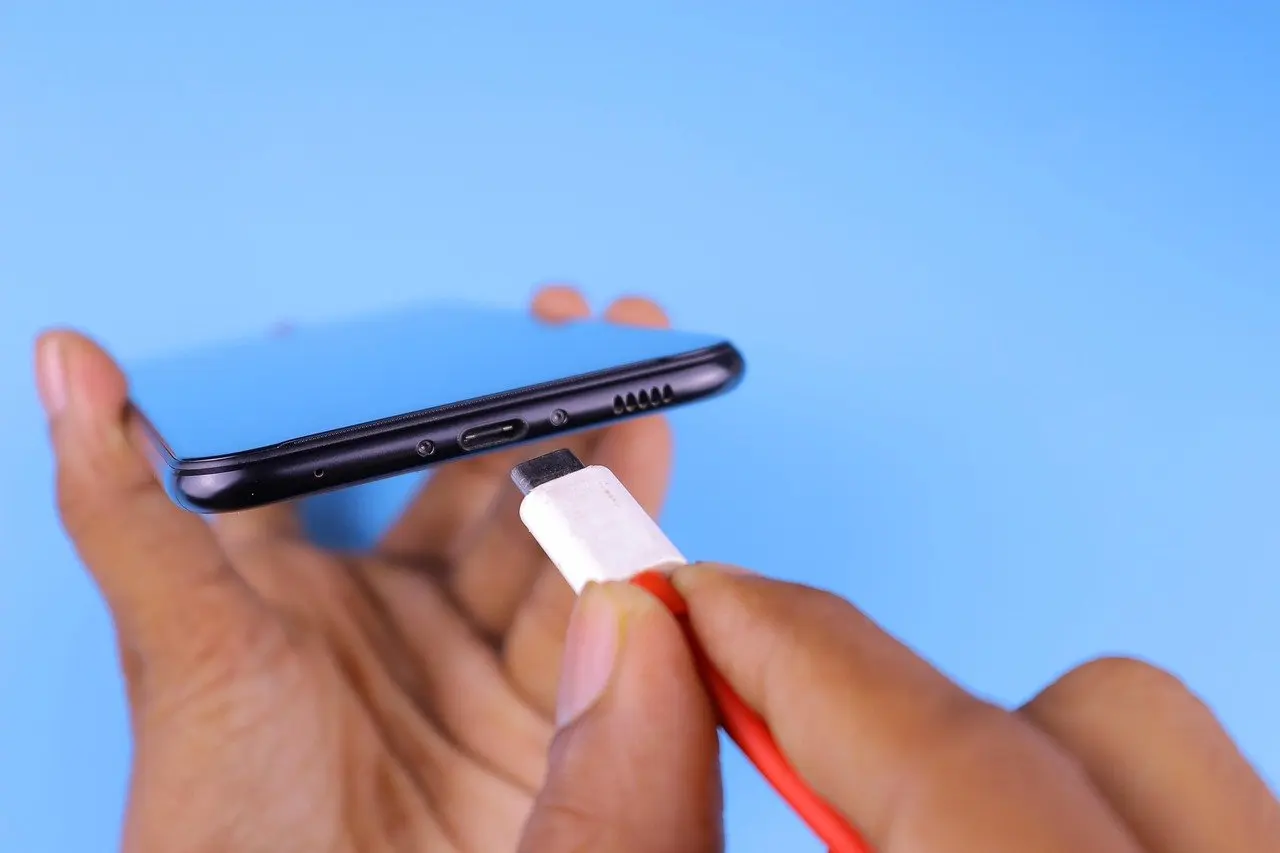
The safe sequence is short. Power the phone down and unplug it, as Samsung directs. Keep every liquid, spray and cleaning wipe away from the port. Wipe the surface around the opening with a dry microfiber cloth and leave the inside of the port alone unless debris is actually causing a problem.
Tool choice matters as much as liquid. Tryhypo advises against compressed air, cotton swabs that shed fibres, paper towels and sharp tools around ports and grilles, and Samsung separately says to avoid cans of compressed air because they may damage the surface of the device. A pin or needle is a sharp tool in this sense, so the tempting improvised fix is also on the avoid list. When lint has built up and needs removing, the step-by-step guide on how to clean phone charging port is the better place to follow a procedure than improvising.
Speaker grille and microphones
A speaker grille is a mesh of tiny holes, and the same rules apply: no liquid, no probing, no fibre-shedding swabs. The practical approach is to clean the surface around the grille with the dry cloth and accept that the grille itself is a part of the phone to protect rather than scrub. Microphone openings, the SIM tray and the headphone jack fall under the same caution.
Earbuds and their cases have their own mesh and crevices, and they are best handled separately. The guide on how to clean earbuds covers them without mixing their needs into the phone routine.
Camera lens
The camera lens is the part where a clean surface pays off most visibly in photos, and it is also a glass surface that dislikes abrasion. The most clearly supported tool is a camera lens cleaning cloth. Samsung states that these cloths are gentle and will not damage the device, so a lens cloth is a safe default for the lens even when you are unsure about the rest of the cleaning kit.
If a lens cloth is unavailable, a clean microfiber cloth is the next choice, since it is the cloth Samsung names as ideal for the device. What to avoid is the usual culprit: paper towels, whose wood-pulp fibres CleanMy Tech describes as abrasive at a microscopic level. Wipe gently, keep any liquid off the lens surface and away from the edges around it, and give the cloth a fresh, clean area as it picks up smudges.
Treat the lens as a quick, frequent job that needs no product. Its simplicity is the reason to keep a dedicated lens cloth in a bag or desk drawer rather than relying on a sleeve or shirt hem.
Water, soap and IP ratings
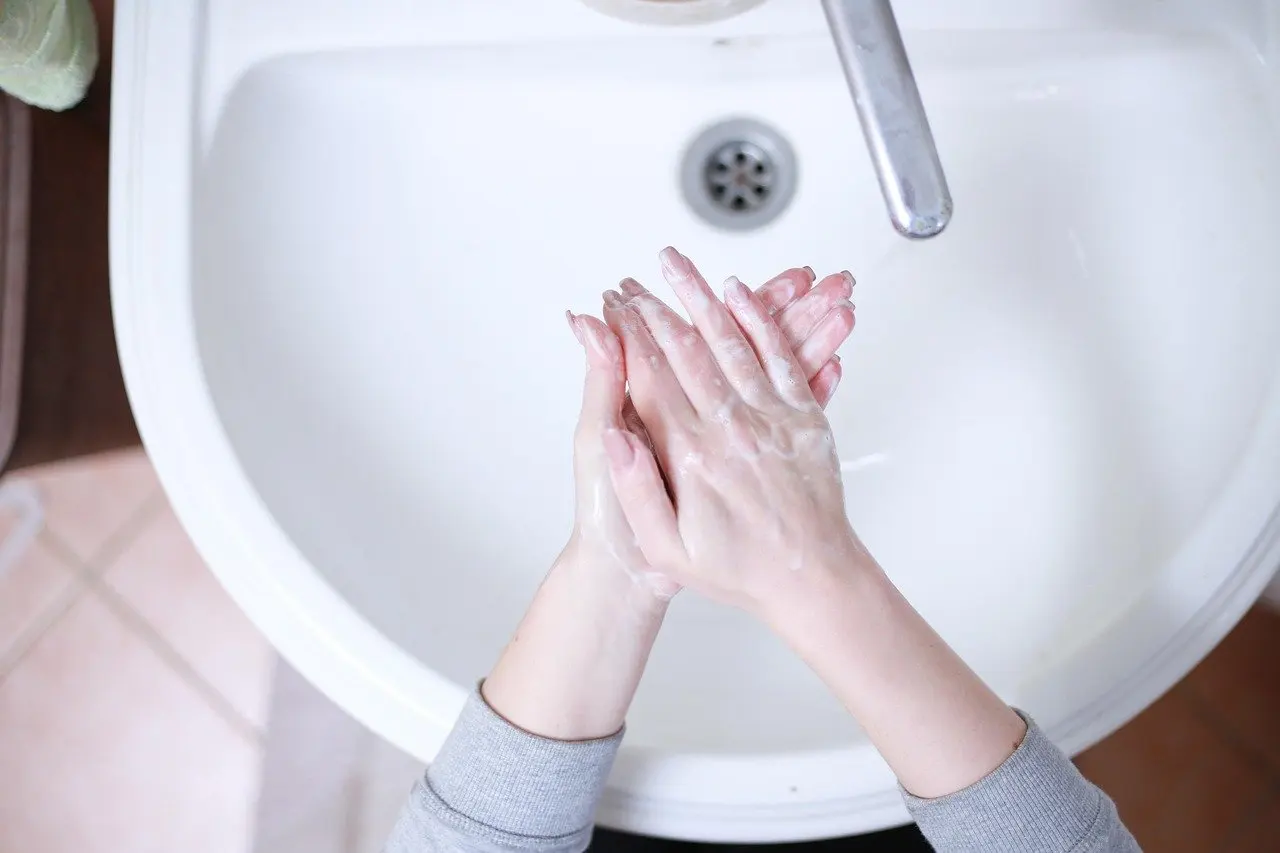
Can you use soap and water on a phone? Not in any amount that makes the phone wet. Samsung says to avoid excess moisture on the device, and the cloth technique described by CleanMy Tech keeps the cloth barely moist rather than wet enough to drip. Both point to the same limit: moisture stays minimal and stays on the cloth. The full reasoning is in the guide on whether you can clean a phone with soap and water.
What an IP rating does and does not mean
An IP water resistance rating describes how a phone copes with water. It does not describe how it copes with cleaning products. Tryhypo puts the point in a few words: water-resistant does not mean cleaner-proof. A phone that has a rating is therefore not a licence to spray, soak or rinse it with detergents, disinfectants or other liquids.
The practical decision is simple. A rated phone and an unrated phone follow the same cleaning routine, and the rating is best viewed as protection against accidents rather than permission for liquids you choose to apply.
Disinfecting without damaging the phone
Disinfecting is a different job from cleaning, and it is the stage where phone owners most often reach for the wrong product. The supported options are narrow, and the instructions for using them are as important as the choice of liquid.
Solutions the manufacturer names
Samsung names two disinfectant types, each with a strength:
- Alcohol-based solution: containing more than 70% ethanol or isopropyl alcohol. This suits anyone who already has a suitable alcohol product and wants the simplest route.
- Hypochlorous acid-based solution: containing 50-80ppm. This suits a household that prefers a non-alcohol option and can confirm the strength on the label.
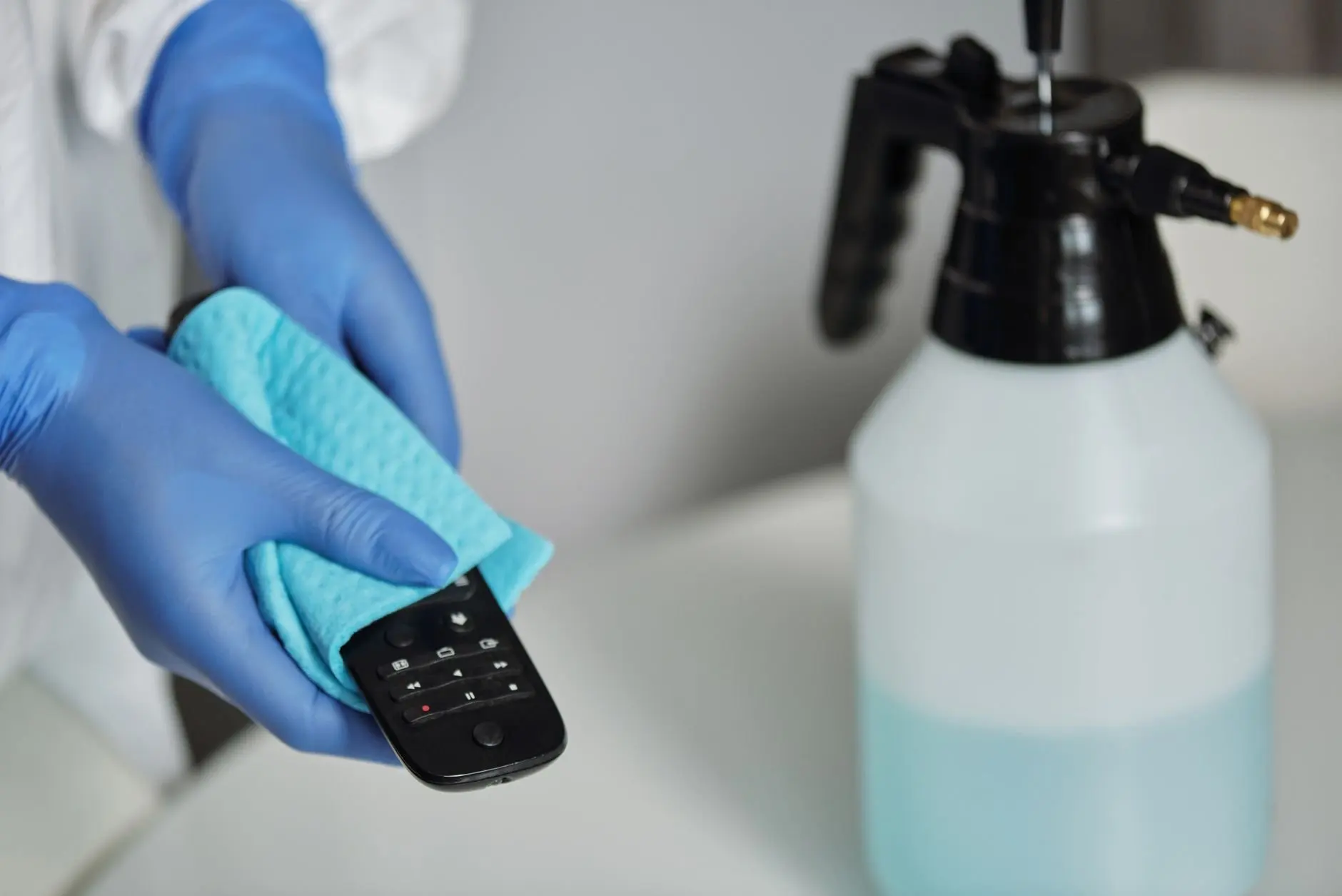
Samsung also says not to apply these liquids directly to the device. They should be carefully applied to a microfiber cloth instead. This instruction does most of the damage prevention: the cloth acts as a metering device, so liquid never pools near an opening.
Tryhypo adds that the surface usually needs to remain visibly wet for the contact time stated on the product label. That is the reason to read the label before buying or using a product, since contact time is set by the product and not by general habit.
Products to skip
Samsung says not to use spray bleach on the device. Tryhypo’s avoid list is longer: bleach, hydrogen peroxide products not approved for electronics, abrasive powders, glass cleaner and degreasers. Household glass cleaner is the one most likely to be tried by mistake, because it is designed for glass and sits near the phone-sized microfiber cloths in many homes. The advice here is to leave it in the cupboard.
Questions about cupboard liquids come up often. Whether you can use alcohol wipes on a phone is answered separately in can you use alcohol wipes on a phone, and the question of kitchen products is covered by can you use vinegar to clean a phone.
Choosing between a liquid and a device
Some owners prefer a gadget to a cloth. Whether that works is a different question from how to wipe a phone safely, and the full answer sits in does uv phone sanitizer work. For the cloth-and-liquid route, how to disinfect a phone gives the full step-by-step order. The deciding factor is what you already own: if a suitable alcohol or hypochlorous product is on hand, the cloth method needs nothing else.
Phone cases
The case is the part of the phone that gets cleaned least often and is handled most. The supported advice is to take it off. Tryhypo says to remove the case every time you disinfect the device and to clean both its interior and exterior. The inside of a case is where a phone rests, so cleaning only the outside of a case leaves the part that touches the phone untouched.
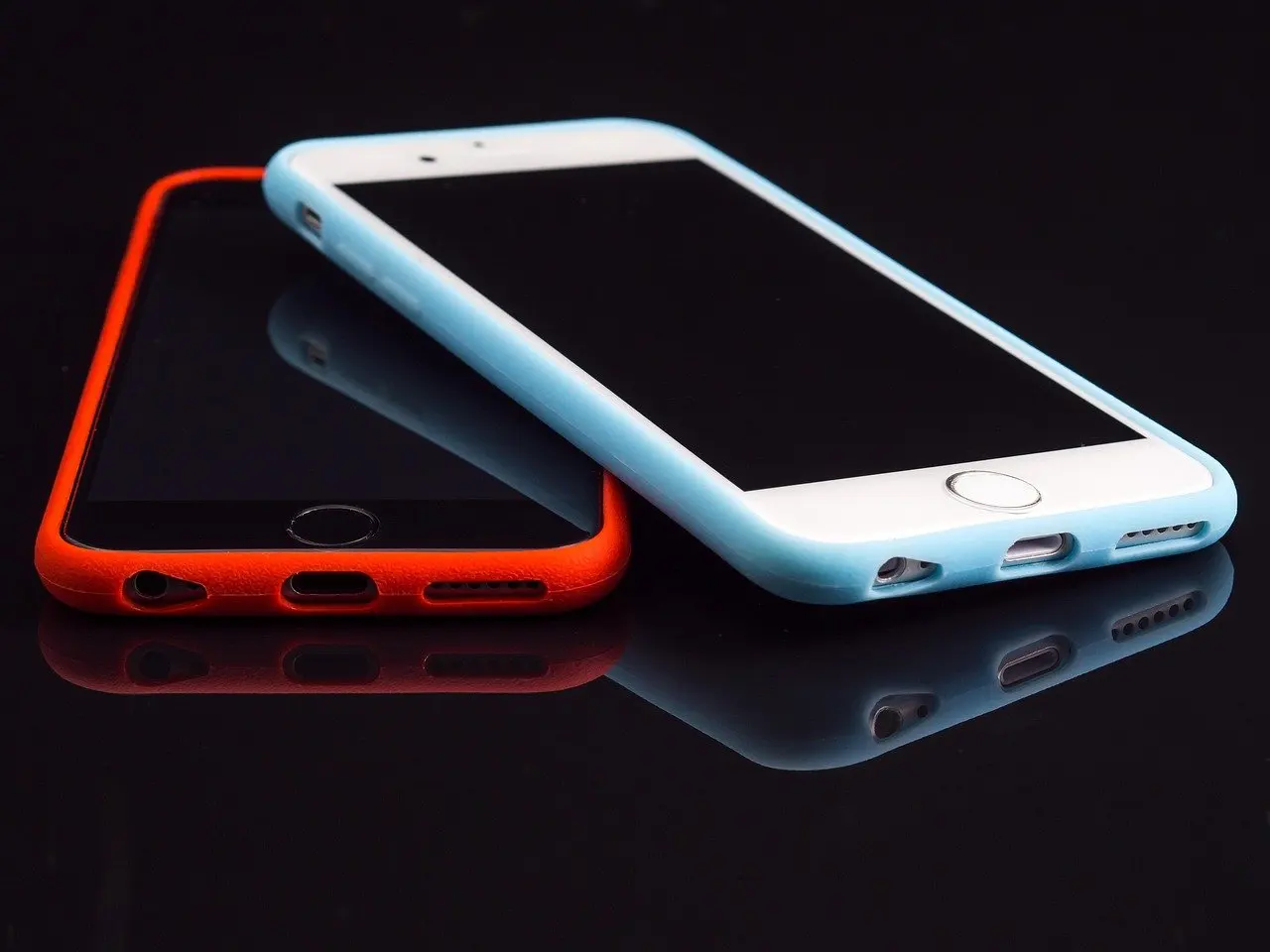
Match the method to the case material
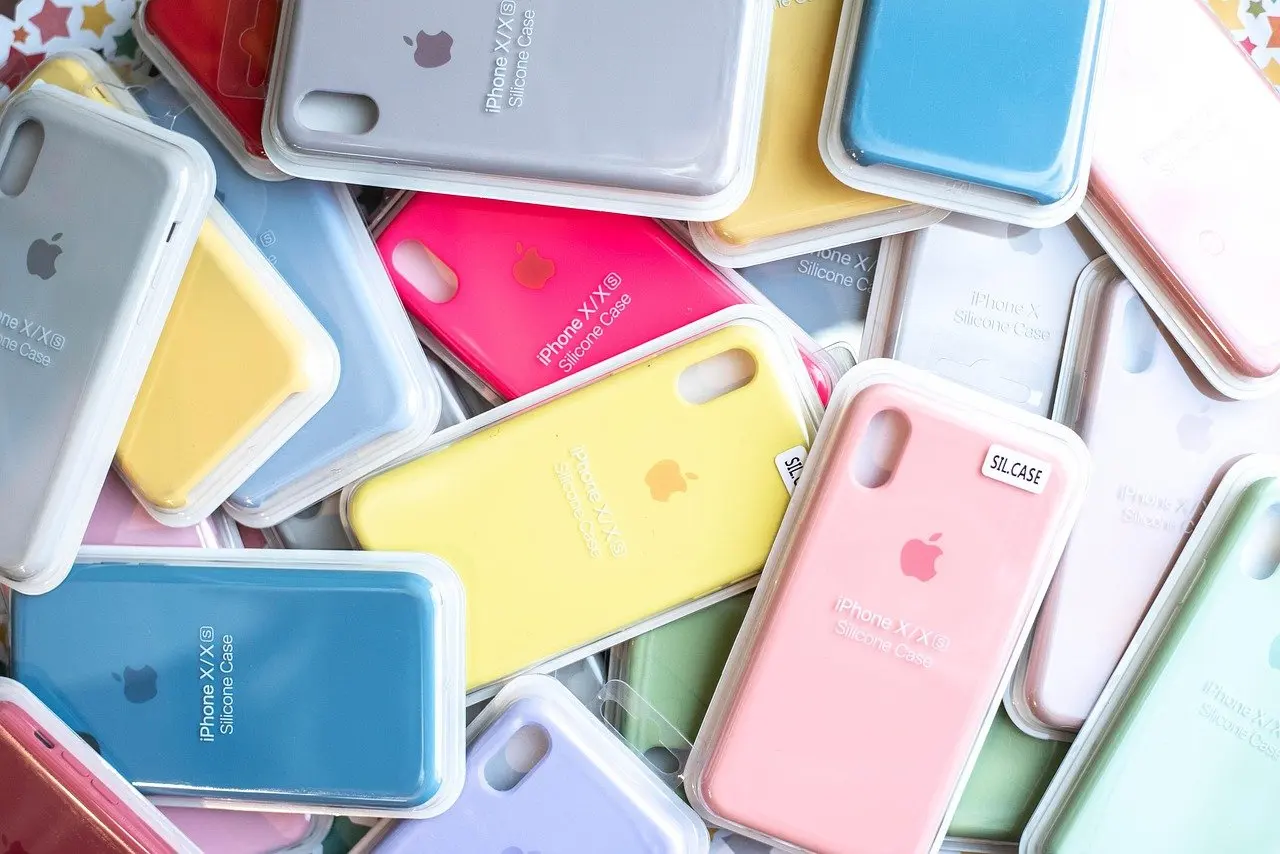
Samsung’s instructions apply to the glass, ceramic and metal of the phone, and the company says accessories made of plastic, rubber or leather may be damaged by them. Tryhypo makes the same point from the case side: leather, fabric, wood and embellished cases need material-specific care. The conclusion is to follow the case maker’s instructions for the case, and not to assume a method that suits the phone’s glass will suit the case.
This is where a one-size-fits-all routine fails. A transparent plastic case, a rubber or silicone case and a leather folio are different materials with different tolerances, and the disinfectants in the previous section were specified for the phone, not for them.
Putting the phone back
Return the case only when both the phone and the case are clean. Putting a clean phone into a dirty case undoes the work, so the order is phone, then case, then reassembly. If a case cannot be cleaned without risk to its material, replacing it is a reasonable decision.
What a manufacturer advises against
The following table gathers the methods Samsung’s instructions steer owners away from, with what each means in practice.
| Method | Samsung’s position | Planning use |
|---|---|---|
| Canned compressed air | Avoid; it may damage the surface of the device | Do not use it to clear ports or grilles. |
| Spray bleach | Do not use on the device | Leave bleach products off every part of the phone. |
| Liquid applied directly | Apply solutions to a microfiber cloth instead | Load the cloth first and wipe with it. |
| Excess moisture | Avoid getting it onto the device | Keep the cloth well wrung and the phone out of sinks. |
| Plastic, rubber or leather accessories | May be damaged by the instructions | Check the case maker’s own care advice. |
| Surfaces beyond glass, ceramic and metal | Instructions are for those surfaces only | Treat other materials separately. |
All of these positions come from Samsung’s support page on cleaning a phone.
Where another manufacturer’s page for your handset says something different, follow that page for that model. The common thread across the guidance gathered here is restraint: soft cloth, minimal liquid, no probing of openings.
Building a routine and avoiding errors
The right frequency depends on how the phone is used, and the guide on how often should you clean your phone lays out the factors. For context on why the question matters at all, how dirty is a cell phone looks at what accumulates on handsets.
The decision rule is straightforward. Use a dry microfiber wipe for routine upkeep, use a barely moist cloth when marks remain, and save a disinfectant for occasions when sanitising is the real aim. For a consolidated list of errors, phone cleaning mistakes collects the most common ones, and most of them come back to the same three habits: spraying the device, probing openings and reaching for rough materials.
Frequently asked questions
How do you clean a foldable phone’s inner display?
CleanMy Tech’s rule for the inner display of a foldable phone is no liquids and dry microfiber only.
Is hand sanitizer a good way to clean a phone?
Tryhypo warns that hand sanitizer may contain moisturizers, fragrance, dyes or thickeners that leave a film on the screen, so a disinfectant meeting Samsung’s listed strengths is the better choice.
What is the coating on a phone screen?
CleanMy Tech describes an oleophobic coating as a thin layer on the screen that repels oils from your fingertips. It is one more reason to use soft cloths and minimal liquid.