| What you see | First action | Planning use |
|---|---|---|
| A mark that smears or wipes off | Wipe with a soft microfiber cloth | This is a scuff or residue. No repair product is needed. |
| A fine line that shows only in angled light | Stop rubbing and leave the glass alone | Treat it as cosmetic. Prevent more damage rather than chase this one. |
| A groove that catches a fingernail | Avoid abrasive polishing | Polishing risks the oil-repellent coating without a promise of removal. Cover it or plan a screen repair. |
| Haze when the screen is off, glare when it is on, on a phone with a protector | Wipe clean once, then check again | If the haze stays, the damage is in the protector. Replace the protector. |
| Cracked glass | Stop using abrasive fixes | Polishing cannot repair a crack. Book a repair or replacement. |
The wipe advice and coating wear come from InAirspace’s glass screen care guide. The protector haze and replacement signs come from Purcell’s guide to replacing screen protectors.
Learning how to remove scratches from phone screen starts with a test: marks that wipe away are scuffs, while a groove that catches a fingernail is a true scratch that polishing is unlikely to cure safely.
Routine upkeep prevents many surface marks, and the full routine is in how to clean a phone. This guide covers the narrower job of deciding what a mark is and which fix carries the least risk to the glass and its coating.
Telling a scuff from a scratch
A scuff sits on top of the surface and a scratch is a groove cut into it. Scratch resistance relates to hardness, meaning how easily sharp objects can mark the surface, according to InAirspace. Anything that has already cut into the glass cannot be wiped off.
The fingernail and angled-light check
Run a fingernail lightly across the mark. If the nail glides over it and the mark fades or moves when you wipe, it is most likely a scuff. If the nail catches, the mark is a scratch. Then tilt the phone under a lamp with the screen off. A fine line that appears only at certain angles is the mildest kind of scratch, and it usually disappears once the screen is lit.
Why the distinction decides the fix
Scuffs need only cleaning, so the risk is low. Scratches tempt people to rub harder or reach for abrasives, and that is where the real damage happens. Deciding early which one you have keeps you from grinding at a mark that a cloth would have removed.
Wiping off scuffs safely
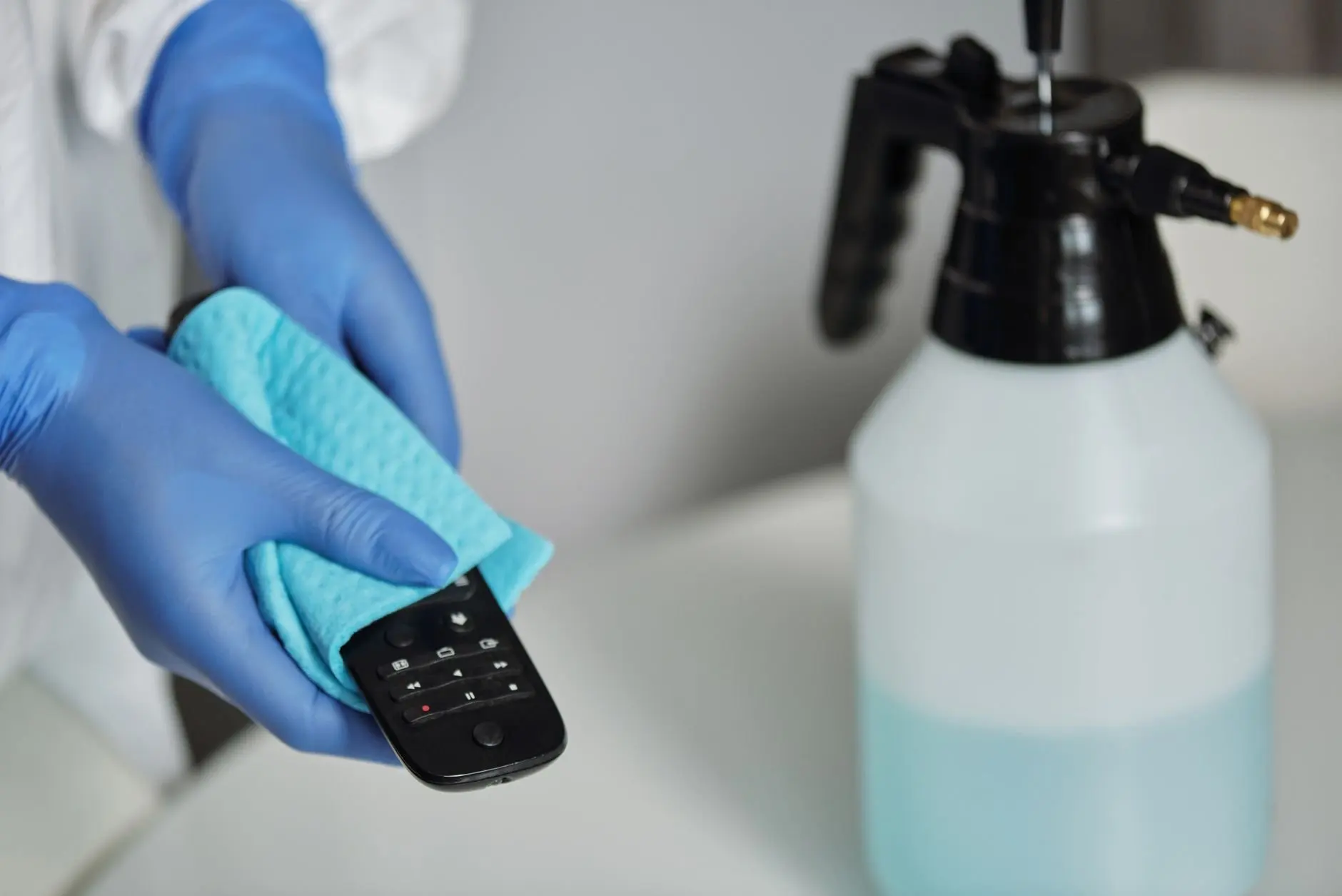
A soft microfiber cloth is the recommended tool. InAirspace advises avoiding tissues, paper towels and rough fabrics, which can cause micro-scratches. Starting with the cloth costs nothing and cannot make a scuff worse.
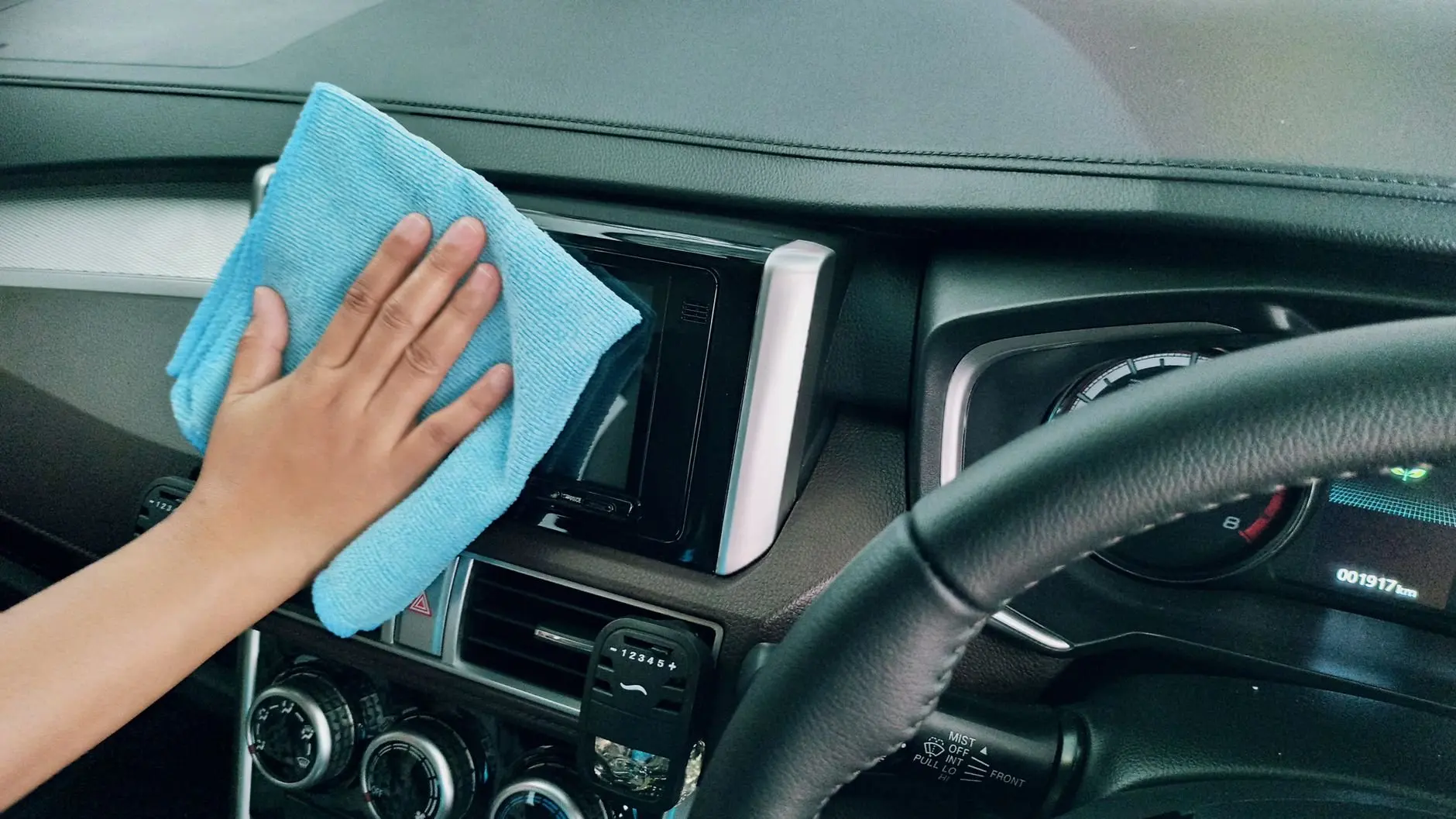
Cloth and liquids
Use a clean, dry cloth first and dampen it only if the mark stays. Strong solvents and alcohol are best avoided unless a product is specifically recommended for screens. Glass cleaners, aerosols and abrasive powders can strip the oleophobic coating and dull the surface over time. For household liquids, read can you use vinegar to clean a phone before trying one.
When the mark remains after wiping
If a clean, damp wipe leaves the mark in place and the fingernail check catches, treat it as a scratch. Wiping again with more pressure only adds friction. Regular gentle wiping does keep grime from building up, and how dirty is a cell phone covers what collects on a handset.
Polishing and the oleophobic coating
Polishing is the step that puts the coating at risk. Outer screen glass carries a thin oleophobic (oil-repellent) coating, and InAirspace notes it can wear off through friction, aggressive cleaning or contact with abrasive materials.
What this means for polish and kits
A scratch repair kit that works by rubbing polish into the glass involves exactly that kind of abrasive contact. The sensible expectation is that the polished area loses some of its oil repellency, so fingerprints may smear more there afterwards. A kit suits a phone you plan to replace soon or a mark that bothers you more than a slightly less slippery patch does. It does not suit a groove you can feel, because a deeper line may remain visible after the coating has already been worn.
Baking soda and other home pastes
Baking soda is a powder used for its grit, so the warning about abrasive powders applies. It is a weak bet for removing a scratch and a real chance of dulling the surface and stripping the coating. Skip it and the similar gritty pastes passed around online.
Ranking the options by risk
Order your attempts from the least to the most risk to the screen. Stop at the first step that gives an acceptable result.
- Wipe with a soft microfiber cloth. This removes scuffs and carries almost no risk to the coating.
- Leave a faint line alone. A mark that shows only in angled light costs nothing to ignore, and it avoids the wear that polishing causes.
- Cover the screen. A protector stops further marks on a phone you intend to keep, though it will not erase the existing one.
- Use a polishing kit. This is a calculated trade of some coating for a less visible line, best kept for older phones.
- Replace the screen. This is the only route that removes a deep scratch completely, and it resets the coating along with the glass.
When to replace the screen or add a protector
Replace the screen when the scratch catches a nail, spreads across your line of sight, or sits beside a crack. Polishing cannot repair cracked glass, and a deep scratch is a structural flaw rather than a surface mark.
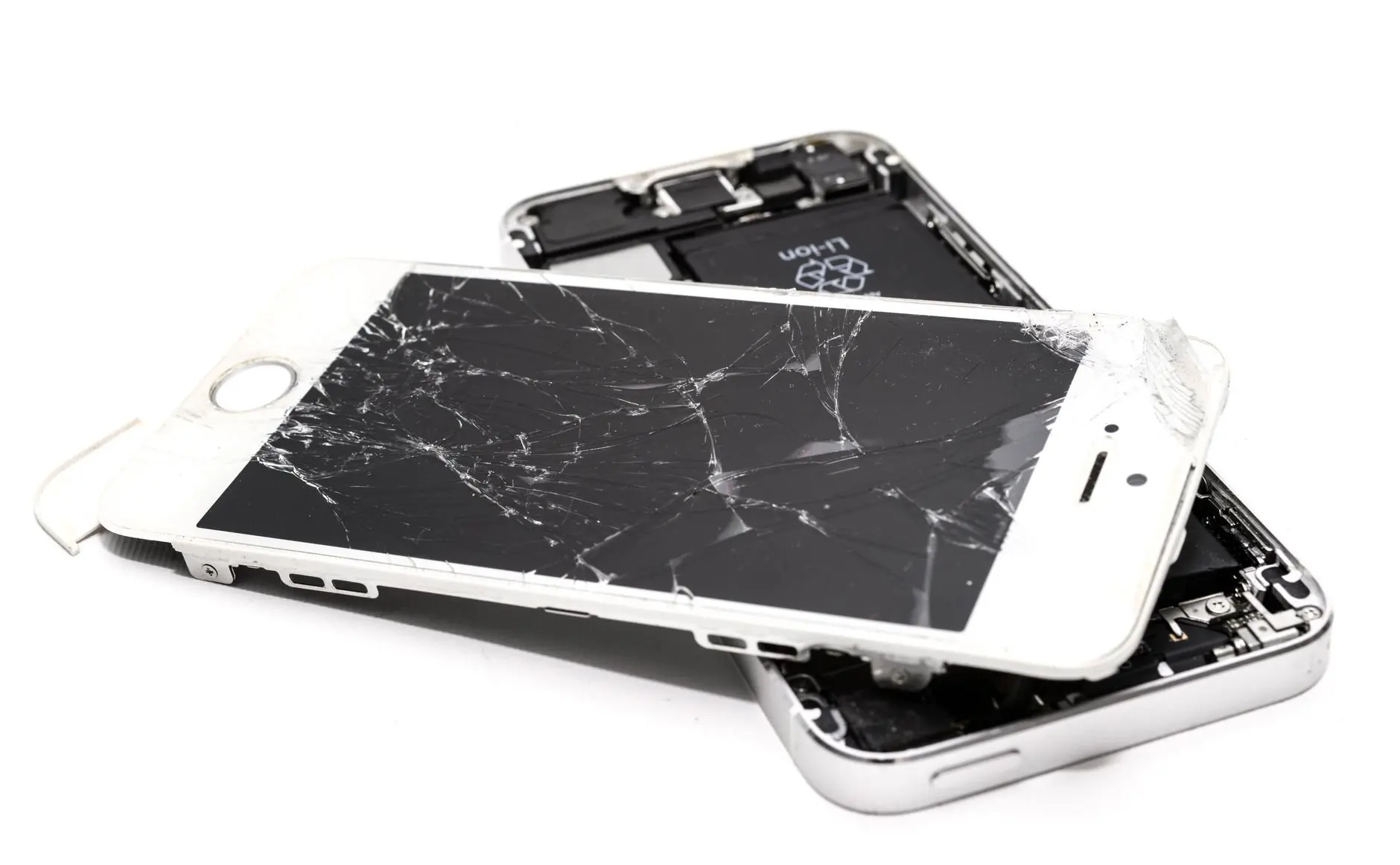
Professional repair
A repair shop swaps the damaged glass, which suits deep scratches or phones you want to keep for years. It costs more than a kit and takes the phone out of your hands for a while, so it makes sense when the marks affect daily use, not when a faint line only shows under a lamp.
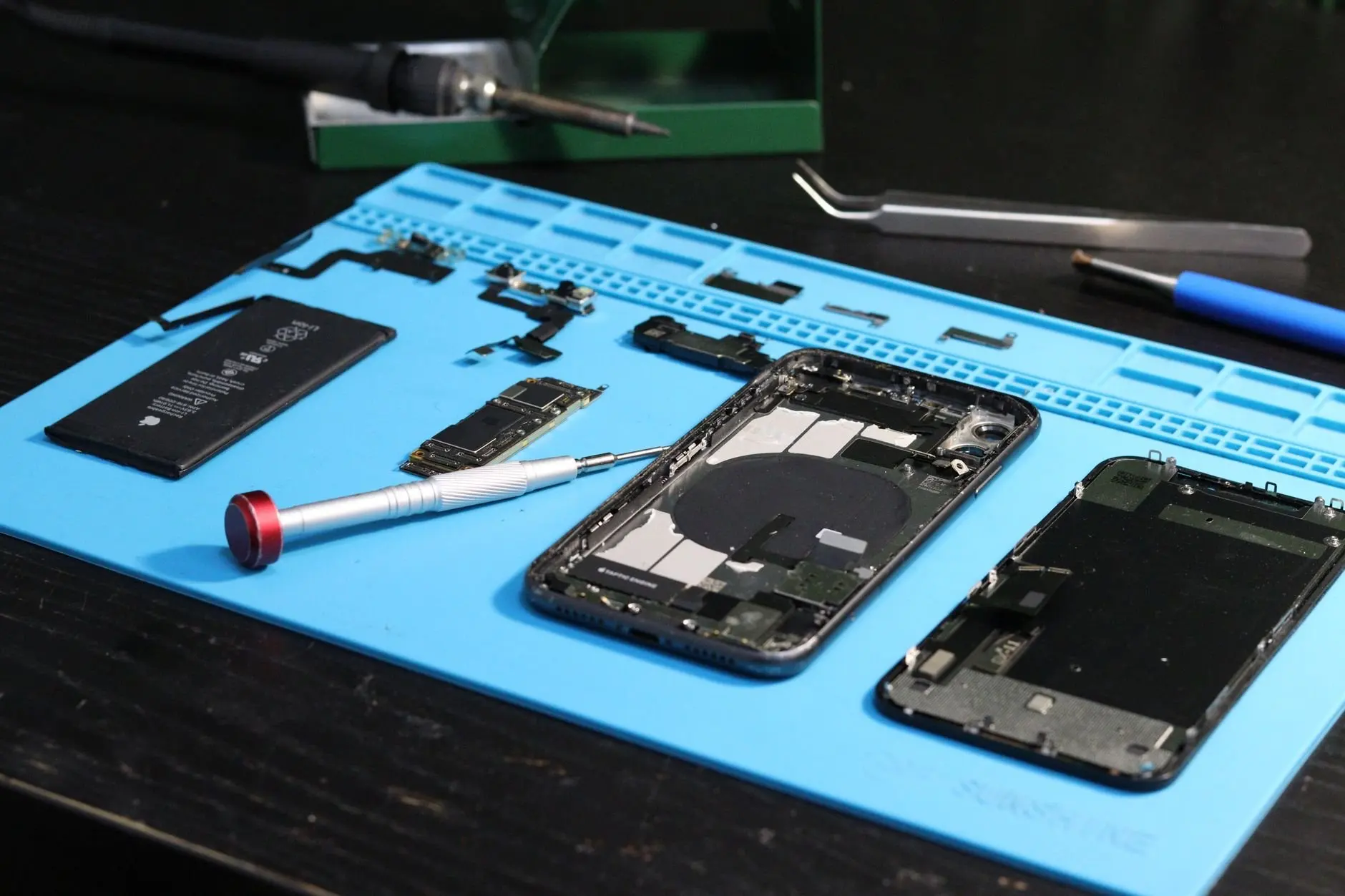
Protectors for a phone you keep
Tempered glass protectors offer solid scratch and impact protection and feel similar to the original glass, per InAirspace. Hard films rated 5H and 7H give stronger surface resistance under daily wear but are less forgiving under high impact, according to Purcell. Choose tempered glass if drops worry you more than keys and coins in a pocket.

Knowing when a protector is spent
A screen protector is a consumable that takes damage in place of the display. There is no universal replacement schedule, so judge it by condition. Purcell says a screen that looks foggy or dull after a clean wipe has damage inside the film. Deep scratches also reduce the effective hardness of the surface. If an edge lifts and pressing it down lasts less than a day, the adhesive bond is gone. A hard film that survived a serious drop is best treated as a one-use layer, even if it looks intact.
Frequently asked questions
| Question | Answer |
|---|---|
| Can you remove scratches from a phone screen? | Scuffs wipe off, but a true scratch cannot be erased without wearing the glass or its coating. Light lines can be left alone and deep ones call for replacement. |
| Do tissues and paper towels scratch a screen? | They can. InAirspace warns that tissues, paper towels and rough fabrics can leave fine marks, so they are a poor choice for wiping a screen. |
| Is it safe to use alcohol on a scratched screen? | Strong solvents and alcohol should be avoided unless a product is specifically recommended for screens, since harsh cleaners can strip the oleophobic coating. |
| Is a hard film better than tempered glass? | It depends on the risk. Hard films rated 5H and 7H resist everyday wear well but tolerate high impact less than tempered glass, which gives solid scratch and impact protection. |