Quick answer: How to clean an iPhone safely comes down to a lint-free, dye-free cloth lightly dampened with water only, used after unplugging cables, powering off and removing the case.
Disinfecting is a separate decision with more trade-offs, covered below. For the same task across other handsets, see the broader guide on how to clean a phone.
Choosing a cleaning method
The right method depends on what needs to come off the iPhone and how much risk is acceptable for its screen coating. Four criteria settle most decisions:
- Cleaning or disinfecting. Fingerprints, dust and pocket grime call for a damp cloth. Disinfecting is a different goal and opens up the alcohol and wipe options.
- Model. The water-only method is primarily intended for the waterproof iPhone 7 and later, according to Business Insider’s iPhone cleaning guide. Older handsets need a lighter touch with any liquid.
- Coating. Cleaning products can break down the oleophobic (oil-resistant) coating on the screen, so every extra chemical is a trade against the coating.
- Caution level. Where Apple’s guidance and independent reviewers differ, the more conservative route is the damp cloth.
| Method | What it involves | Planning use |
|---|---|---|
| Water-dampened lint-free cloth | Lint-free, dye-free cloth, lightly dampened with water only | Default for everyday smudges and dust. Start here unless disinfecting is the goal. |
| Cloth with 50% water, 50% isopropyl alcohol | Cloth moistened with a mixed solution, not soaked | The disinfecting option when water alone is not enough. Mix it before touching the phone. |
| 70% isopropyl alcohol wipes and Clorox Disinfecting Wipes | Pre-moistened wipes covered by Apple’s update; AppleInsider still does not recommend them | Treat as a secondary choice for disinfecting, after the cloth methods above. |
| Heavy-duty glass cleaning products | Strong sprays and solutions made for windows and mirrors | Skip. They are not for use on an iPhone. |
| Compressed air | Blasting dust from the screen, speaker or ports | Never use it on an iPhone. |
The method details come from Business Insider, and the wipe caution from Complex’s report on Apple’s update.
Preparing the iPhone
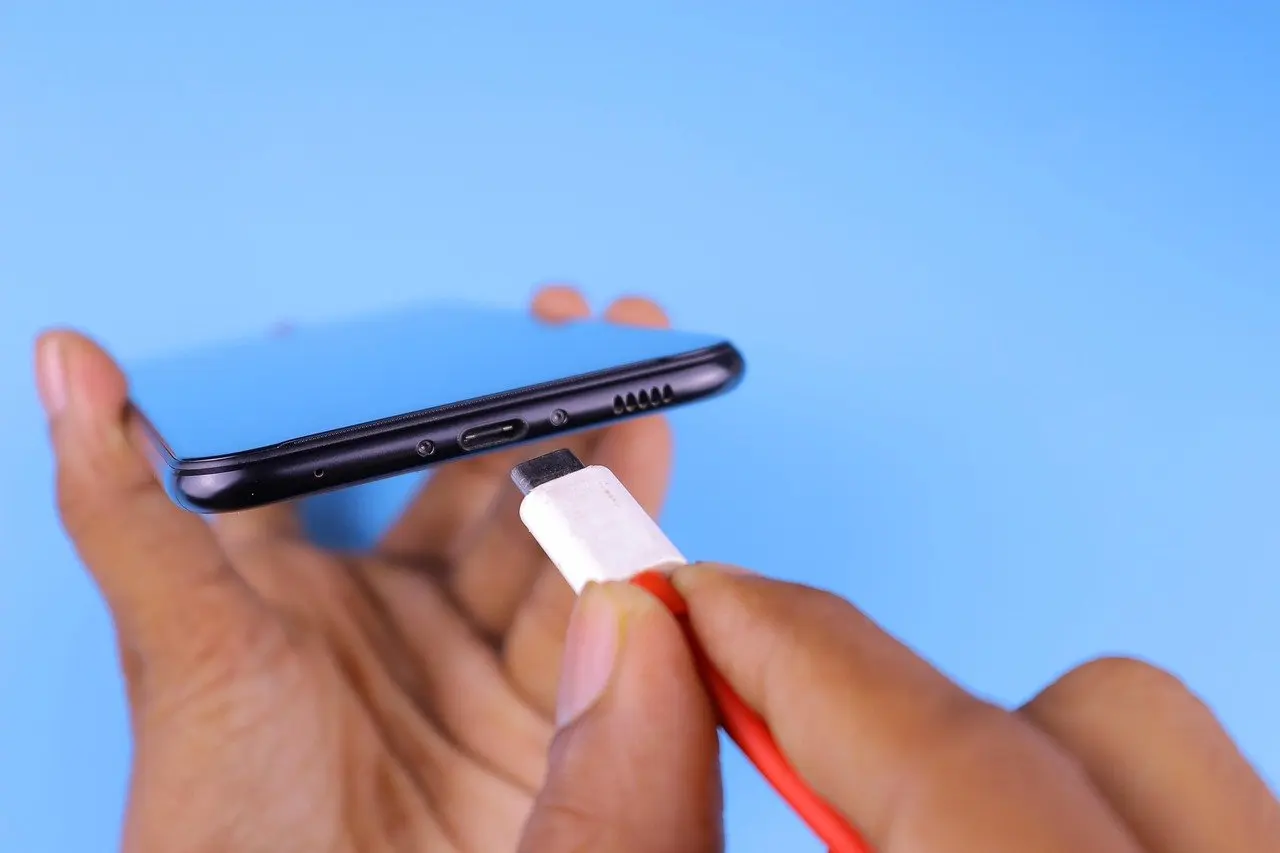
Preparation is short but matters most for safety. Unplug any cables connected to the phone, power it off and take it out of its case before any cloth touches it. This is the same starting sequence Business Insider gives for cleaning an iPhone screen.
Powering off removes the risk of stray taps while the screen is being wiped. Unplugging keeps a damp cloth away from a live connection. Charging ports need their own approach, so read how to clean phone charging port before reaching into any opening.
Cleaning the case and the phone separately
A case hides dirt as well as protecting the handset, so the case and the phone are cleaned as separate items. Once the iPhone is out of its case, the back glass, frame and edges are all exposed for the same lightly dampened cloth used on the screen.
Keep the sequence in mind. Clean the phone first with the gentlest method, then deal with the case, so that grit and grime from the case never touch the freshly wiped surfaces. Let the case dry fully before the phone goes back in.
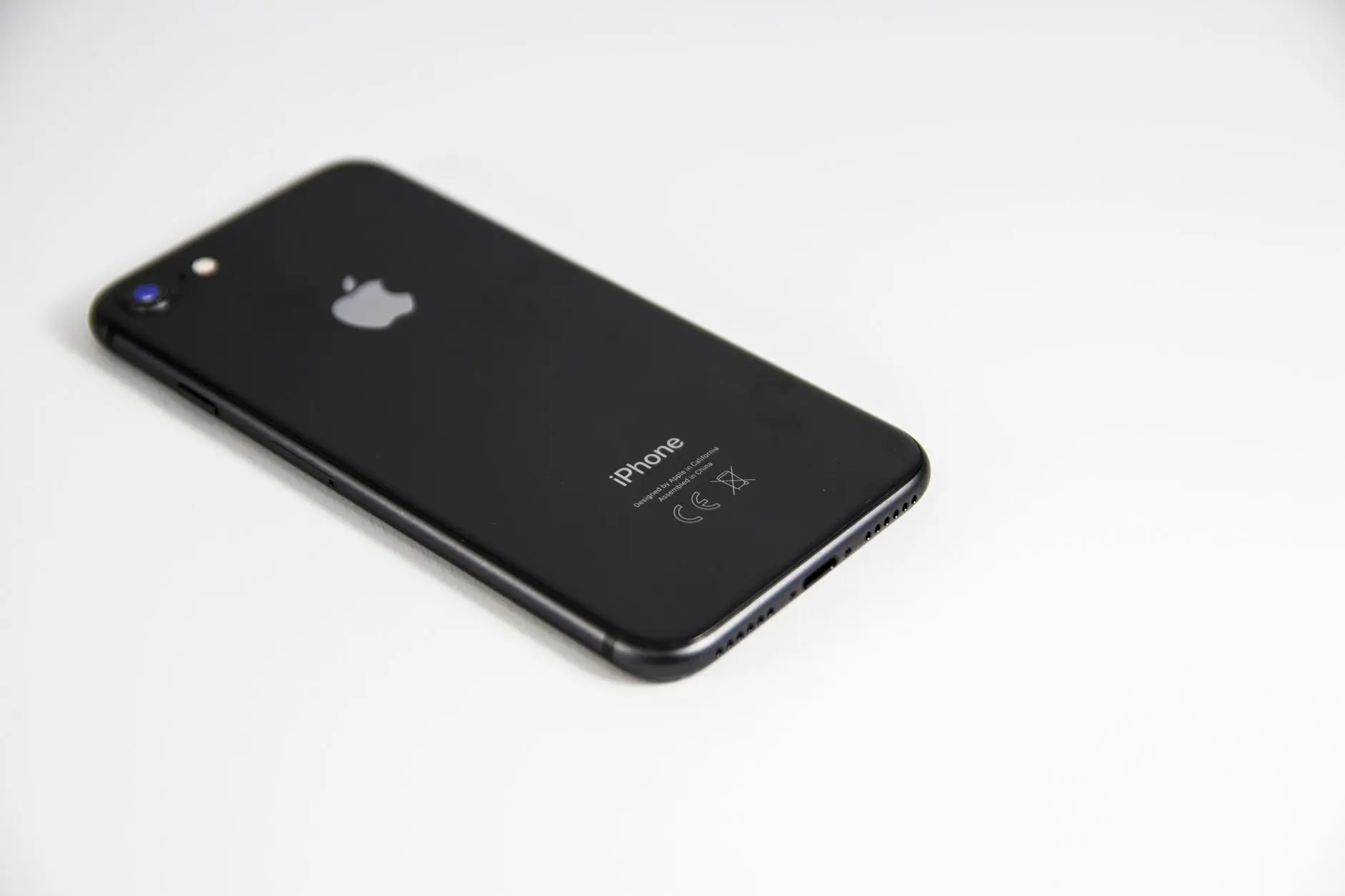
How to clean an iPhone screen step by step
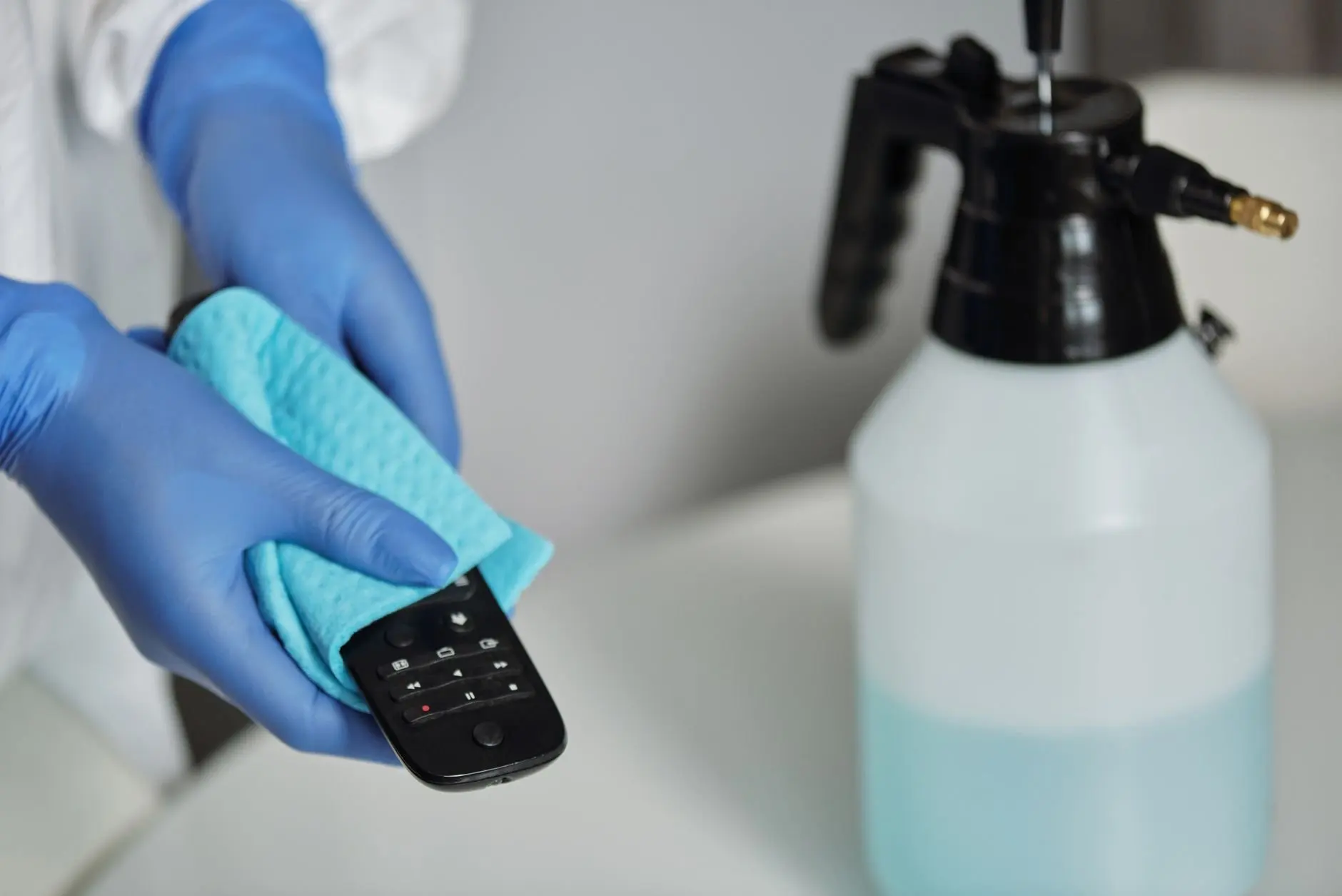
The screen needs the lightest touch because of its oleophobic coating. Cleaning with water only is the safest starting point for most smudges, following the method in Business Insider’s guide.
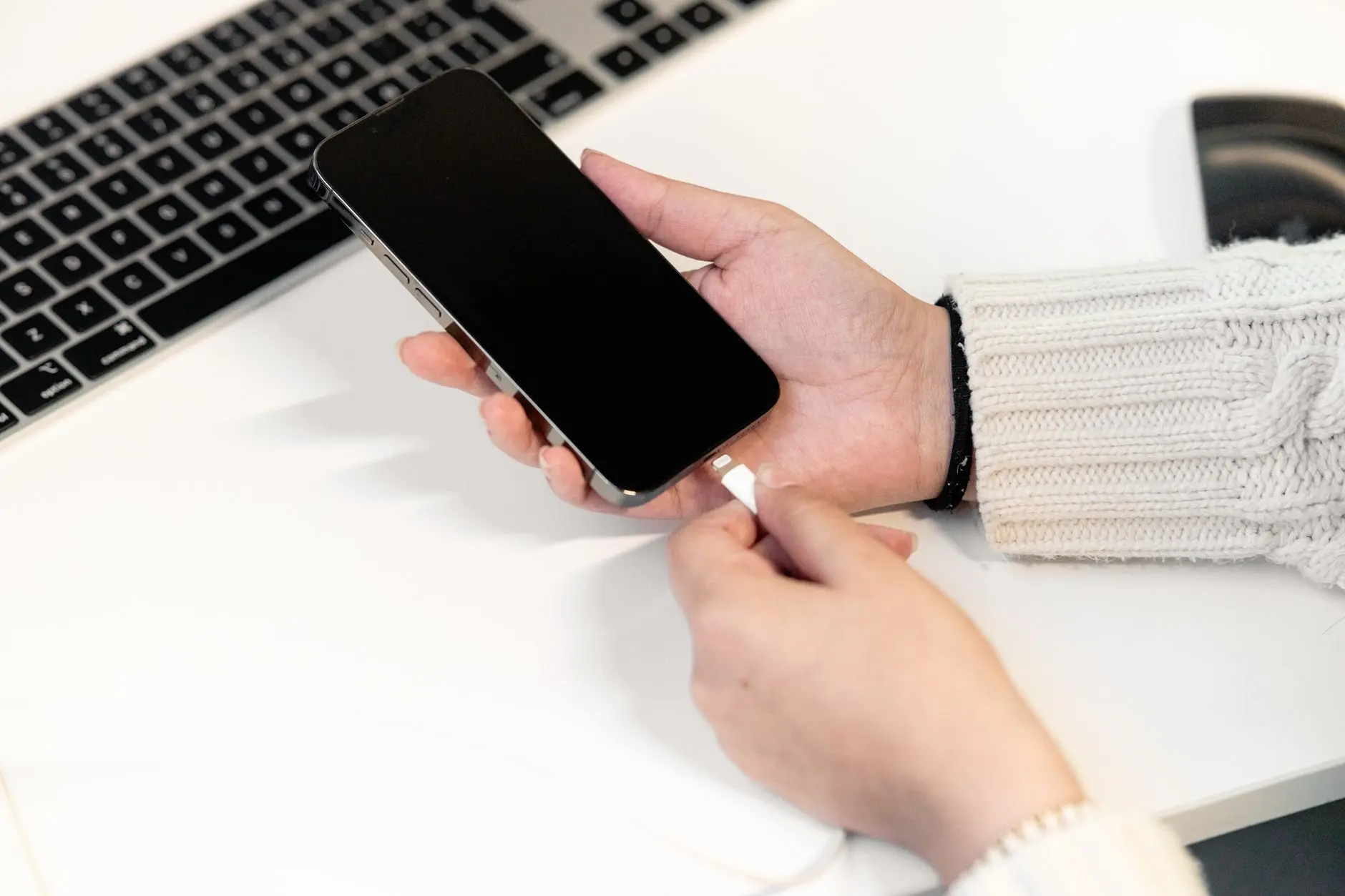
- Prepare the phone. Unplug cables, power off and remove the case.
- Choose the cloth. Pick a lint-free, dye-free cloth. A dyed cloth can transfer colour, and a linty one leaves fibres behind.
- Dampen lightly. Moisten the cloth with water only. It should be lightly dampened, not wet.
- Wipe gently. Stroke gently along the surface of the screen rather than scrubbing.
- Move to the rest of the phone. Use the same cloth on the back and edges, then let the phone dry before powering on.
Protecting the oleophobic coating
The oleophobic coating is the layer that makes fingerprints easier to wipe away, and cleaning products can break it down. That is why a damp cloth beats a spray. If a smudge survives a gentle wipe, repeat the gentle wipe instead of switching to something stronger. Heavy-duty glass cleaning products are the clearest example of what to leave in the cupboard.
Wipes: Clorox, 70% isopropyl alcohol and the cautious view
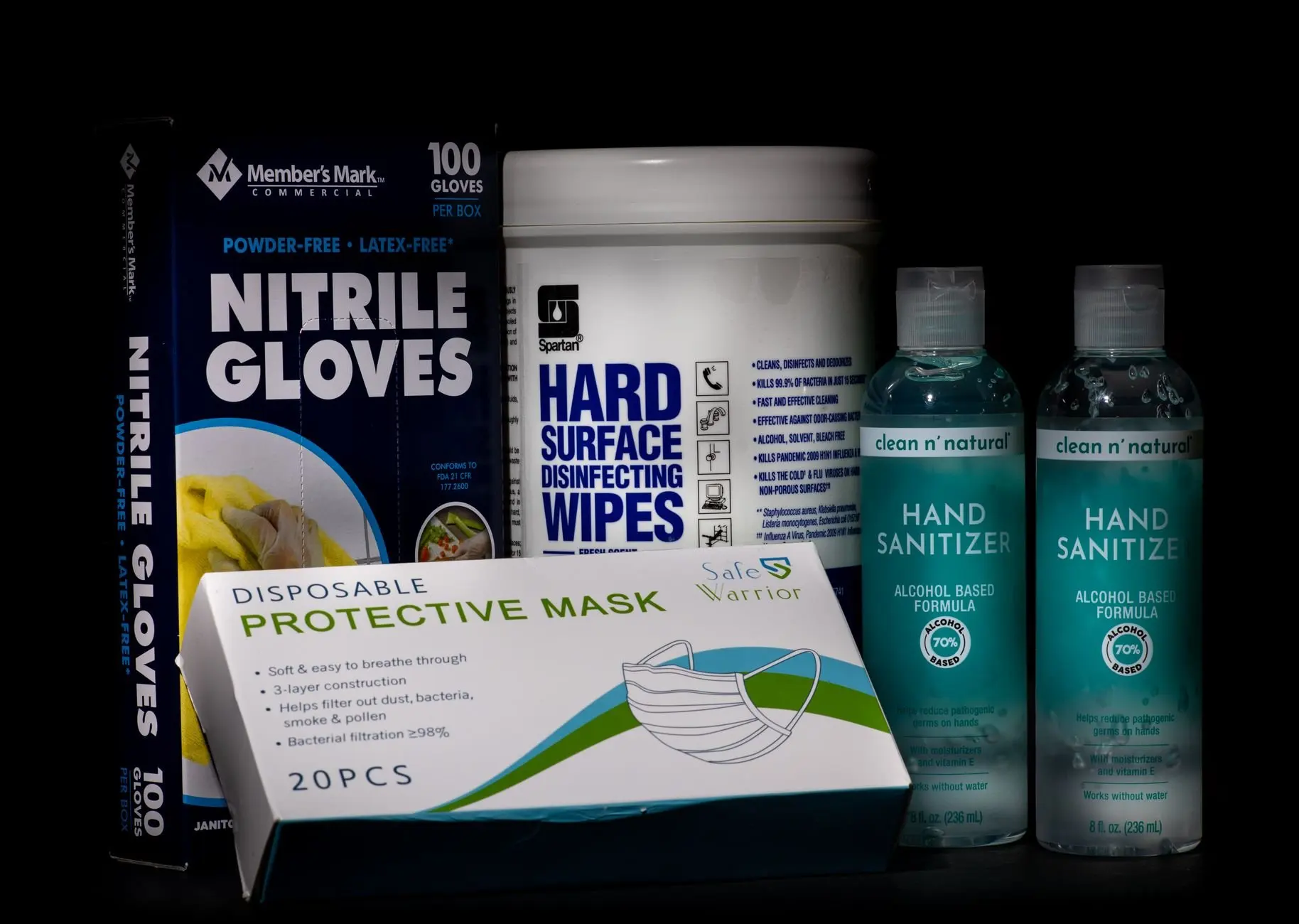
Disinfecting wipes are where advice splits. Complex reports that Apple updated its guidance to cover alcohol and Clorox Disinfecting Wipes, so the answer to whether Clorox wipes can be used on an iPhone is more permissive than it once was. In the same report, AppleInsider says it still does not recommend 70% isopropyl alcohol wipes or Clorox wipes, as Complex notes.
The practical reading is a ladder of risk. Use the water-dampened cloth for routine cleaning. Reach for a disinfecting wipe only when disinfecting is the point, such as after the phone has been handled in a shared or dirty setting. A cloth moistened with a solution of 50% water and 50% isopropyl alcohol is the other disinfecting route described by Business Insider.
Alcohol wipes for phones generally raise further questions about brands and surfaces, which can you use alcohol wipes on a phone works through in more detail.
Water resistance and liquids
The water-only method is primarily intended for the waterproof iPhone 7 and later, which is how Business Insider frames it. On those models a lightly dampened cloth is within the design intent. Even so, the instruction is to dampen the cloth, not to apply liquid to the phone, and that holds for every model.
On older iPhones, the headphone jack is the most likely entry point for moisture and dust. Keep any damp cloth away from that opening and use even less moisture than usual. Water resistance is also not a reason to soak the phone or run it under a tap. It only means the damp-cloth method suits the model.
Troubleshooting common problems
- Smudges remain. Repeat the gentle stroke with a fresh, lightly dampened part of the cloth. Stronger chemicals are not the fix, because they can break down the coating.
- Fibres or colour on the screen. The cloth was probably not lint-free or dye-free. Switch to a plain lint-free, dye-free cloth.
- Dust in openings. Compressed air is ruled out entirely. Use the guidance in the charging-port article rather than improvising.
- Disinfection needed. Move from water to the 50% water, 50% isopropyl alcohol cloth, then to wipes only if that is not enough.
Frequently asked questions
What should be done about a dirty screen protector?
If a protector is grimy, consider simply replacing it, as Business Insider suggests, instead of scrubbing at it.
Is the 50% alcohol solution the same as 70% wipes?
No. The solution is equal parts water and isopropyl alcohol used to moisten a cloth, per Business Insider. The 70% isopropyl alcohol wipes are ready-made products, and AppleInsider’s caution in Complex’s report applies to those.
Does a water-resistant iPhone mean liquid cleaners are safe?
No. Water resistance supports a lightly dampened cloth, but cleaning products can still break down the oleophobic coating, so stronger liquids add risk to the screen.