Quick answer: To learn how to disinfect a phone safely, use an alcohol-based or maker-approved disinfecting wipe on the hard exterior surfaces. Wipe gently, keep liquid out of every opening, and skip bleach and aerosol sprays.
Disinfecting is a separate job from routine dirt removal, which is covered in how to clean a phone. The choices below are which product to use, how to apply it, and what to avoid.
Choosing a disinfectant your phone can tolerate
The safest choice is a wipe, not a spray or a soak. Apple’s guidance, as reported by KTVU, allows a 70% isopropyl alcohol wipe or Clorox Disinfecting Wipes. Both are to be used gently on the hard, nonporous surfaces of the device. A separate report on phone hygiene advises a disinfecting wipe with at least 70% alcohol, so that figure works as a practical floor when comparing packs.
Three questions decide the product:
- Is it a wipe? A pre-moistened wipe puts the liquid on the cloth instead of on the phone, which keeps it away from seams and ports.
- Does the maker name it? Apple names isopropyl alcohol wipes and Clorox Disinfecting Wipes. Samsung’s advice is more cautious about strong chemicals, so Samsung owners should stay with mild alcohol wipes and avoid anything harsher.
- Is it a registered disinfectant? CDC guidance pairs household cleaners with EPA-registered disinfectants that suit the surface, used according to the label.
What each option means in practice
| Option | What the guidance says | Planning use |
|---|---|---|
| 70% isopropyl alcohol wipe | Apple permits gentle wiping of hard, nonporous surfaces | First choice for most phones; the most widely cited option |
| Clorox Disinfecting Wipes | Apple permits use on exterior surfaces; it once discouraged such wipes over coating concerns | Fine for iPhones if you prefer a branded disinfectant wipe; use gently |
| Dampened cloth with clean water | Samsung suggests a small amount of clean water on a cloth, wiped up and down the screen | Suits dirt and smudges; it does not replace a disinfectant |
| Bleach | Apple says not to use it | Rule out entirely |
| Aerosol sprays and abrasives | Apple advises against them, and against spraying cleaner onto the device | Never spray the phone directly |
| Windex or other strong window cleaners | Samsung recommends against them because they might damage the phone | Keep glass cleaner for windows |
| Submerging in any cleaning agent | Apple says not to submerge the device | Wipe only, never dip |
The table draws on Apple’s guidance as reported by KTVU and on Apple and Samsung advice summarised by Patch.
Google Pixel owners and owners of other brands should check their maker’s own support page for the exact model. The pattern in the table, with mild alcohol or approved wipes in and bleach, sprays and soaking out, is the safest starting assumption.
Cleaning versus disinfecting
Cleaning lifts dirt and grease from the surface, while disinfecting is the step that targets germs. The CDC classifies a cell phone as a high-touch surface, and its guidance recommends cleaning sprays or wipes for frequently touched items. For disinfecting, the CDC points to household cleaners and EPA-registered disinfectants that suit the surface, used according to label instructions.
Alcohol-based cleaners have been shown to kill the novel coronavirus, which is why an alcohol wipe is the usual phone-safe route. In practice, a dampened cloth is enough for fingerprints and dust. Reach for a disinfecting wipe when the phone has been somewhere germs are likely to spread, or when someone in the home is ill.
Step-by-step: disinfecting without damage
Prepare the phone
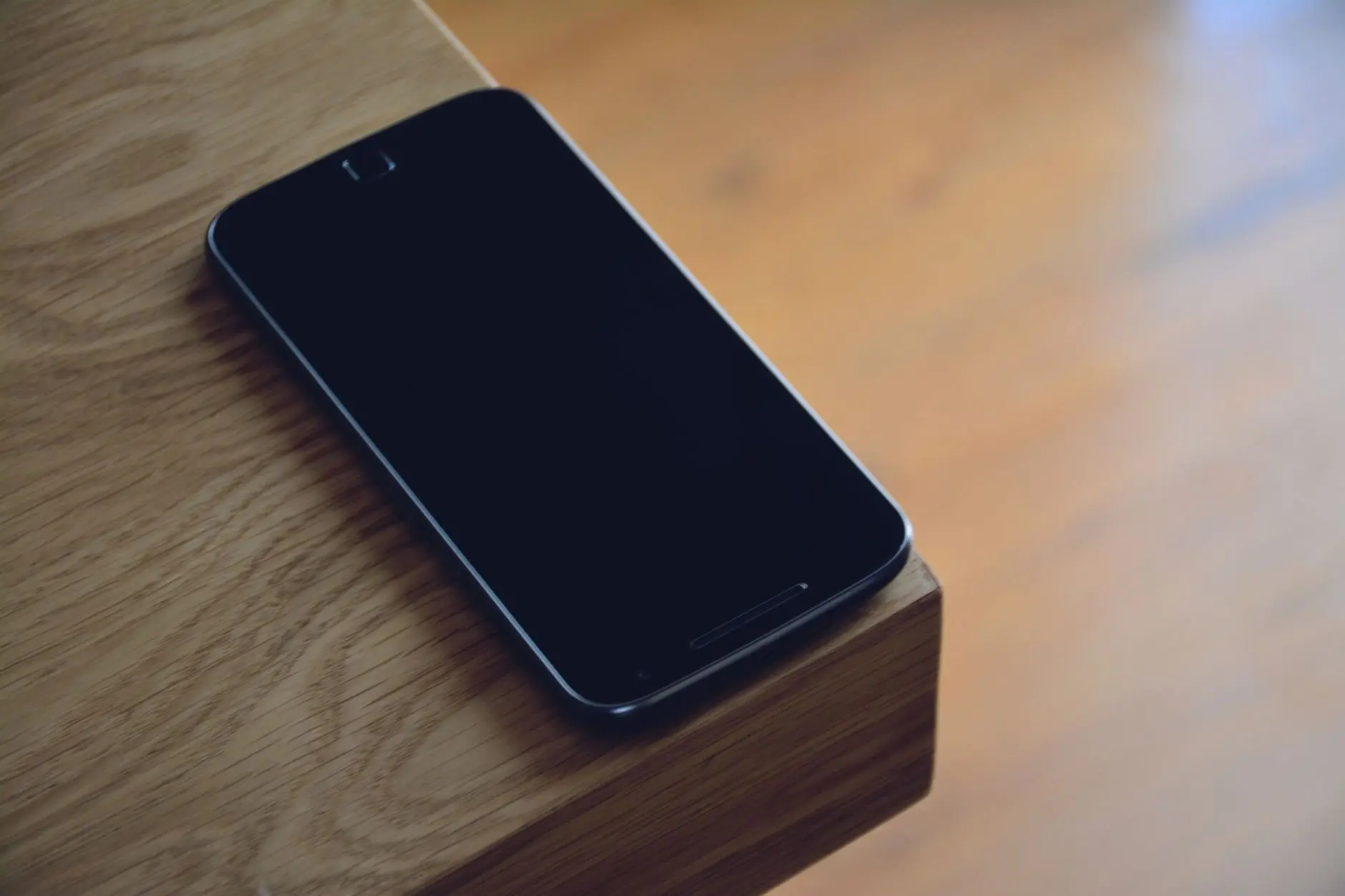
Work at a clean, dry desk. Unplug any cable and take the phone out of its case, because the case needs its own wipe-down and hides the frame and back. Apple’s own advice, via KTVU, is to avoid getting moisture in any opening, so decide before you start which parts you will not touch with the wipe.
Wipe the hard surfaces
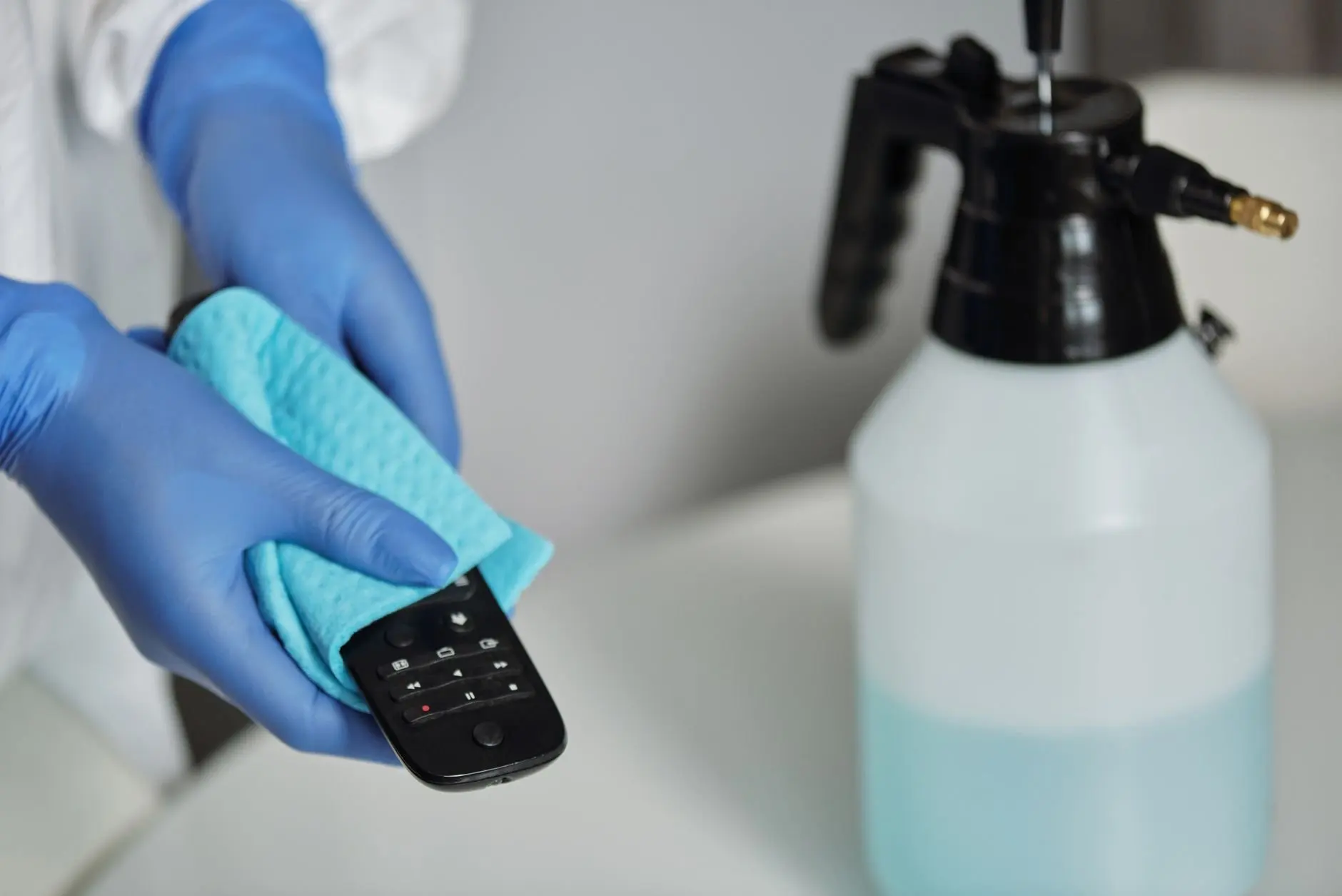
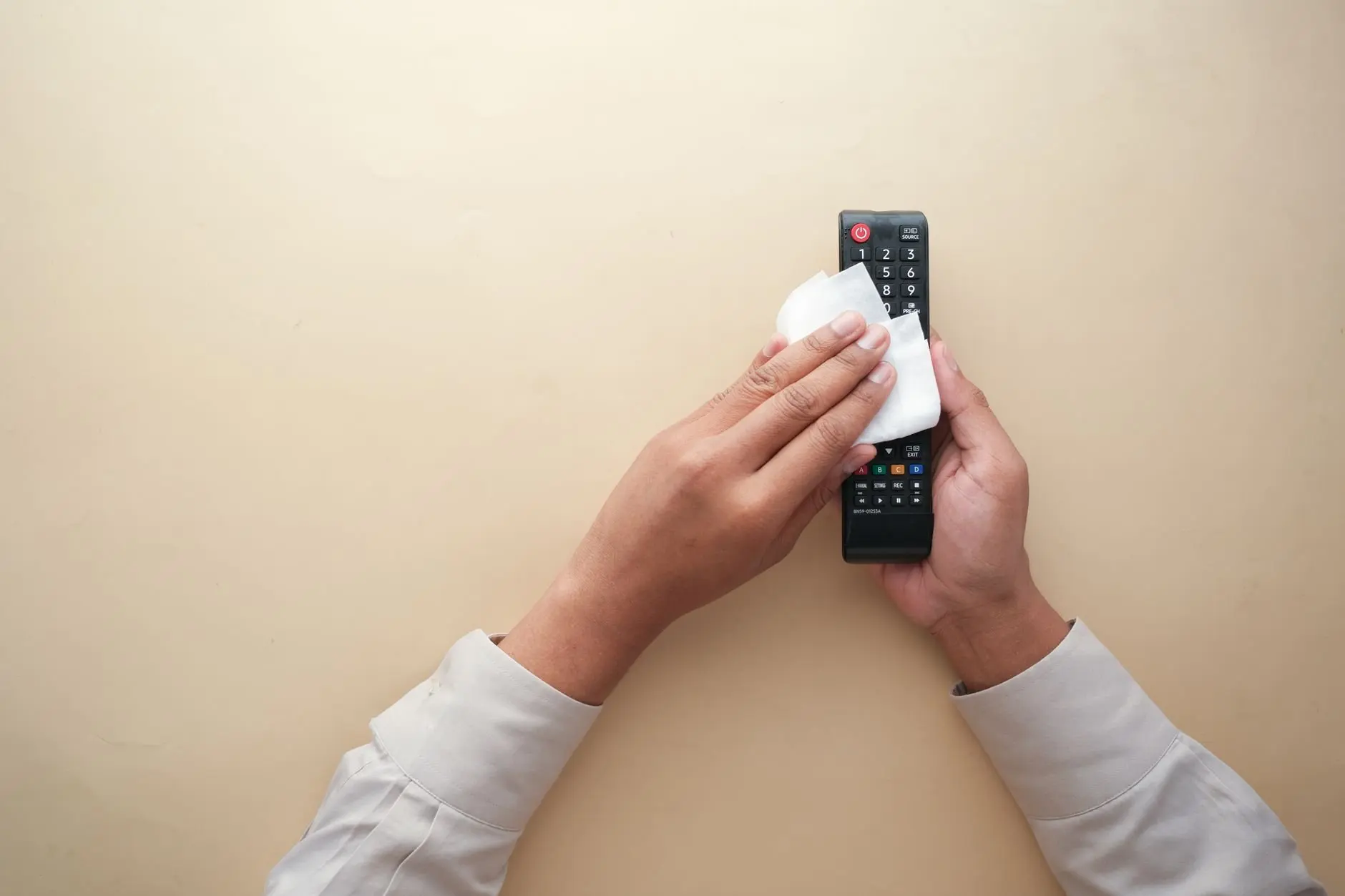
- Take one wipe. Use a 70% isopropyl alcohol wipe or Clorox Disinfecting Wipe, as permitted by Apple, rather than spraying anything onto the phone.
- Wipe the screen gently. Use light pressure, not scrubbing, across the glass.
- Do the frame and back. Hold the phone by its edges and wipe the sides and rear, which are the parts hands and pockets touch most.
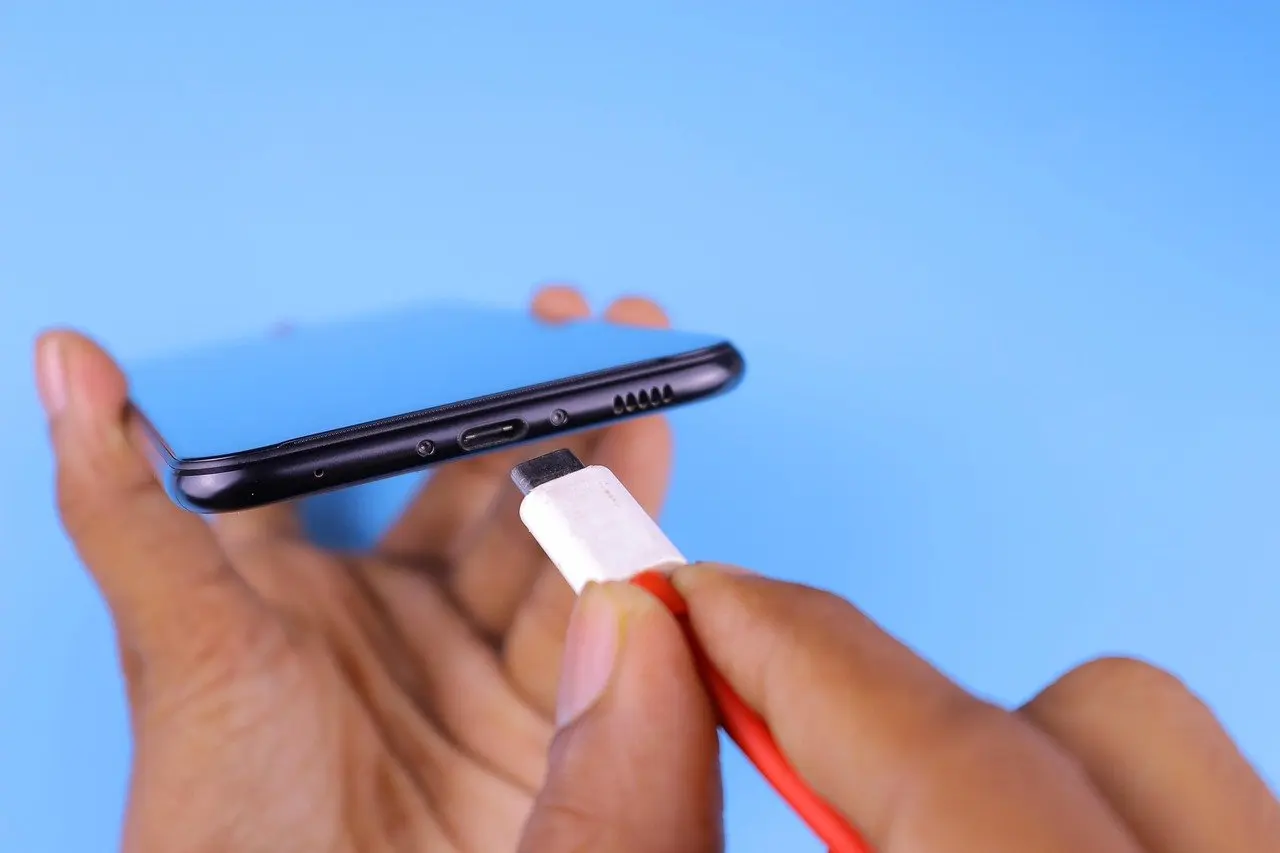
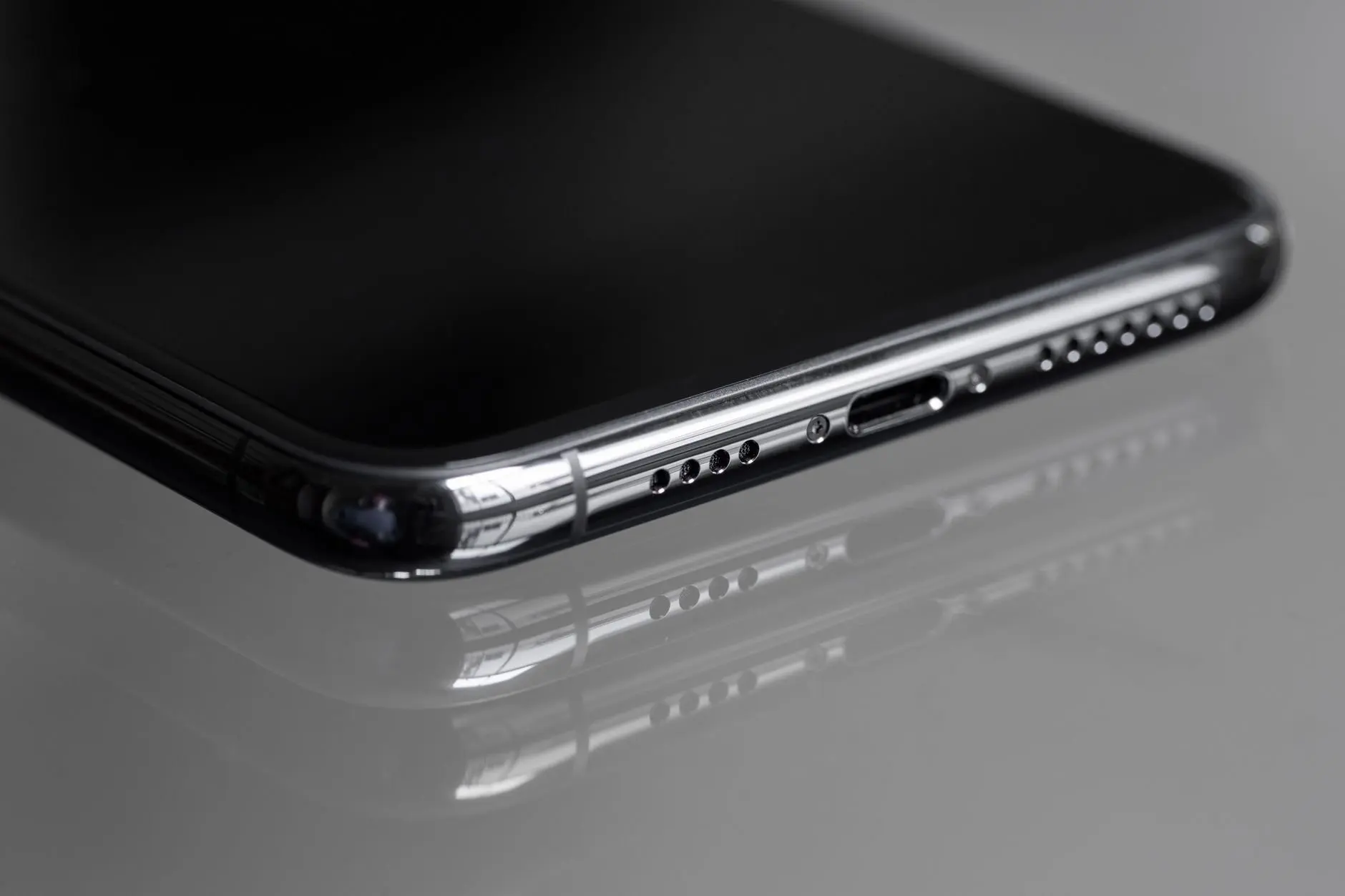
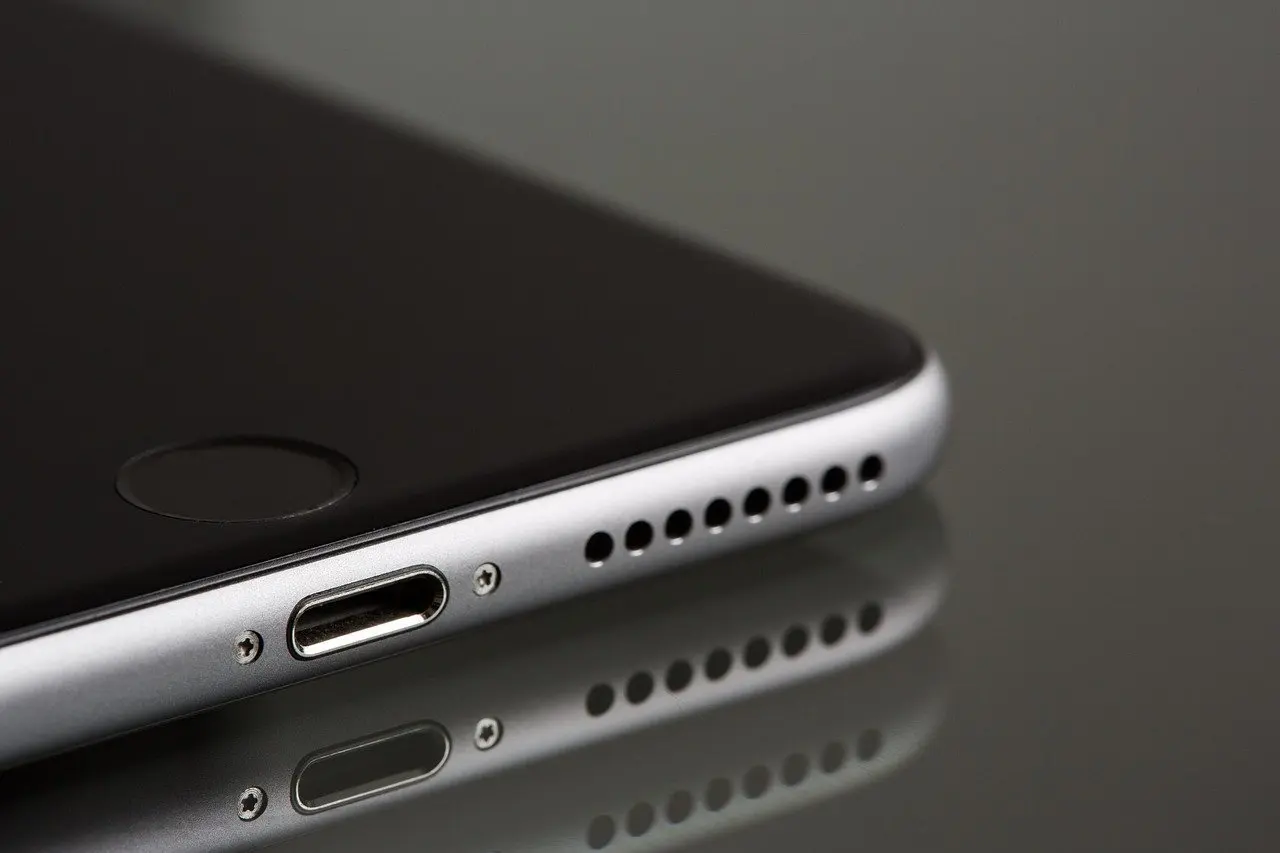
- Stay clear of openings. Keep the wipe’s edge away from the charging port, speaker grilles and buttons seams.
- Follow the label. The CDC notes that labels carry the instructions for safe and effective use, including precautions such as gloves and good ventilation, so read the pack for how to apply that product.
Finish and handle the case
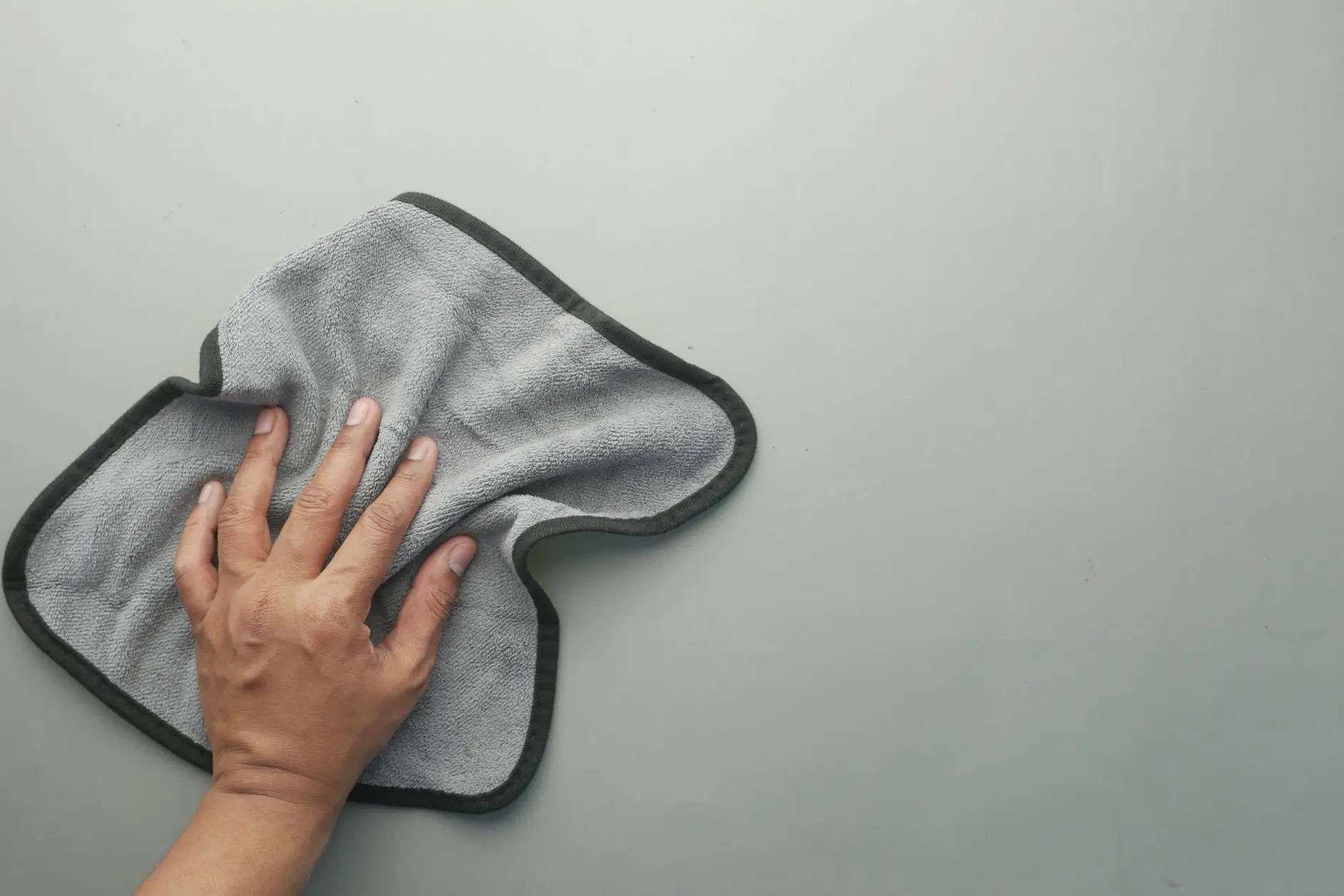
Wipe the case separately with the same approved wipe before it goes back on. Then dry any streaks with a soft, lint-free cloth. Apple advises against abrasive cloths and similar rough materials, and most tech companies recommend a microfiber cloth to avoid scratching the screen. A phone cleaning kit keeps suitable wipes and cloths in one place, so the right tools are on hand each time.
Protecting the screen and its coating
Disinfecting does not have to damage a phone, provided the product and the pressure are right. The worry about the oleophobic coating is real. Apple previously discouraged disinfectant wipes as harmful to the special coatings on its devices. It later updated its cleaning support document to approve them, so the current position is that approved wipes, used gently, are acceptable on iPhone.
That history is a reason for restraint, not for avoidance. Bleach, aerosol sprays, abrasives and strong window cleaners are the products makers flag, and these are the ones to keep away from the glass. For general screen care between disinfecting sessions, how to clean a phone screen goes into the routine side.
Keeping the openings dry
The charging port, speaker grilles and button gaps are where a wipe can do harm. Apple’s advice is to avoid getting moisture in any opening and not to submerge the phone in any cleaning agent, which also rules out dunking it in a bowl of disinfectant. A wipe that is wrung out a little first, then run along the frame, keeps excess liquid off the seams.
How often to disinfect
No maker publishes a fixed interval, so frequency is a judgement call. The CDC treats a phone as a high-touch surface, and its guidance says the coronavirus may remain viable for hours to days on surfaces of many materials. A phone that is handled constantly or shared warrants more frequent wipes than one that stays on a home desk.
Frequent device cleaning is advised alongside handwashing, not instead of it. Disinfecting every time the phone has been through public spaces or other people’s hands is a reasonable habit, but it does not need to be daily if the phone rarely leaves your pocket.
Troubleshooting common problems
- Streaks left on the glass. Buff the screen with a dry, soft, lint-free microfiber cloth after the wipe has been applied.
- Only bleach wipes or window spray to hand. Wait. Apple advises against bleach and sprays, and Samsung advises against window cleaners with strong chemicals.
- The phone is dirty rather than germy. A cloth dampened with a small amount of clean water, as Samsung suggests, may be enough. Use a disinfectant when germs are the concern.
- The case feels grimy. Clean it separately from the phone with the same approved wipe, then let it dry before refitting.
- Unsure about your model. Check the maker’s support page, since Apple, Samsung and others word their permitted products differently.
Frequently asked questions
Are phones really that dirty?
Phones can carry bacteria such as E. coli, Staphylococcus aureus and Streptococcus, according to Mental Floss. University of Arizona scientists have reportedly found that cell phones carry 10 times more bacteria than most toilet seats.
Can a paper towel do the job?
No. Apple advises a soft, lint-free cloth and says to avoid abrasive cloths, towels and paper towels, per Patch.
Does wiping the phone replace washing my hands?
No. Frequently cleaning your device is a good way to protect yourself, but it comes besides washing your hands for at least 20 seconds.